Using Administrator Settings
189
9
❒ If you delete a destination specified as a
reception destination using the destina-
tion list, the settings of the reception
destination are also deleted, so they
must be registered again. When a des-
tination is changed, a document is
transmitted to the new destination.
If there is no destination of the
specified type, you can set which
destination to be used as an alter-
native destination. See p.167 “User
Parameters” (switch 32, bit 0).
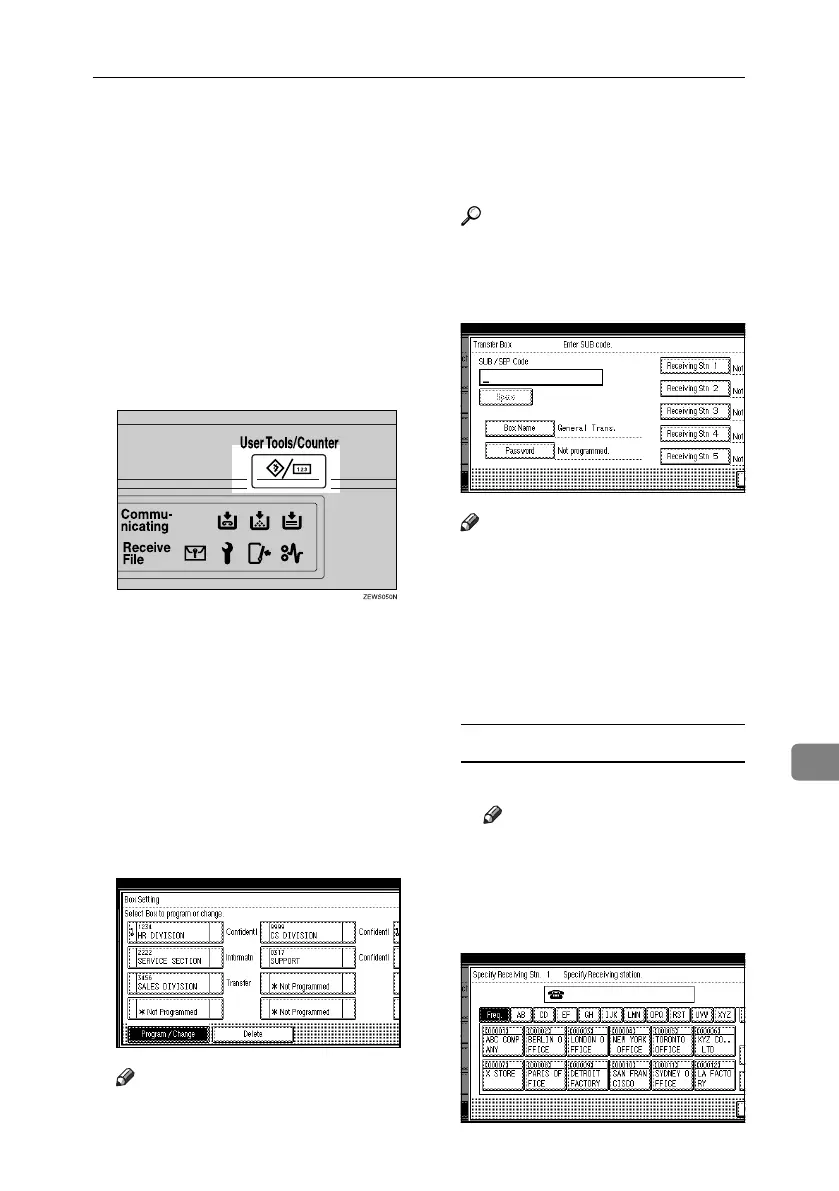
A Press the {User Tools/Counter} key.
B Press [Facsimile Features].
C Press [Administrator Tools].
D Press [Box Setting].
E Check that [Program / Change] is se-
lected.
F Select the box to program.
When programming a new box,
press [*Not Programmed].
Note
❒
To change a box already programmed,
press it, and then proceed to step
I
.
G Press [Transfer Box].
H Enter a Box name, and then press
[OK].
Reference
“Entering Text”, General Set-
tings Guide
I Enter a SUB Code.
Note
❒ To change the SUB Code, press
[Clear] or the {Clear/Stop} key,
and then try again. To change
Box name, press [Box Name], and
then repeat from step
H
.
J Specify the condition of registra-
tion.
Programming End Receivers
A Select an End Receiver.
Note
❒ You can store five End Receiv-
ers.
B Specify End Receivers with Des-
tination keys, and then press
[OK].
RussianC4-EN_Combine-F_FM.book Page 189 Tuesday, April 5, 2005 8:22 PM



 To Next Page