Appendix
214
11
❒ The machine detects paper sizes in the following ways:
• When you place an original in the ADF, an original wider than about 264
mm (10.4") is scanned as A3, 11"×17" size.
An original narrower than about 230 mm (9.1") is sent as 8
1
/
2
"×11" or
8
1
/
2
"×14" size, and an original narrower than about 264 mm (10.4") is
scanned as B4 JIS.
Originals up to 1200 mm (47.2") in length can be scanned.
• See the following table for sizes the machine can detect when you place an
original on the exposure glass. Because the machine scans custom size doc-
uments in a standard size, part of the image may be truncated depending
on the length of the document. For details about how to set custom size
documents, see p.17 “Setting a Scan Area”, Facsimile Reference <Basic Fea-
tures>.
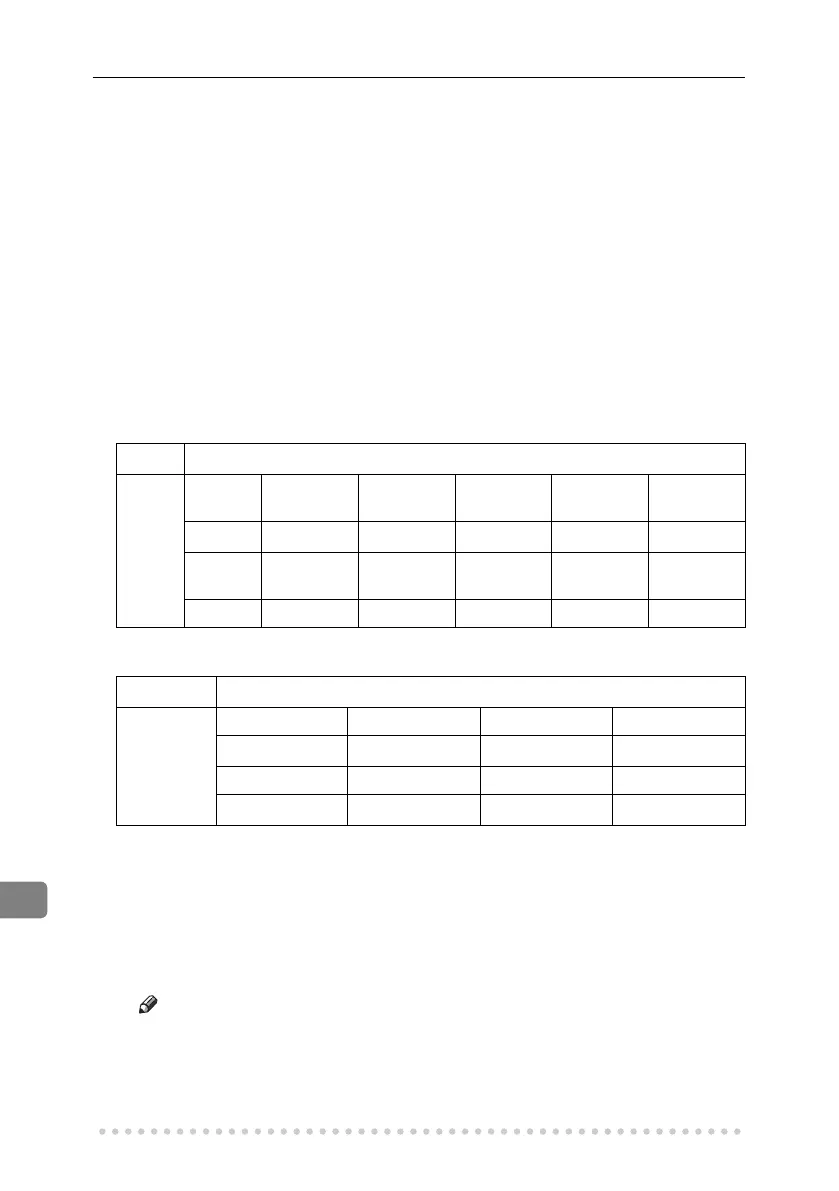
❖ Metric Version
❖ Inch Version
*1
Normally a length of about 420 mm (16.5") can be scanned; however, it is only possi-
ble to specify a scanning size up to 432 mm (17").
❖ Maximum scan area
The following shows the maximum scan area:
• Memory Transmission: 297 × 1200 mm/11" × 47" (W × L) from the ADF
• Immediate Transmission: 297 × 1200 mm/11" × 47" (W × L) from the ADF
Note
❒ During Immediate Transmission, the length of the scanning range can
become narrower than 1200 mm (47"), depending on the character size
as well as the settings on the destination machine.
• 297 × 432 mm/11" × 17" (W × L) (from the exposure glass)
Length
*1
Width
–245 mm 245–270
mm
270–319
mm
319–344
mm
344 mm–
–245 mm not detected B5 JISL A4L
8
1
/
2
"×13"L 8
1
/
2
"×14"L
245–270
mm
B5 JISK not detected not detected not detected B4 JISL
270 mm– A4K not detected not detected not detected A3L
Length
*1
Width
–12.5" 12.5"–13.5" 13.5"–
–9.6"
8
1
/
2
"×11"L 8
1
/
2
"×13"L 8
1
/
2
"×14"L
9.6"–10.6" 8"×10"K not detected 10"×14"L
10.6"–
8
1
/
2
"×11"K
not detected 11"×17"L
RussianC4-EN_Combine-F_FM.book Page 214 Tuesday, April 5, 2005 8:22 PM



 To Next Page