Sub Transmission Mode
71
4
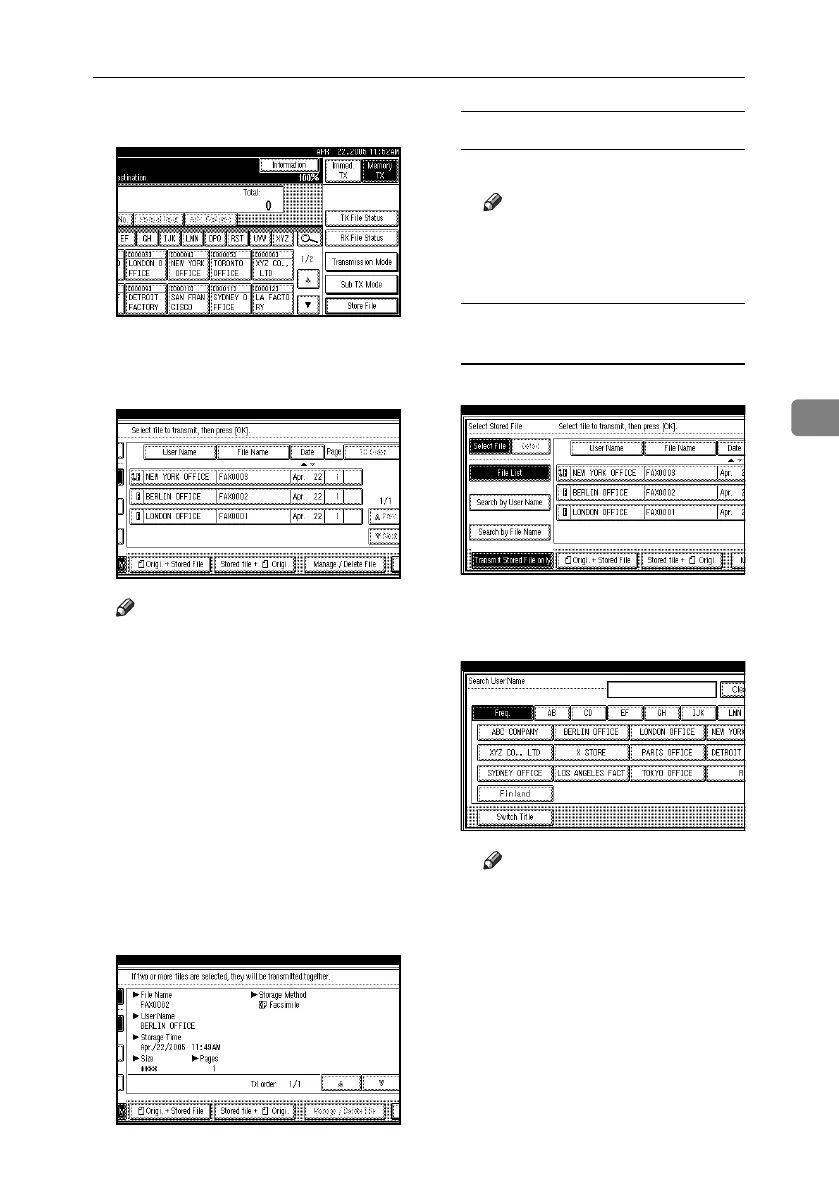
A Press [Sub TX Mode].
B Press [Select Stored File].
C Select the document to be printed.
Note
❒ The documents stored using the
facsimile function appear on the
display.
❒ Press [File Name] to place the doc-
uments in alphabetical order.
❒ Press [User Name] to place docu-
ments in order of programmed
user name.
❒ Press [Date] to place the documents
in order by the programmed date.
❒ To see details of the selected docu-
ment, press [Detail]. To return to
the display in step
C
, press [Se-
lect File].
Selecting a document from file list
A Select the file.
Note
❒ Press [UPrev.] or [TNext] to
display the document to be
sent.
Specifying a document from the
User Name
A Select [Search by User Name].
B Press the user name of the docu-
ment to be sent, and then press
[OK].
Note
❒ To search by directly entering
a user name, press [Non-pro-
grammed Name], and then en-
ter the user name.
C Select the file.
RussianC4-EN_Combine-F_FM.book Page 71 Tuesday, April 5, 2005 8:22 PM



 To Next Page