PLMNL0232 REV. H Effective Date: 01/14/19 30 FiberCUT
®
2D Operation Manual
The status indicator may also show
that the head is Not Ready if the
head is operating normally but is not
ready for laser processing, such as
when the HSU is calibrating.
The on-screen Ready indicator may
not change during some operations
due to the software refresh interval.
See the READY output or light on
the control box for real-time status.
4.4 FiberCUT
®
2D Settings
The FiberCUT
®
Monitor software and
driver are available for download.
See Section 4.1 for details.
This section lists the settings that
must be specified before operating
FiberCUT
®
2D.
Before adjusting any settings:
The software must be installed on your
PC. See Section 4.1 for more details.
The head and control box must be
connected properly. See Section 3.1
for more details.
4.4.1 Unlock Settings
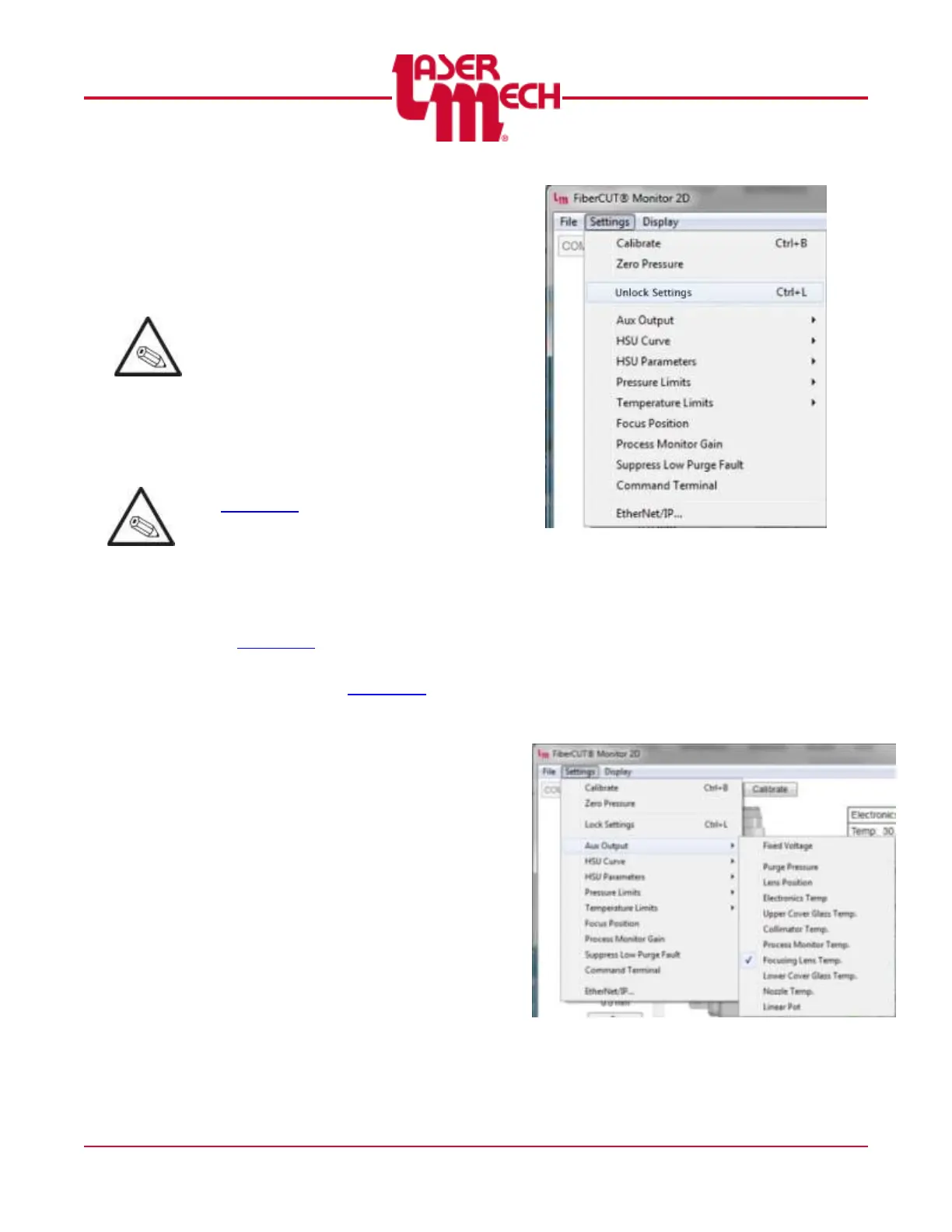
1. Click the Settings menu in the
upper left corner of the Main
screen and select Unlock
Settings. See Figure 32.
In the pop up that appears,
enter the password:
cutsetup
Figure 32
4.4.2 Aux Output
1. Click the Settings menu in the
upper left corner of the Main
screen and hover over Aux
Output. See Figure 33.
2. Click Fixed Voltage or one of
the other available parameters,
as desired.
Figure 33



 To Next Page