PLMNL0232 REV. H Effective Date: 01/14/19 35 FiberCUT
®
2D Operation Manual
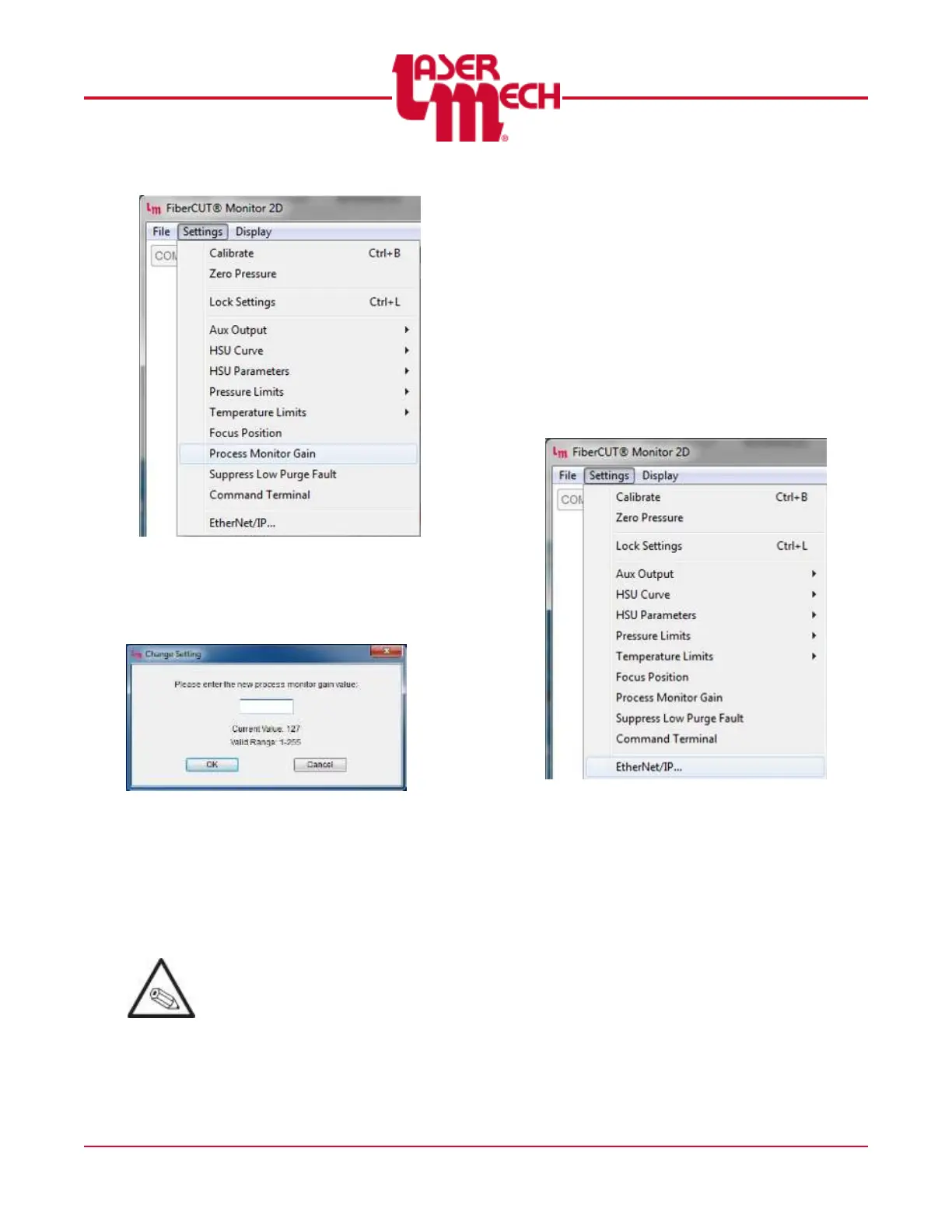
Figure 43
A screen similar to Figure 44 will
appear.
Figure 44
2. Enter the desired value within
the stated range in the
provided field.
3. Click OK to apply the settings.
The current Process Monitor Gain
value is displayed.
Typical Process Monitor Gain
values are in the lower half of the
allowed range.
4.4.8 Configuring EtherNet/IP Settings
(If Equipped)
FiberCUT
®
2D control boxes are set
by default to use DHCP for
Ethernet/IP communications. A
static IP address can be set using
FiberCUT
®
Monitor.
1. Click the Settings menu in the
upper left corner of the Main
screen and select Ethernet/IP…
See Figure 45.
Figure 45
For steps 2 to 6, see Figure 46.
2. Click the Settings menu in the
upper left corner of the Main
screen and select Ethernet/IP…
The Ethernet/IP Settings screen,
shown in Figure 46, will appear.



 To Next Page