1. Set up the right control mode , the right inertia of ratio and rigidity firstly .
2. Don’t change the value of Pr000 when the motor is running , otherwise vibration occurs
3. Set up a small value from the beginning if using it in manual mode , smaller value means
running more smooth and steady , while bigger one means faster positioning
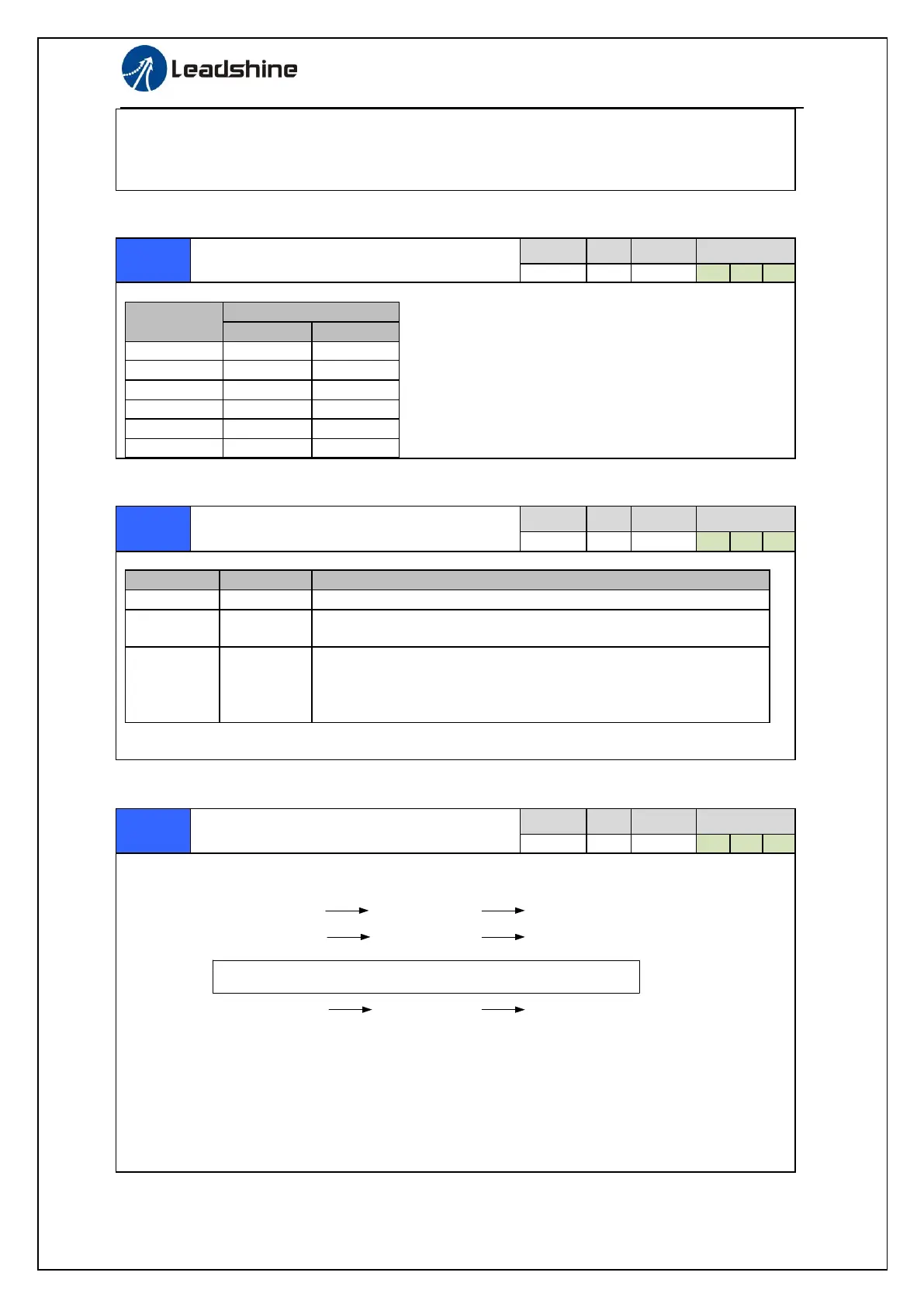
Real-time Auto-gain Tuning
You can set up the action mode of the real-time auto-gain tuning.
Varying degree of load inertia in motion
Real-time auto-gain tuning function is disabled.
Basic mode. do not use unbalanced load, friction compensation or
gain switching. It is usually for interpolation movement.
Main application is positioning. it is recommended to use this
mode on equipment without unbalanced horizontal axis, ball screw
driving equipment with low friction, etc. it is usually for point-to
point movement .
Caution: If pr0.02=1 or 2 , you can’t modify the values of Pr1.01 – Pr1.13, the values of them
depend on the real-time auto-gain tuning ,all of them are set by the driver itself.
Selection of machine stiffness at real-
time auto-gain tuning
You can set up response while the real-time auto-gain tuning is valid.
Low
High
Machine stiffness
Servo gain
Response
81.80……………………………70.69.68…………………………51.50
High
High
Low
Low
Notice: Lower the setup value, higher the velocity response and servo stiffness will be obtained.
However, when decreasing the value, check the resulting operation to avoid oscillation or vibration.
Control gain is updated while the motor is stopped. If the motor can’t be stopped due to excessively
low gain or continuous application of one-way direction command ,any change made to Pr0.03 is not
used for update. If the changed stiffness setting is made valid after the motor stopped, abnormal
sound or oscillation will be generated. To prevent this problem, stop the motor after changing the
stiffness setting and check that the changed setting is enabled.
When you set up the combination mode of 3.4.5, you
can select either the 1st or the 2nd with control mode
switching input(C-MODE).
When C-MODE is open, the 1st mode will be selected.
When C-MODE is shorted, the 2nd mode will be
selected.


 To Next Page