EasyManua.ls Logo

Leadshine ELD2-RS70 Series - Class 4】I;F Monitor Setting

Leadshine ELD2-RS70 Series
92 pages
Print Icon
To Next Page IconTo Next Page
To Previous Page IconTo Previous Page
Loading...
36
ELD2-RS70** User Manual
4.2.5
Class 4
I/F Monitor Setting
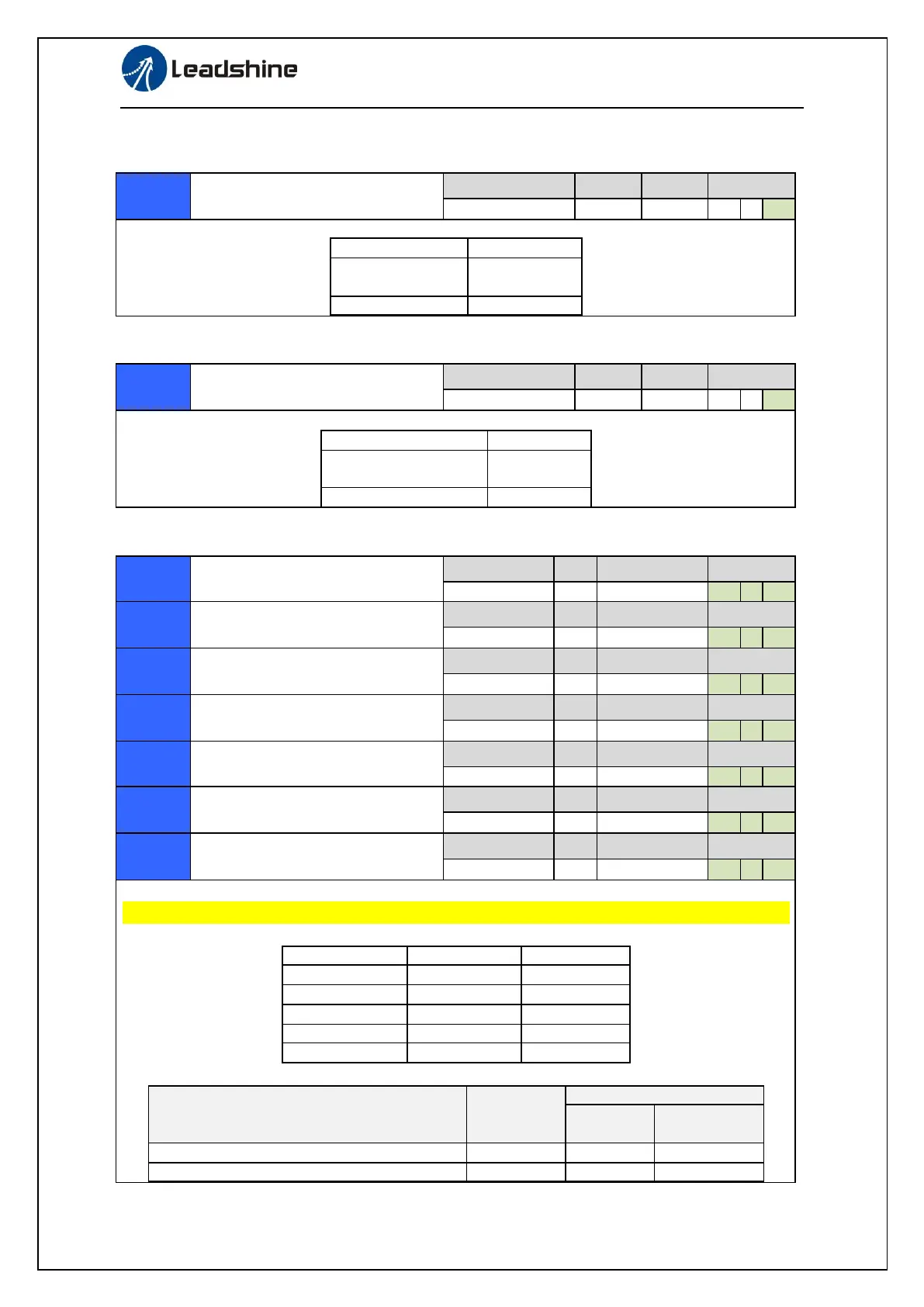
Input selection DI1
Range
unit
default
Related
control mode
0-00FFFFFFh
-
0
P
S
T
Function
Pr4.00
Pulse signal input
in position mode
0
Other fuction
Other value
Input selection DI2
Range
unit
default
Related
control mode
0-00FFFFFFh
-
0
P
S
T
Function
Pr4.01
Direction signal input
in position mode
0
Other fuction
Other value
Input selection DI3
Range
unit
default
Related
control mode
0-00FFFFFFh
-
00818181h
P
S
T
Input selection DI4
Range
unit
default
Related
control mode
0-00FFFFFFh
-
00919191h
P
S
T
Input selection DI5
Range
unit
default
Related
control mode
0-00FFFFFFh
-
00000007h
P
S
T
Input selection DI6
Range
unit
default
Related
control mode
0-00FFFFFFh
-
P
S
T
Input selection DI7
Range
unit
Related
control mode
0-00FFFFFFh
-
P
S
T
Input selection DI8
Range
unit
default
Related
control mode
0-00FFFFFFh
-
P
S
T
Input selection DI9
Range
unit
default
Related
control mode
0-00FFFFFFh
-
P
S
T
Set DI input function allocation.
This parameter use 16 binary system to set up the values, as following :
Please at [**] partition set up function number
Pr4.00
Pr4.01
Pulse
0
--
Direction
--
0
Analog
--
0
GPIO1
Selectable
--
GPIO2
--
Selectable
For the function number, please refer to the following Figure.
Signal name
symbol
Set value
Normally
open
Normally
closed
Invalid
-
00h
Do not setup
Positive direction over-travel inhibition input
POT
01h
81h

Table of Contents