Operation
75
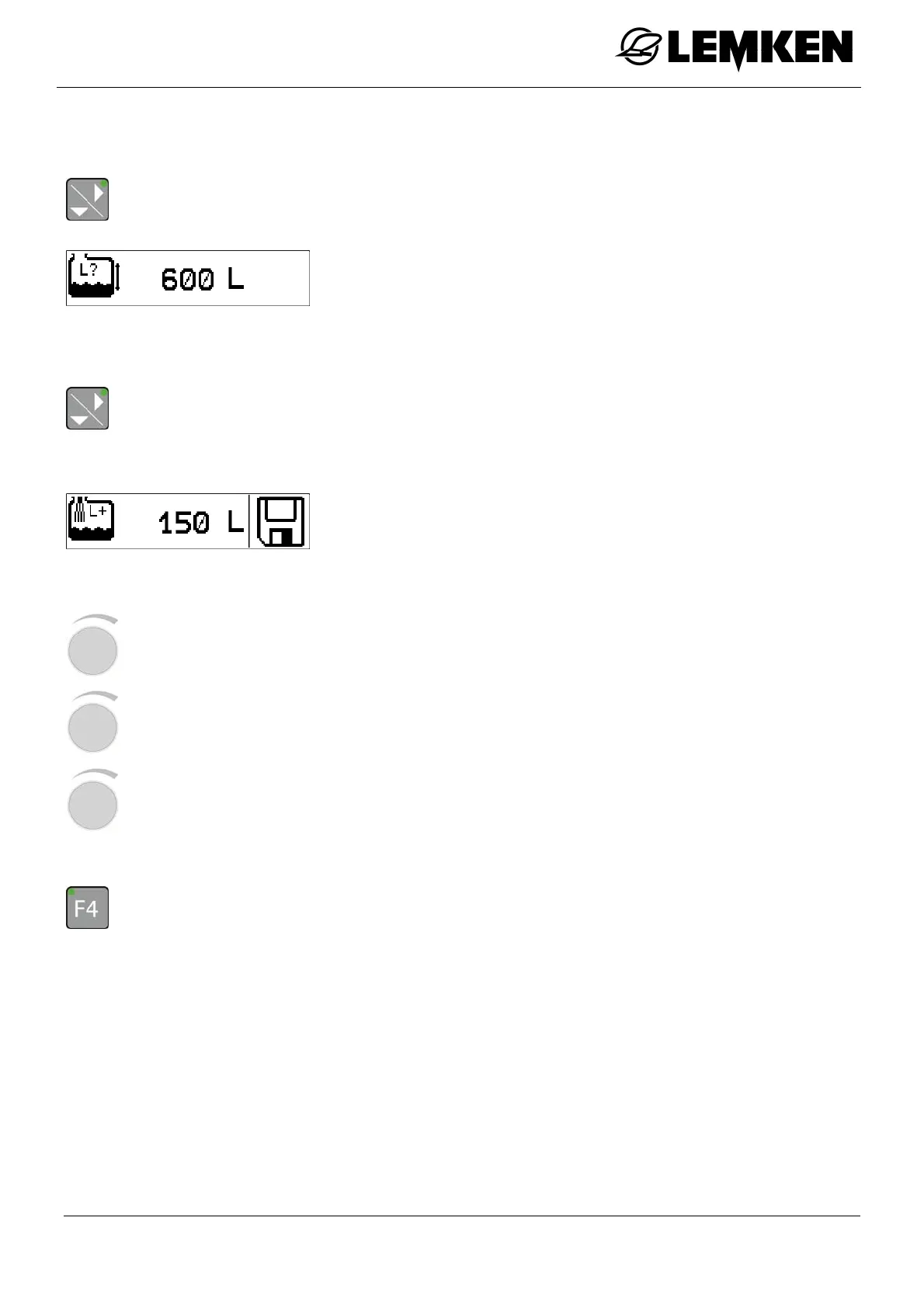
Current filling quantity
- Press the key to enter the current filling quantity display.
The current filling quantity display now appears.
Entry of top-up quantity
- Press the key to enter the top-up quantity entry display.
The display for entering the top-up quantity now appears.
The top-up quantity can be entered here. The top-up quantity is
added to the actual filling quantity.
- Read the actual filling quantity on the basis of the mechanical
filling level display from the device.
- Press the rotary encounter to select the value.
- Press the rotary encounter to enter the value.
- Press the rotary encounter to save the value.
- Press the key for 3 seconds in order to transfer the top-up quantity entered to the current
filling quantity.
The word 'SAVE' appears on the display.



 To Next Page