Operation
76
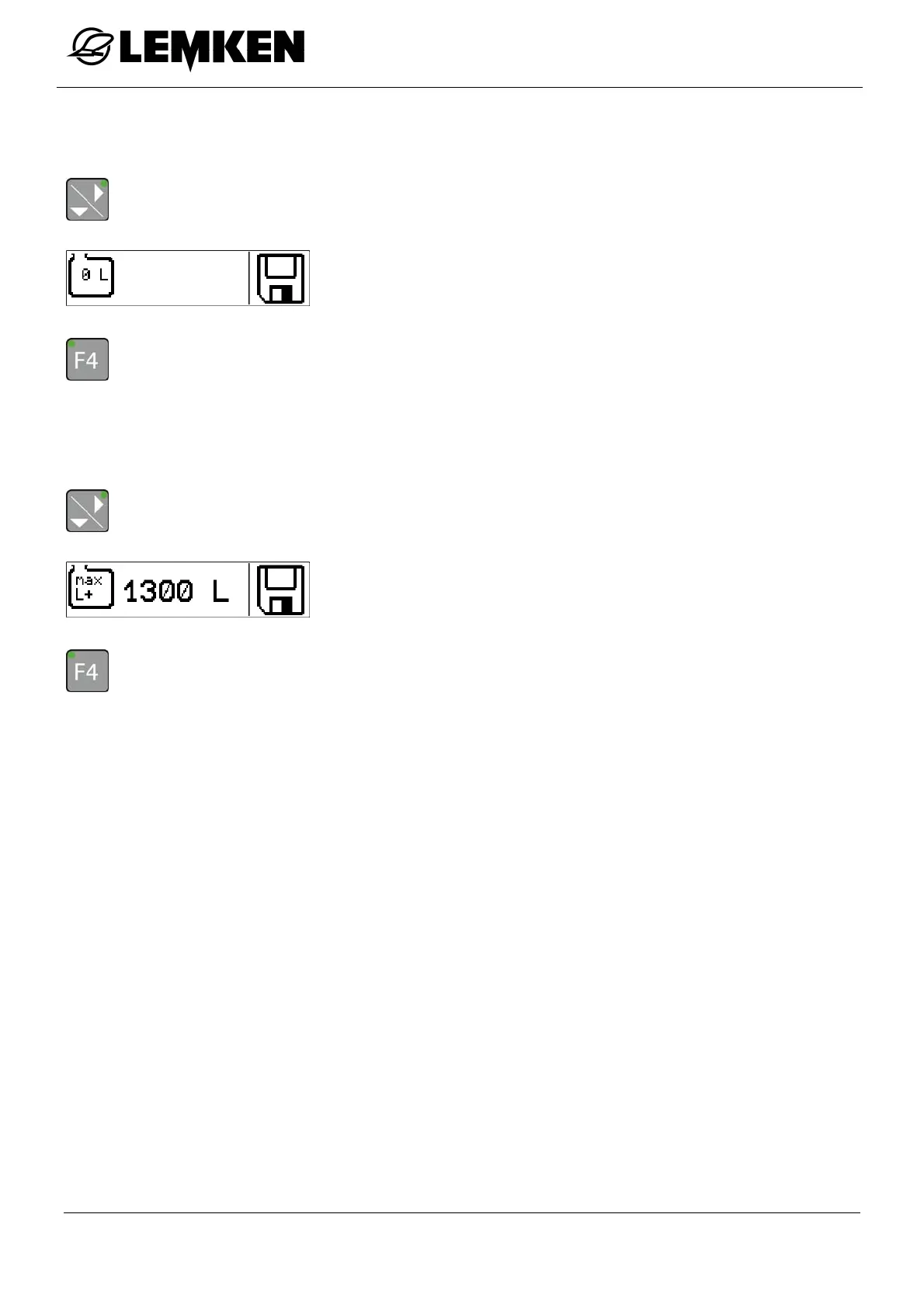
Zero quantity
It may be necessary to enter the zero quantity in the terminal immediately.
- Press the key to enter the zero quantity display.
The zero quantity display now appears.
- Press the key for 3 seconds to set the current quantity to 0 and save.
The word 'SAVE' appears on the display.
Maximum filling quantity
- Press the key to enter the maximum filling quantity display.
The maximum filling quantity display now appears [= nominal vol-
ume].
- Press the key for 3 seconds to save the maximum value.
The word 'SAVE' appears on the display.



 To Next Page