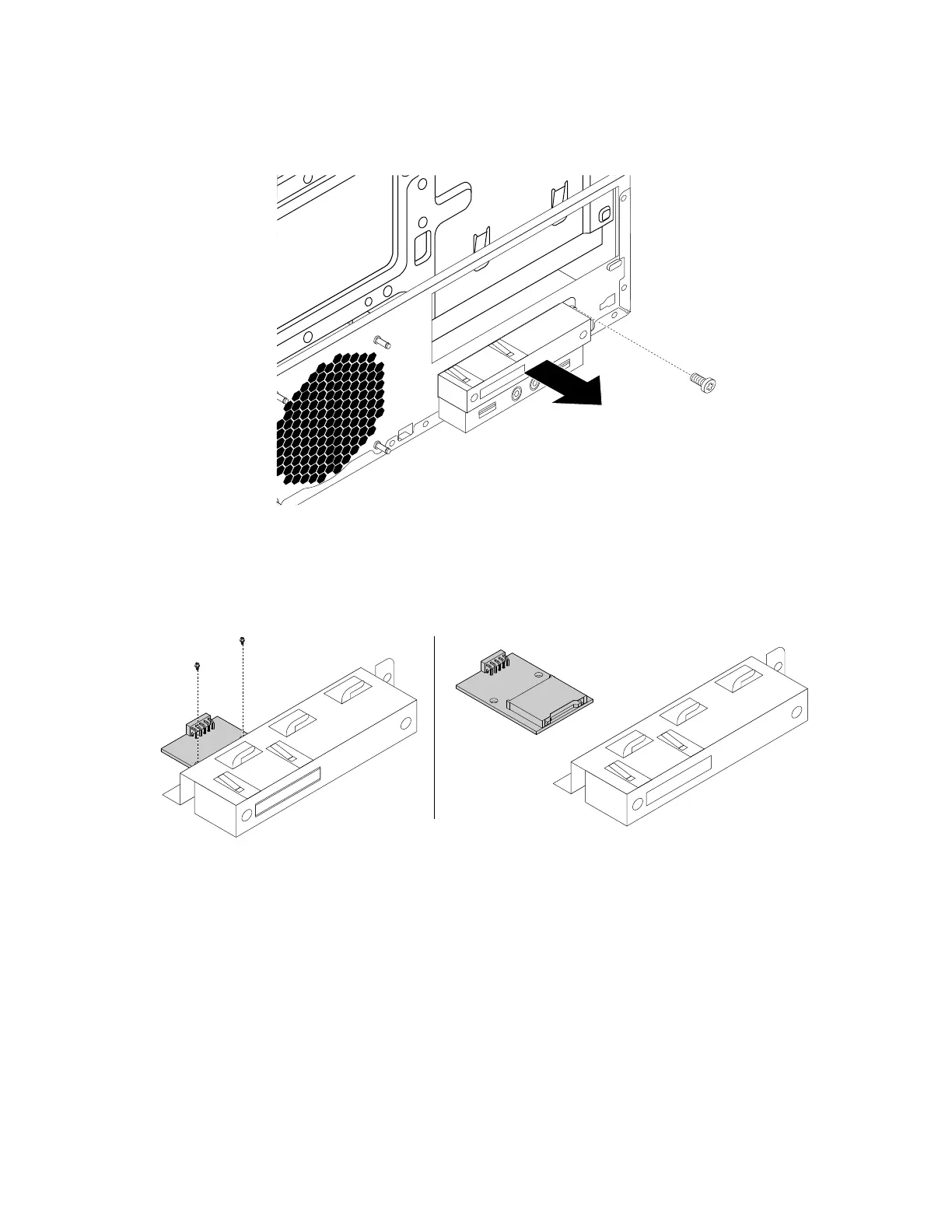
6.Removethescrewthatsecuresthecardreaderbracket.Then,removethecardreaderbracketoutof
thechassis.
Figure18.Removingthecardreaderbracket
7.Removethetwoscrewsthatsecurethecardreadertothebracket.Pullthecardreaderoutofthecard
readerbracket.
Figure19.Removingthecardreaderfromthecardreaderbracket
8.Installanewcardreaderintothebracketandfastenthecardreadertothebracketwiththetwoscrews.
Chapter9.Installingorreplacinghardware95













 To Next Page