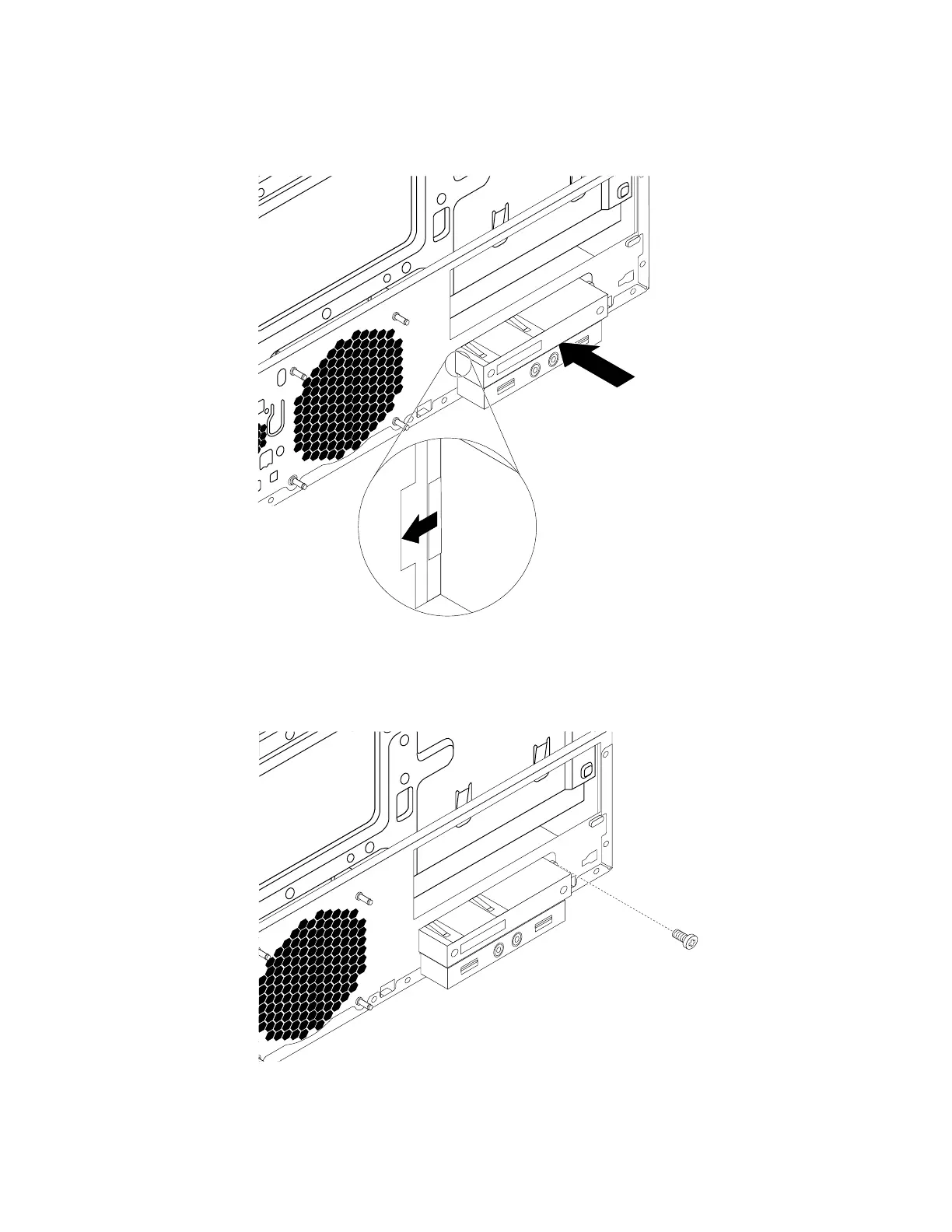
9.Installthecardreaderbrackettothechassis.Thenpushthebrackettothelefttoalignthescrewholein
thebracketwiththecorrespondingholeinthechassis.
Figure20.Installingthecardreaderbracket
10.Installthescrewtosecurethecardreaderbrackettothechassis.
Figure21.Installingthescrewtosecurethecardreaderbracket
96ThinkStationP310HardwareMaintenanceManual













 To Next Page