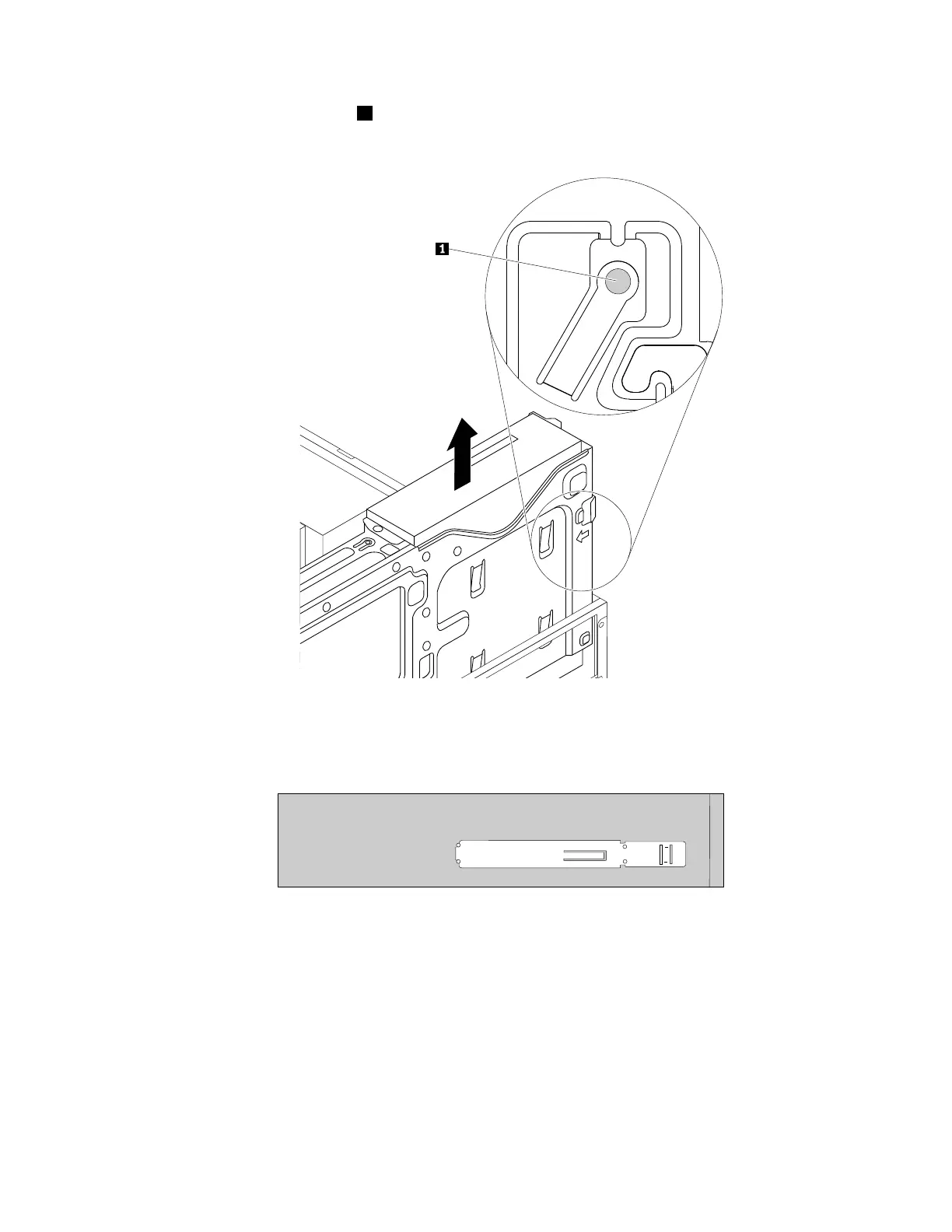
b.Presstheoptical-drivelock1ontherightsideofthedrivebayassemblyandslidetheopticaldrive
outoftherearofthebay.Thenremovetheoptical-driveretainerfromtheleftsideoftheopticaldrive.
Figure41.Removingtheopticaldrive
6.Installtheoptical-driveretaineronthesideofthenewopticaldrive.
Figure42.Installingtheoptical-driveretainer
Chapter9.Installingorreplacinghardware111













 To Next Page