I
NITIAL
C
ONFIGURATION
5-2
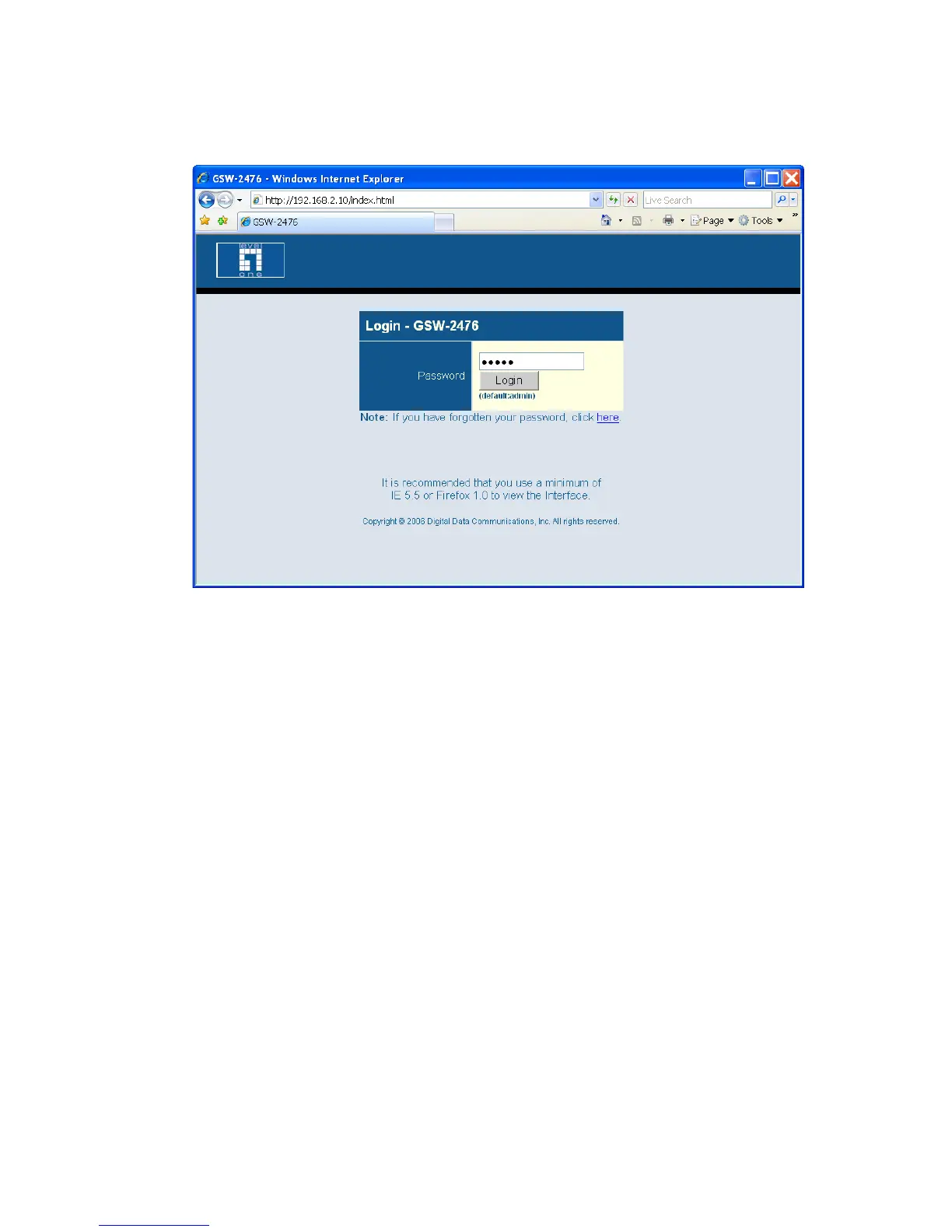
Figure 5-1 Login Page
Note: The web interface examples in this guide are based on the
GSW-2476. Other than the number of ports, there are no other
differences between the GSW-2476 and GSW-1676.
5. Enter the default password “admin” and click on the Login button.
6. From the menu, click on SYSTEM, then click on LAN Settings. On
the LAN Settings page, enter the new IP address, Subnet Mask and
Gateway IP Address for the switch, then click on the APPLY button.















 To Next Page