C
ONFIGURING
THE
L
OGON
P
ASSWORD
6-17
Configuring the Logon Password
The administrator has write access for all parameters governing the
onboard agent. You should therefore assign a new administrator password
as soon as possible, and store it in a safe place.
Field Attributes
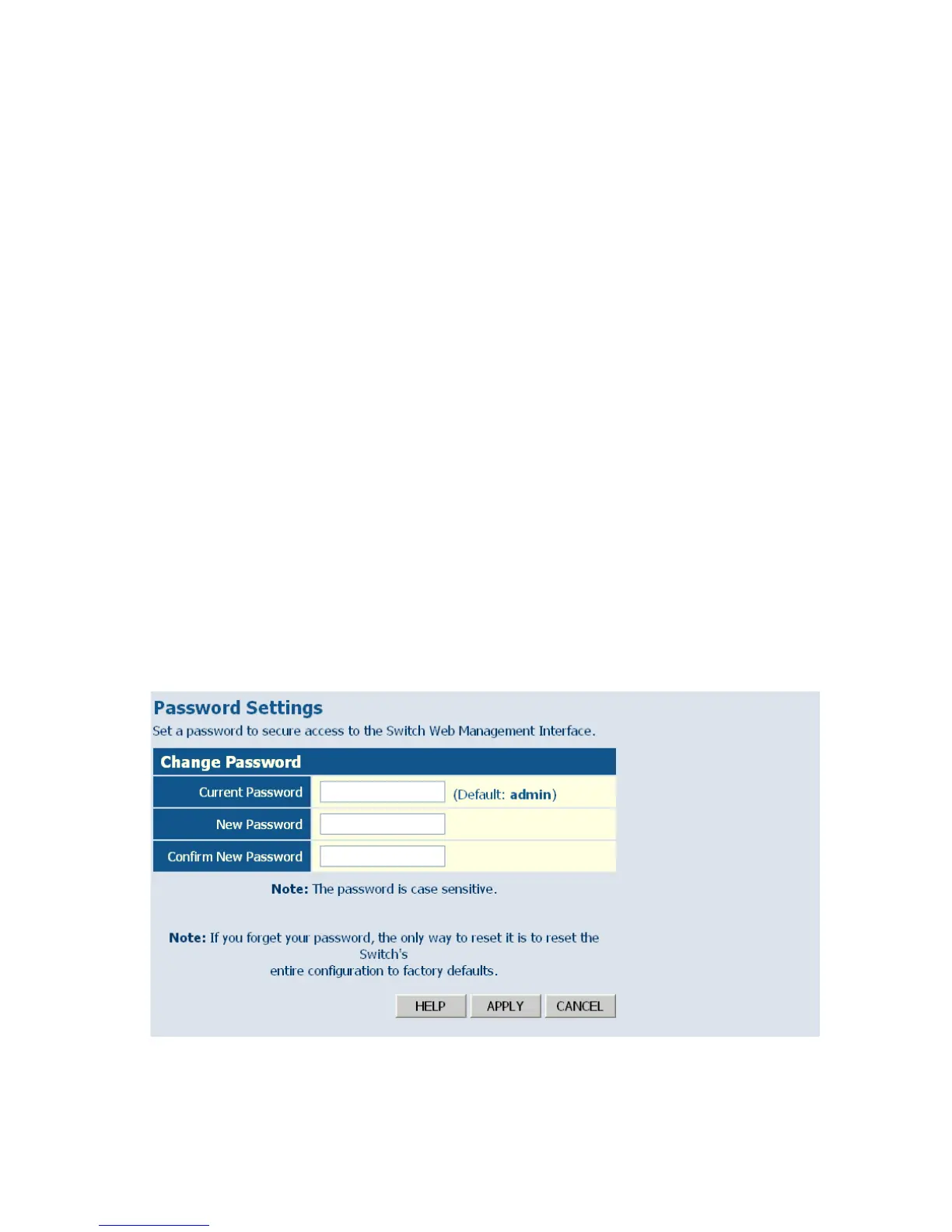
• Current Password – Input the current password. (Default is “admin”)
• New Password – Specifies the new user password.
(Range: 1-16 characters plain text, case sensitive)
• Confirm New Password – Re-enter in the new password for
confirmation.
Note: If you cannot remember the password, you can restore the original
settings by following the procedure described in
“Troubleshooting” on page A-1.
Web – Click System, Password. To change the password for the
administrator, enter the current password, the new password, and confirm
it by entering it again, then click APPLY.
Figure 6-7 Password Settings














 To Next Page