C
ONFIGURING
THE
S
WITCH
6-20
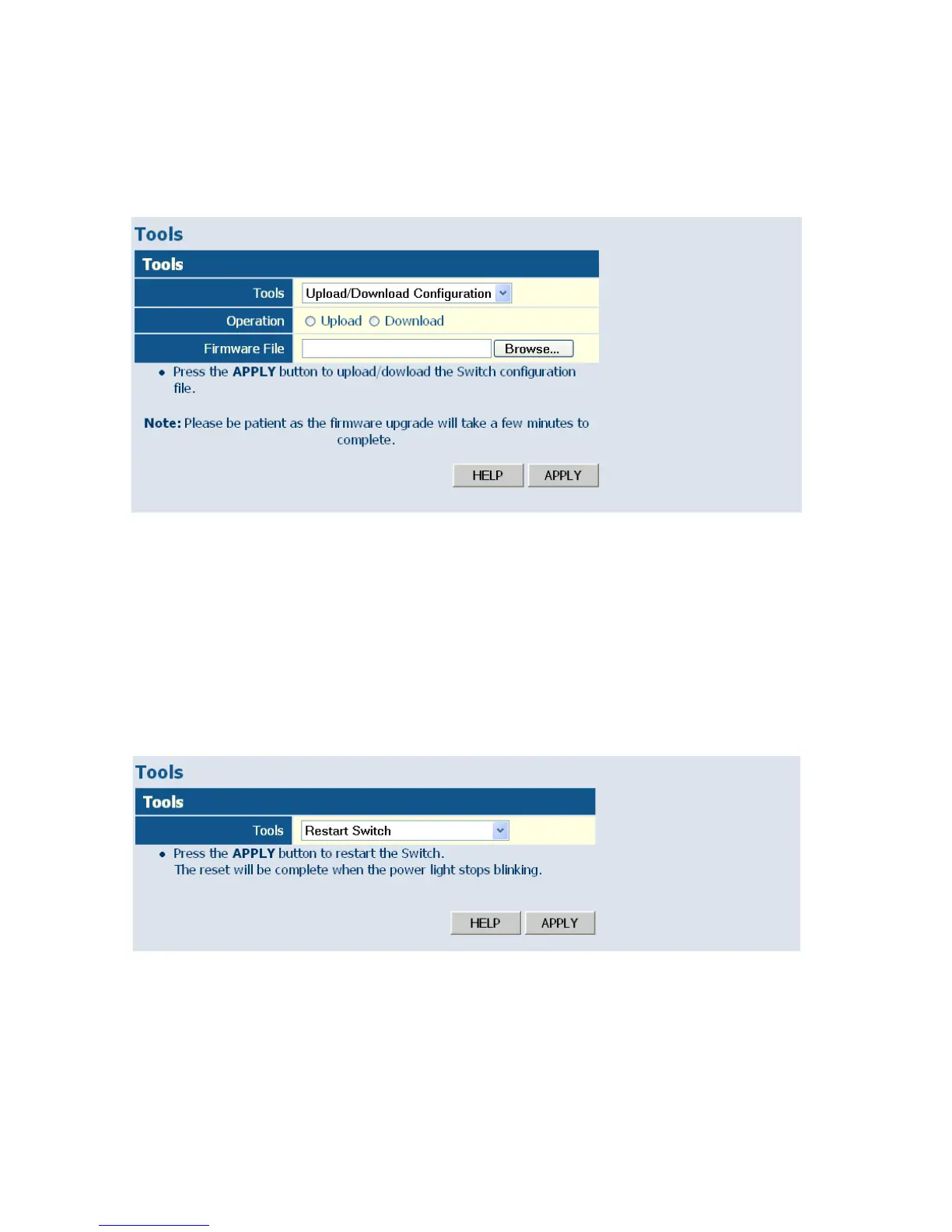
Browse button to choose a file location on the web management station,
or to find a saved configuration file.
Figure 6-10 Upload/Download Configuration
Restart Switch
Web – Click SYSTEM, Tools, Restart Switch. To restart the switch, click
APPLY. The reset will be complete when the user interface displays the
login page.
Figure 6-11 Restart Switch














 To Next Page