C
HANGING
A
PC’
S
IP A
DDRESS
5-3
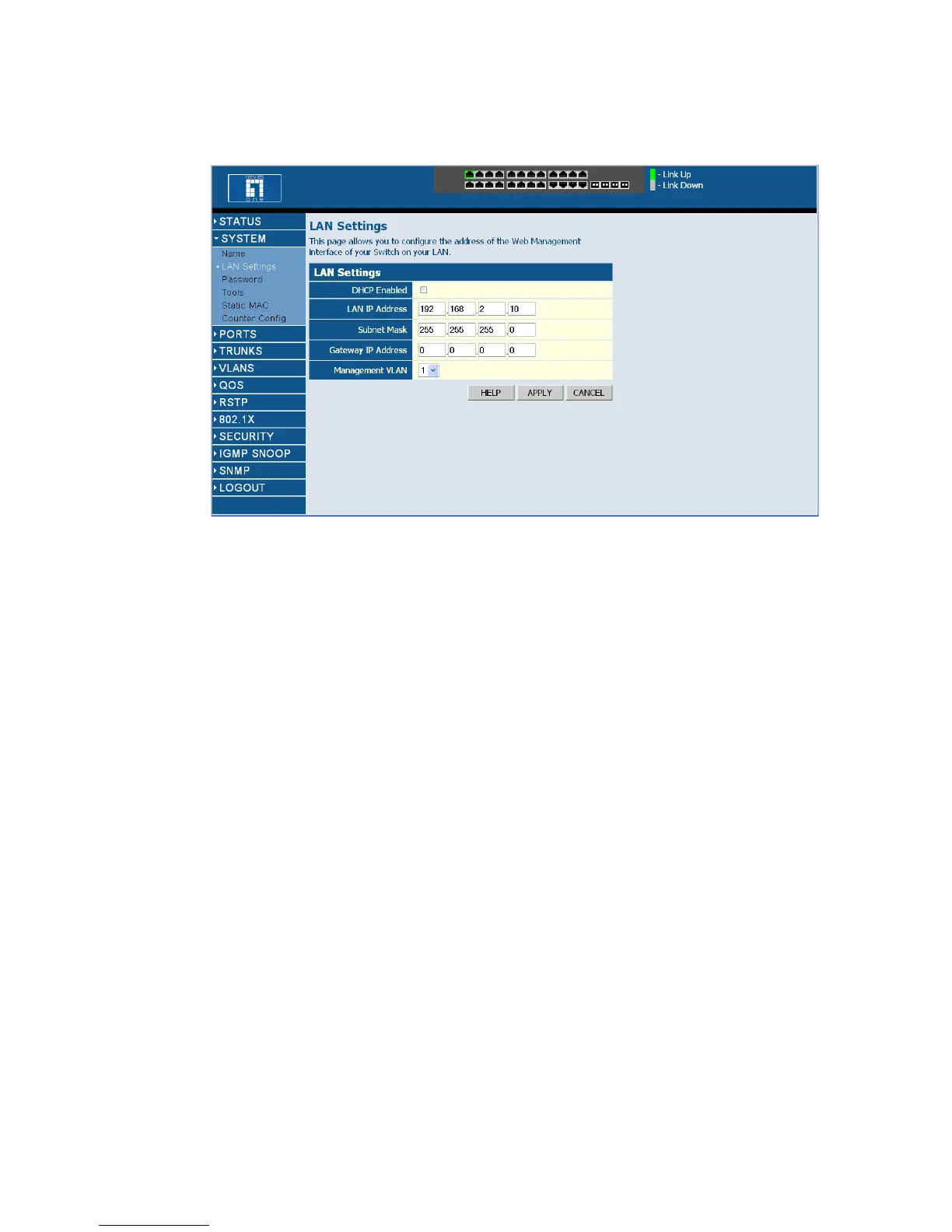
Figure 5-2 LAN Settings Page
No other configuration changes are required at this stage, but it is
recommended that you change the administrator’s password before
logging out. To change the password, click SYSTEM, Password, and then
fill in all the fields on the Password Settings page before clicking on the
APPLY button.
Changing a PC’s IP Address
To change the IP address of a Windows 2000 PC:
1. Click Start, Settings, then Network and Dial-up Connections.
2. For the IP address you want to change, right-click the network
connection icon, and then click Properties.
3. In the list of components used by this connection on General tab,
select Internet Protocol (TCP/IP), and then click the Properties
button.















 To Next Page