P
ORT
C
ONFIGURATION
6-25
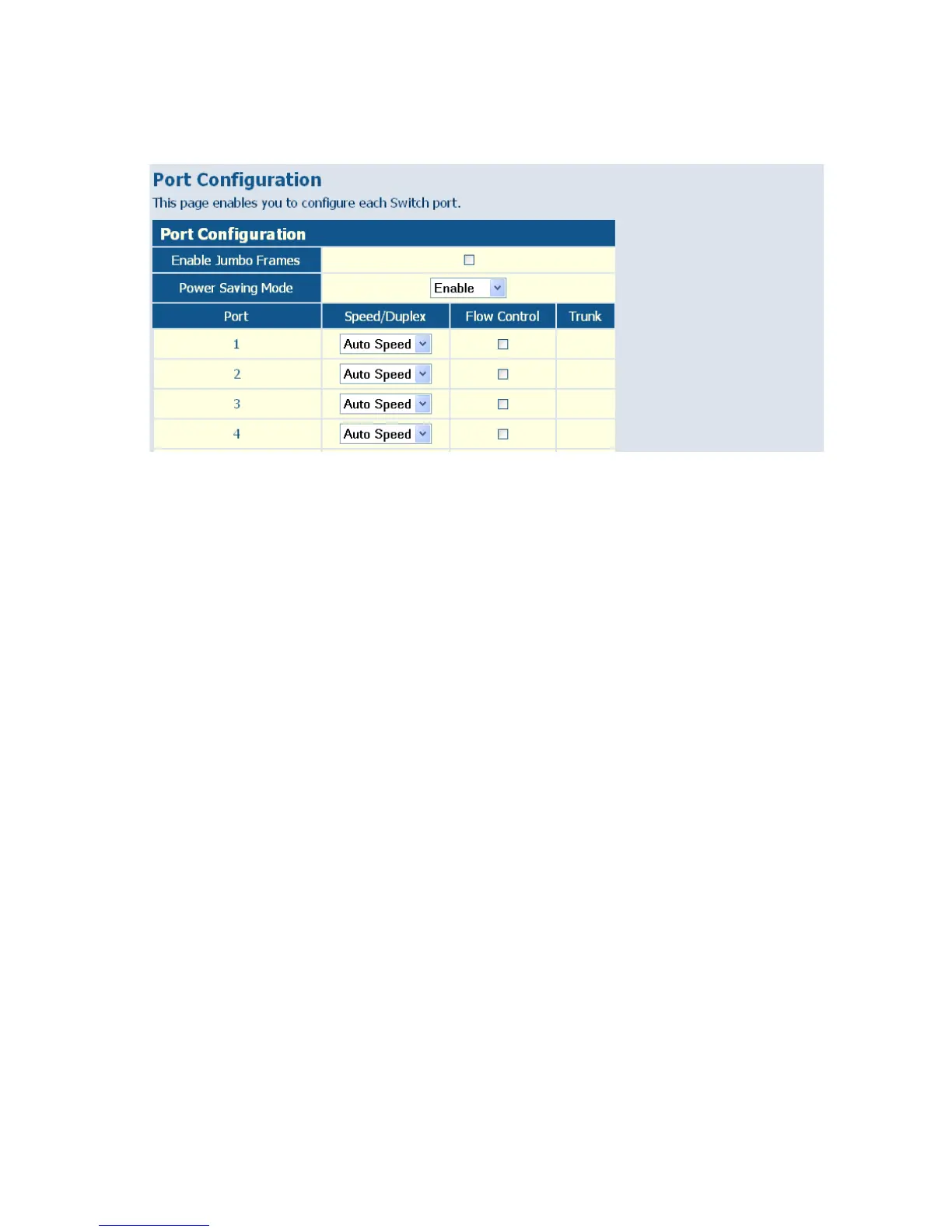
Figure 6-14 Port Configuration
Configuring Rate Limits
This function allows the network manager to control the maximum rate
for traffic transmitted or received on an interface. Rate limiting is
configured on interfaces at the edge of a network to limit traffic into or out
of the switch. Traffic that falls within the rate limit is transmitted or
received, while packets that exceed the acceptable amount of traffic are
dropped.
Rate limiting can be applied to individual ports or trunks. When an
interface is configured with this feature, the traffic rate will be monitored
by the hardware to verify conformity. Non-conforming traffic is dropped,
conforming traffic is forwarded without any changes.
The Input/Output Bandwidth Limit field is a type-in box which accepts an
integer number in the range 1 to 100. The number specifies the percentage
of the total bandwidth of the port that can be used before packets are
dropped or flow-control starts.
Field Attributes
• Rate Unit – This field sets the granularity of the bandwidth limit which
can be set for individual ports. To change the granularity, first choose an














 To Next Page