C
ONFIGURING
THE
S
WITCH
6-16
• Gateway IP Address – IP address of the gateway router between this
device and management stations that exist on other network segments.
(Default: 0.0.0.0)
• Management VLAN – ID of the configured VLAN (1-4093, no
leading zeroes). By default, all ports on the switch are members of
VLAN 1. However, the management station can be attached to a port
belonging to any VLAN, as long as that VLAN has been assigned an IP
address.
Note: If you cannot remember the switch’s IP address, you can restore
the original settings by following the procedure described in
“Troubleshooting” on page A-1.
Manual Configuration
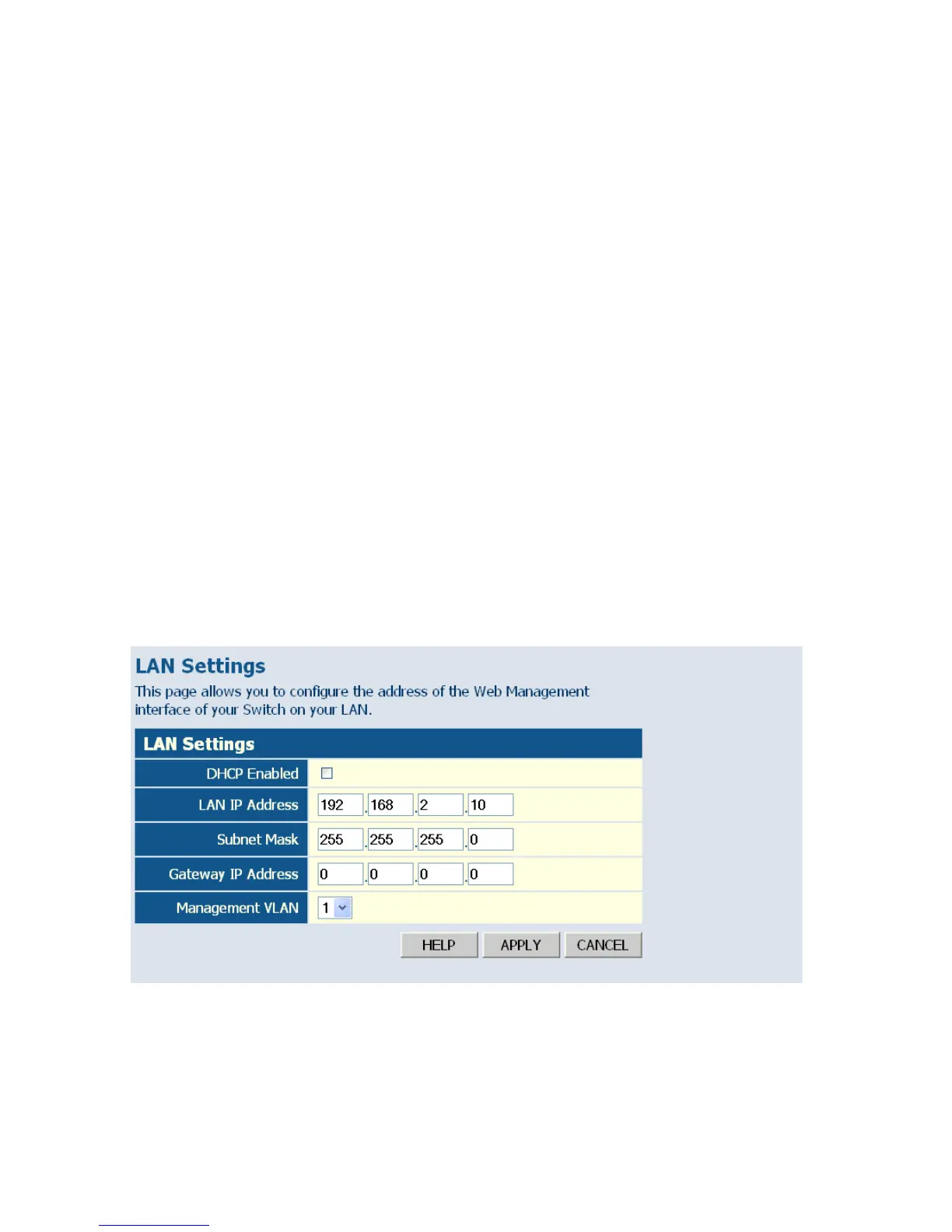
Web – Click System, LAN Settings. Enter the IP address, subnet mask,
gateway, and select the management VLAN, then click APPLY. Note that
if you change the switch’s IP address, you must close the web interface and
start a new session using the new IP address.
Figure 6-6 LAN Settings















 To Next Page