C
ONFIGURING
THE
S
WITCH
6-26
option from this list, click APPLY, and then view the options in the
Input/Output Bandwidth Limit drop-down box for any of the ports.
(Options: 128 kbps, 1 Mbps, 10 Mbps, 30 Mbps, 100 Mbps)
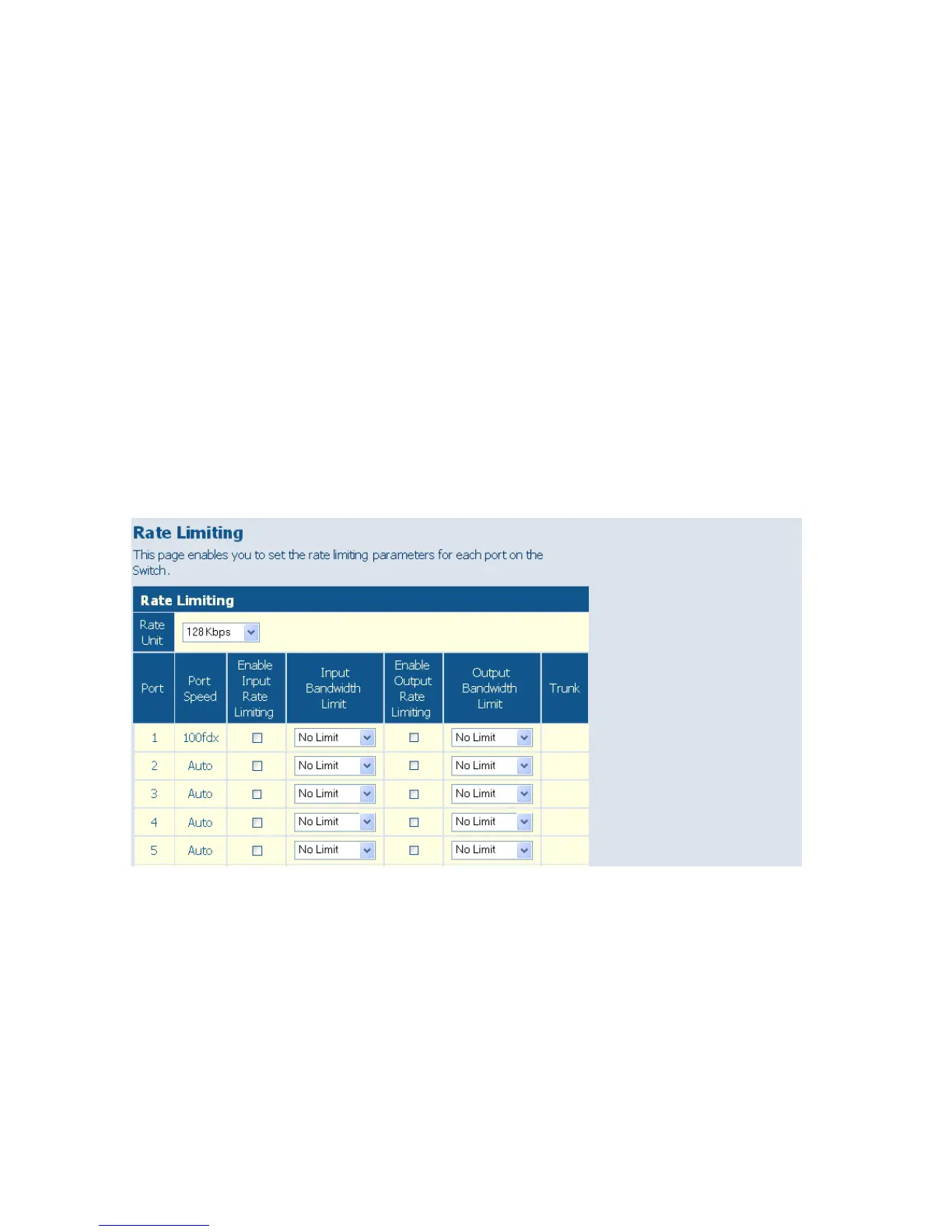
• Enable Rate Limiting – Enables input or output rate limiting for the
selected interface. (Default: Disabled)
• Bandwidth Limit – Sets the rate limit for ingress or egress traffic. When
this limit is exceeded, packets are dropped, until the rate falls back
beneath the configured limit. (The options displayed depend on the
selection for Rate Unit.)
Web – Click PORTS, Rate Limiting. This page enables you to set the rate
limiting parameters for each port on the switch.
Figure 6-15 Rate Limiting















 To Next Page