P
ORT
C
ONFIGURATION
6-33
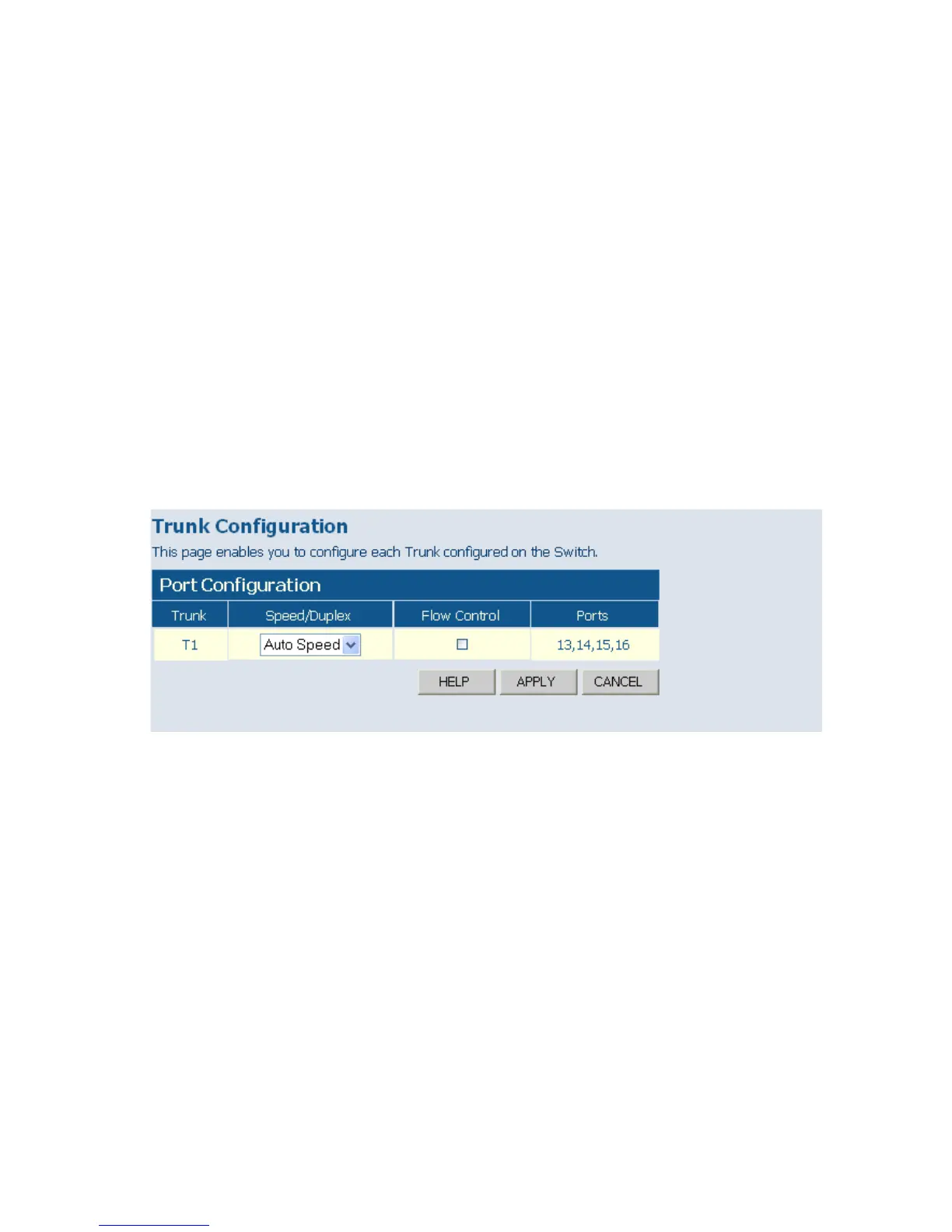
Trunk Configuration
This page allows you to configure the speed, duplex mode, and flow
control for a trunk.
Field Attributes
• Trunk – Indicates trunk identifier.
• Speed/Duplex – Allows you to manually set the port speed and duplex
mode for all ports in the trunk. (Default: Auto speed)
• Flow Control – Allows flow control to be enabled or disabled. When the
box is checked, flow control is enabled.
• Ports – Indicates which ports belong to the trunk.
Web – Click TRUNKS, Settings.
Figure 6-20 Trunk Configuration
Trunk Rate Limit
This page allows you to change the maximum input and output data rate
for each each trunk on the switch.
Field Attributes
• Rate Unit – This field sets the granularity of the bandwidth limit which
can be set for individual trunks. To change the granularity, first choose
an option from this list, click APPLY, and then view the options in the
Input/Output Bandwidth Limit drop-down box for any of the trunks.
(Options: 128 kbps, 1 Mbps, 10 Mbps, 30 Mbps, 100 Mbps)














 To Next Page