S
ETTING
THE
S
WITCH
’
S
IP A
DDRESS
6-15
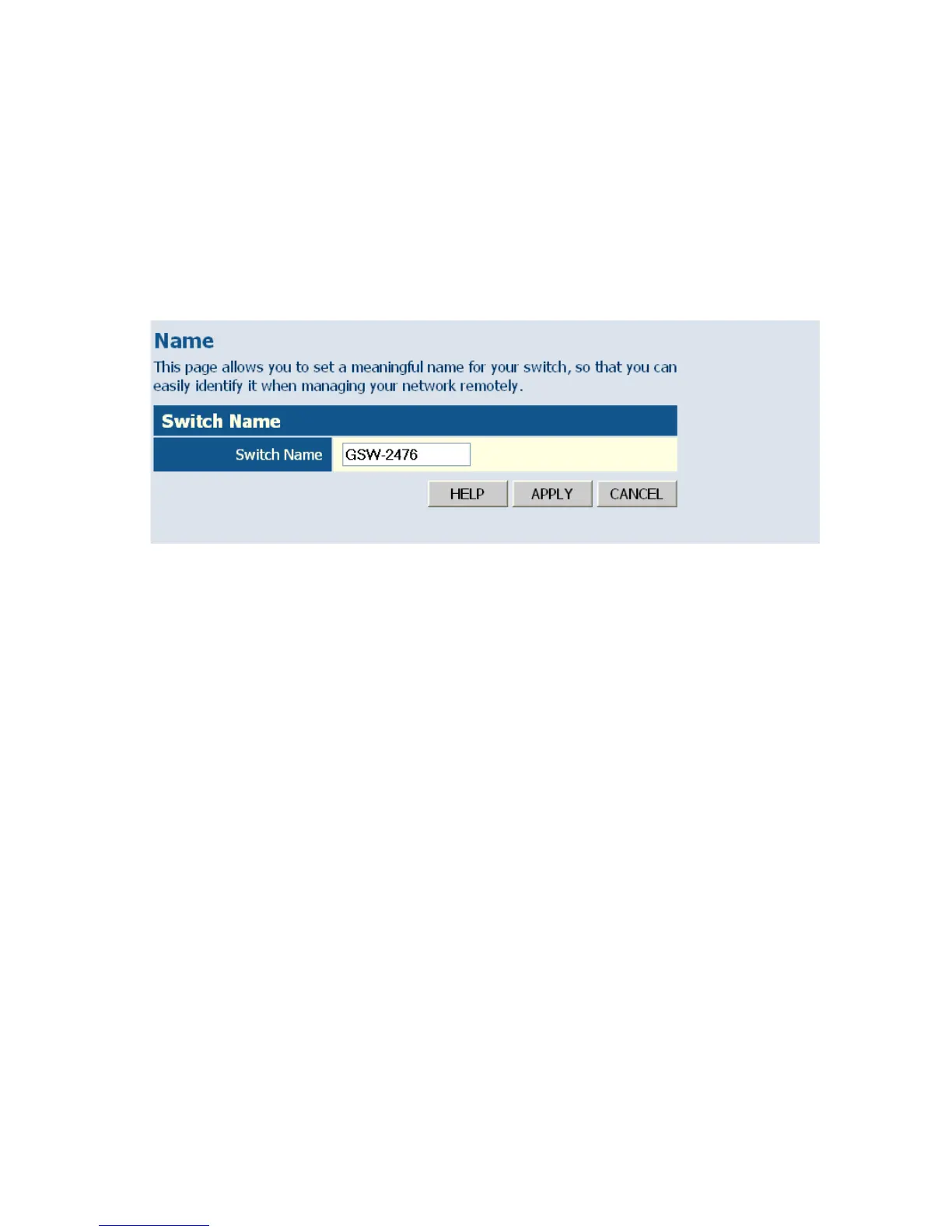
Displaying the System Name
You can identify the system by displaying the device name.
Field Attributes
• Switch Name – A name assigned to the switch system.
Web – Click System, Name.
Figure 6-5 System Name
Setting the Switch’s IP Address
This section describes how to configure an IP interface for management
access over the network. The IP address for this switch is 192.168.2.10 by
default. To manually configure an address, you need to change the switch’s
default settings (IP address 192.168.2.10 and netmask 255.255.255.0) to
values that are compatible with your network. You may also need to a
establish a default gateway between the switch and management stations
that exist on another network segment.
Field Attributes
• DHCP Enabled – Check the box to enable DHCP. (Default: enabled)
• LAN IP Address – Address of the VLAN interface that is allowed
management access. Valid IP addresses consist of four numbers, 0 to
255, separated by periods. (Default: 192.168.2.10)
• Subnet Mask – This mask identifies the host address bits used for
routing to specific subnets. (Default: 255.255.255.0)














 To Next Page