C
ONFIGURING
THE
S
WITCH
6-18
Tools
On the Tools page, you can restore the switch to its default settings,
upgrade the firmware of the switch, or restart the switch.
Restore to Factory Defaults
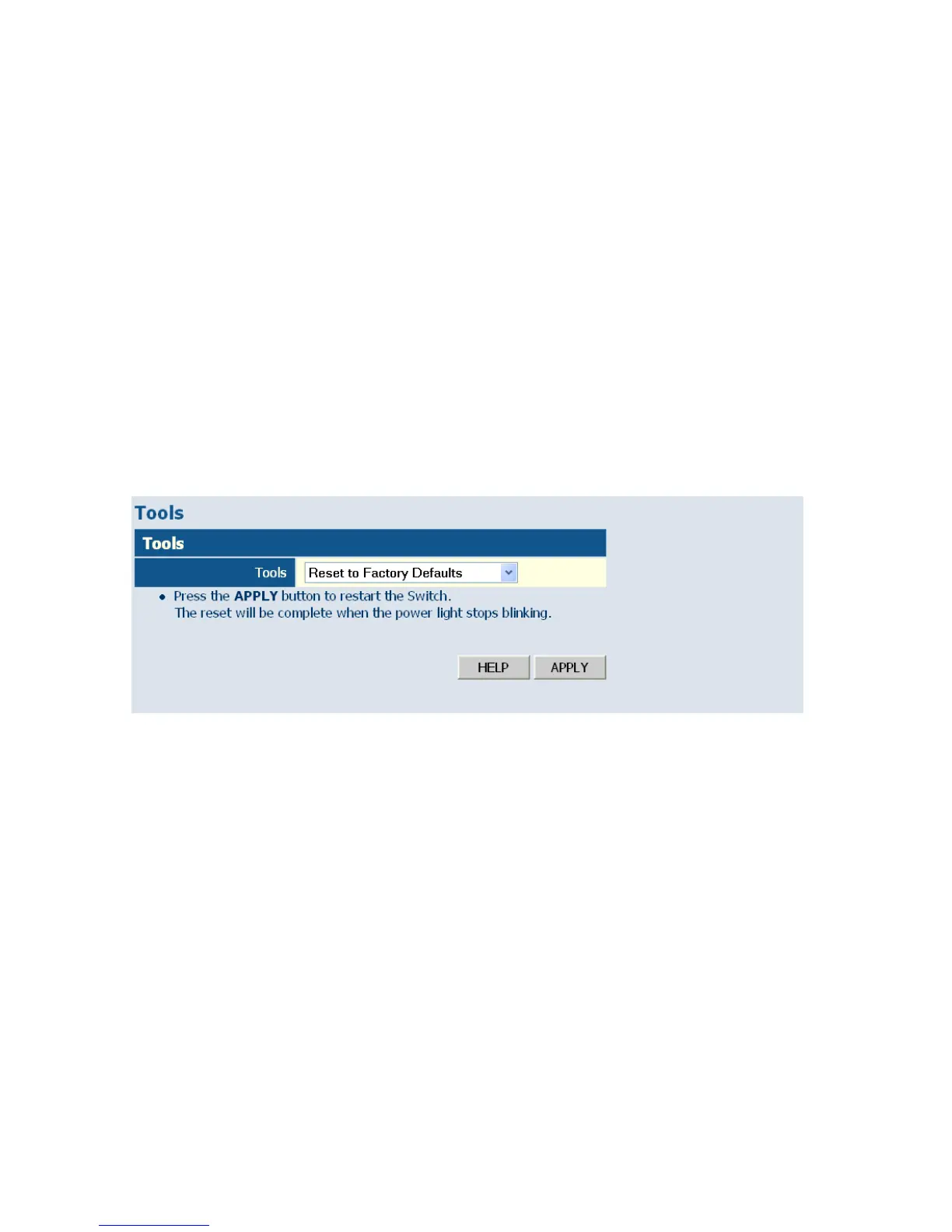
Forces the switch to restore the original factory settings. To reset the
switch, select “Reset to Factory Defaults” from the drop-down list and
click APPLY. The LAN IP Address, Subnet Mask and Gateway IP Address
will not be reset.
Web – Click System, Tools, Reset to Factory Defaults.
Figure 6-8 Reset to Factory Defaults















 To Next Page