C
ONFIGURING
THE
S
WITCH
6-36
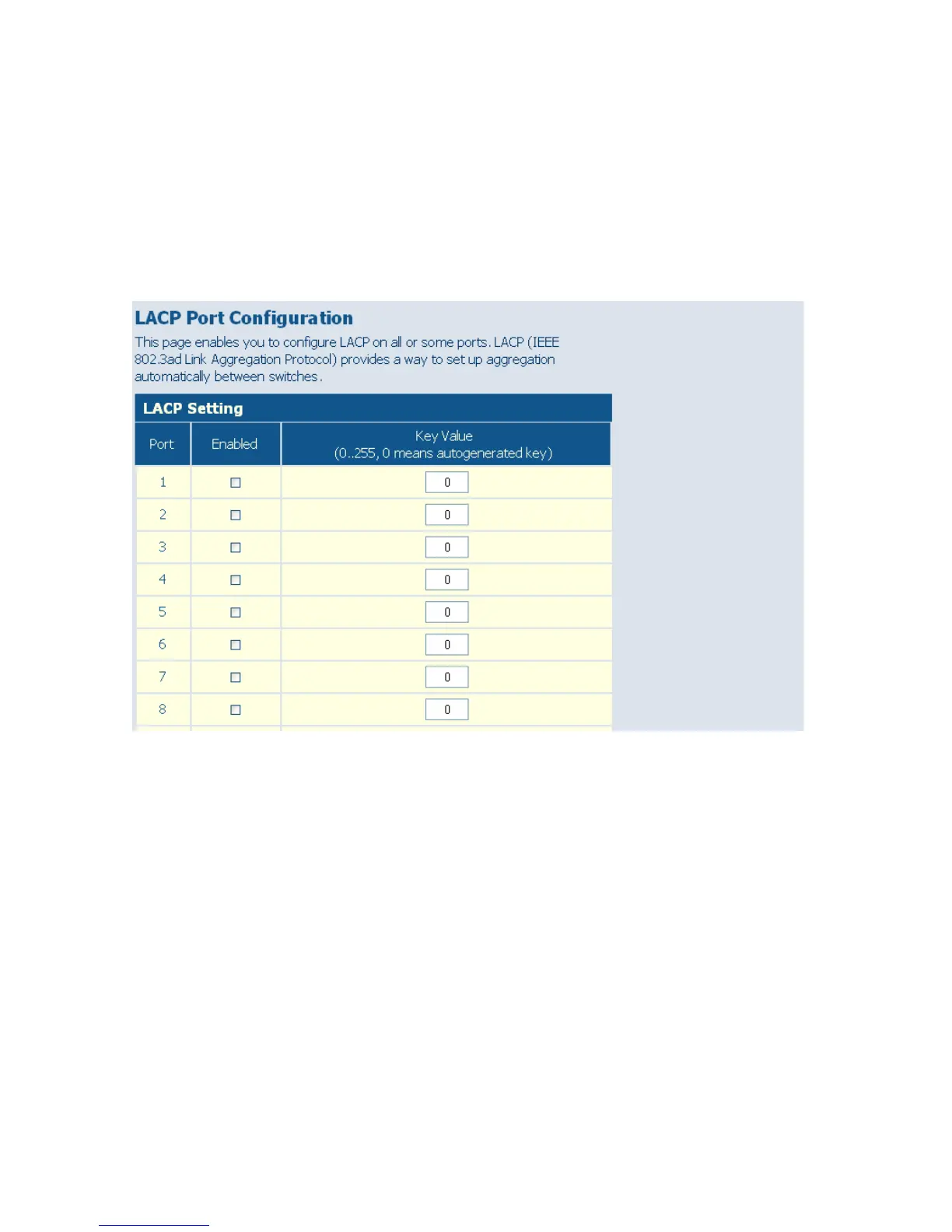
Web – Click TRUNKS, LACP Setup. Enable LACP on each port to be
configured as a member of an LAG. Leave the administrative key set to a
null value to allow the switch to automatically configure this attribute, or
set it a specific value to maintain more precise control over the ports which
will be connected to another device. Click APPLY.
Figure 6-22 LACP Port Configuration
Displaying LACP Status
This page allows you display the operational state for the local and remote
side of an link aggregation.
Field Attributes
LACP Aggregation
Displays the LACP status for each port. For active link aggregation groups,
the ports attached at the other end of the link are also displayed.














 To Next Page