142
RC300RC300hNavi(EE)
4-4. Audio/visual remote controls
4-4.Audio/visual remote controls
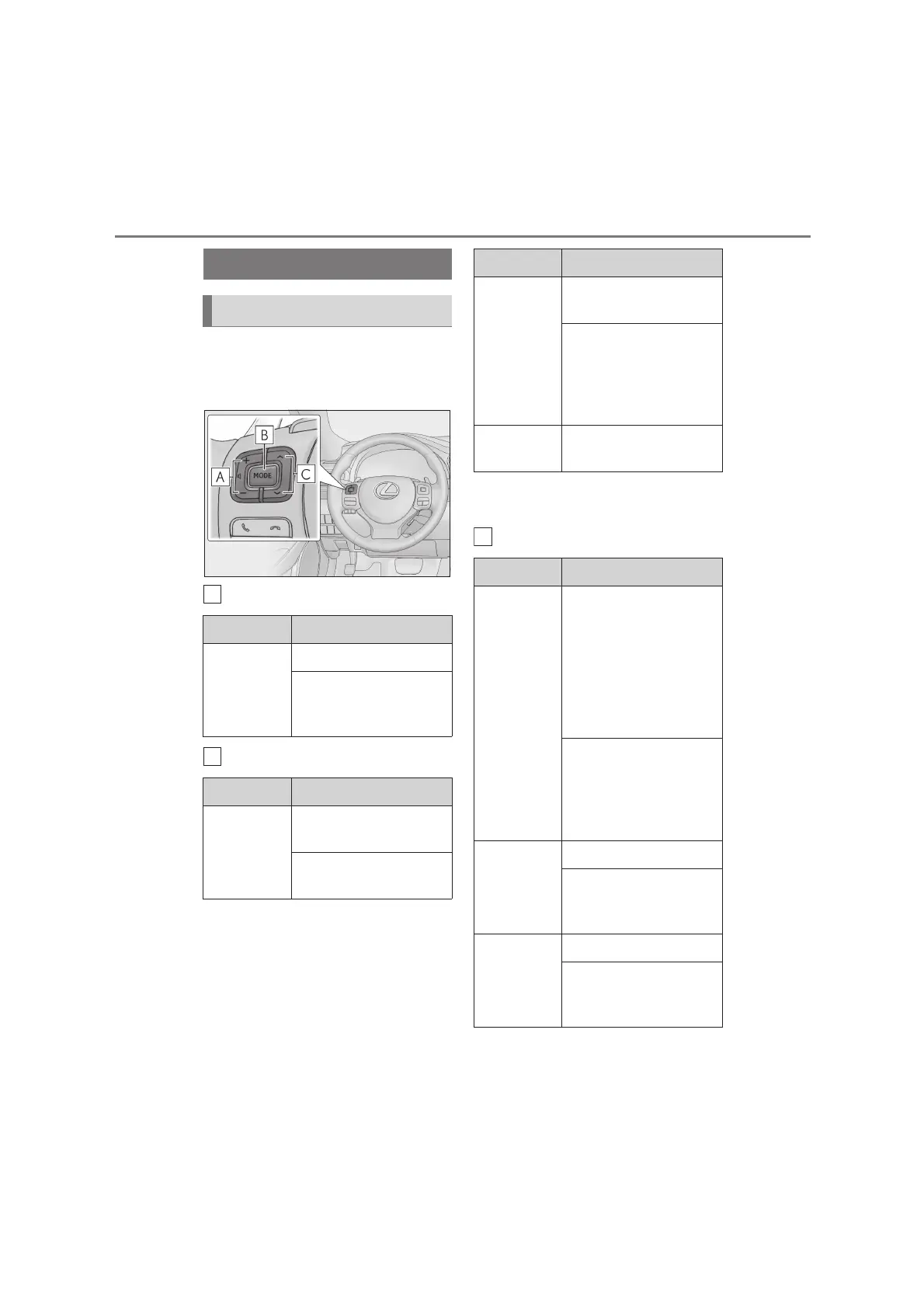
Some parts of the audio/visual system
can be adjusted using the switches on
the steering wheel.
Volume control switch
“MODE” switch
*1
: If equipped
*2
: 10.3-inch display model
“” switch
Steering switches
Steering switch operation
Mode Operation/function
All
Press: Volume up/down
Press and hold (0.8 sec. or
more): Volume up/down
continuously
Mode Operation/function
AM/FM/
DAB
*1
, AUX
Press: Change audio
modes
Press and hold (0.8 sec. or
more): Mute
CD,
MP3/WMA/
AAC disc,
DVD
*2
, USB,
iPod,
Bluetooth
®
audio
Press: Change audio
modes
Press and hold (0.8 sec. or
more): Pause
Miracast™
Press: Change audio
modes
Mode Operation/function
AM/FM/
DAB
*1
Press: Preset stations/ser-
vices up/down (Favourites
screen)
Station/service up/down
(Station/service list screen)
Seek up/down (Manual
tuning screen)
Press and hold (0.8 sec. or
more): Seek up/down con-
tinuously while the switch is
being pressed (Manual
tuning screen)
CD
Press: Track up/down
Press and hold (0.8 sec. or
more): Fast for-
ward/rewind
MP3/WMA/
AAC disc
Press: File up/down
Press and hold (0.8 sec. or
more): Fast for-
ward/rewind
Mode Operation/function






 To Next Page