97
3
RC300RC300hNavi(EE)
3-3. Route guidance
Navigation system
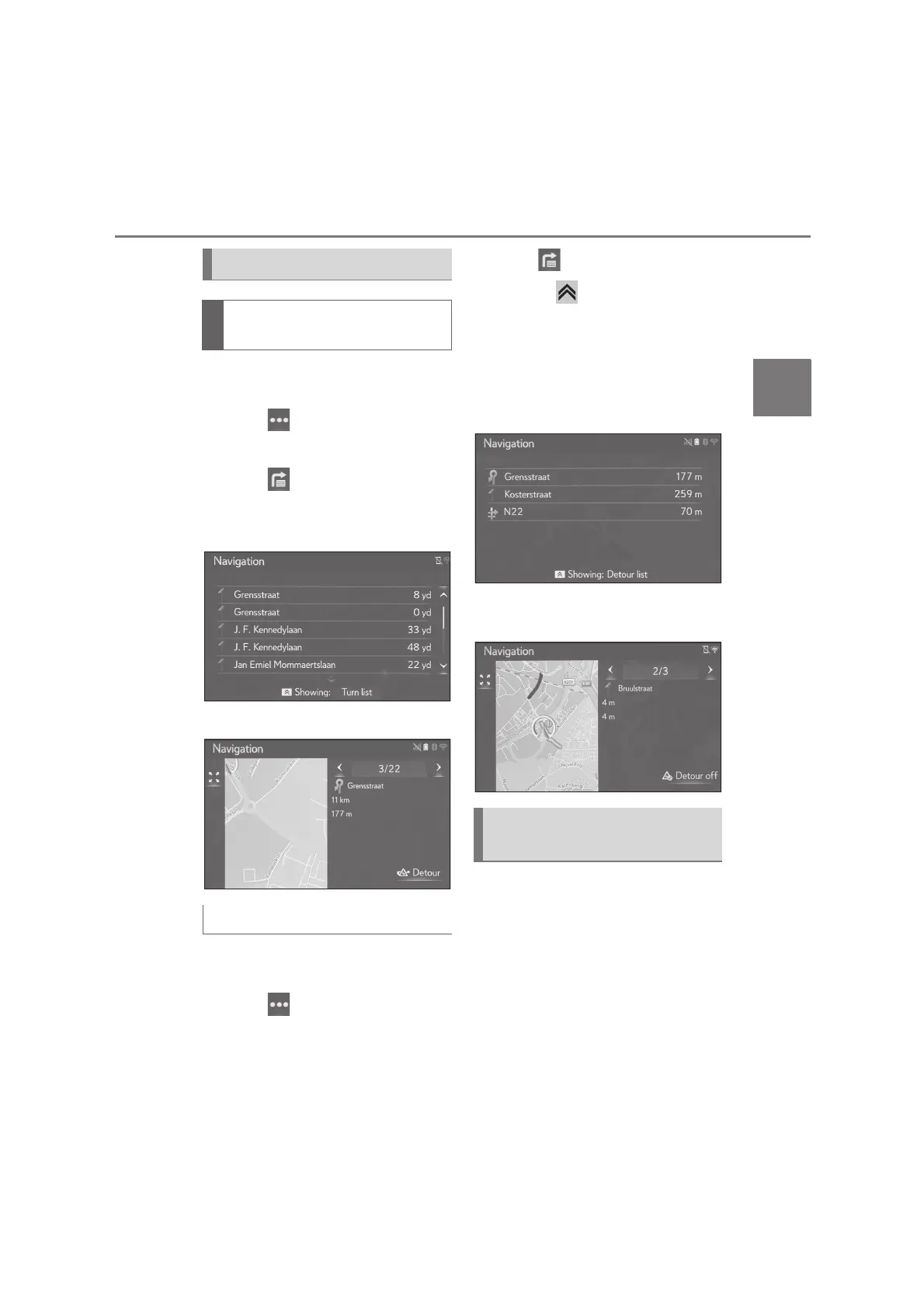
1 Press the “MAP” button on the
Remote Touch.
2 Select on the map screen.
3 Select “Route”.
4 Select .
5 Select the desired route segment to
detour.
6 Select “Detour”.
1 Press the “MAP” button on the
Remote Touch.
2 Select on the map screen.
3 Select “Route”.
4 Select .
5 Press the button on the Remote
Touch.
6 Select “Detour list”.
7 Check that the detours list is dis-
played. Select the desired route
segment.
8 Select “Detour off” to cancel the
detoured setting.
This feature either automatically or
manually changes routes when traffic
messages on the guidance route have
been received.
The dynamic reroute settings can be
changed. (P.109)
Detour setting
Detouring a route segment from
the turn list
Canceling the detoured setting
Dynamic rerouting by the traffic
messages






 To Next Page