87
3
RC300RC300hNavi(EE)
3-2. Destination search
Navigation system
●
If a destination that is not located on a
road is set, the vehicle will be guided to
the point on a road nearest to the destina-
tion.
●
If a destination is set that cannot be
reached, a pop-up will be displayed to
indicate this.
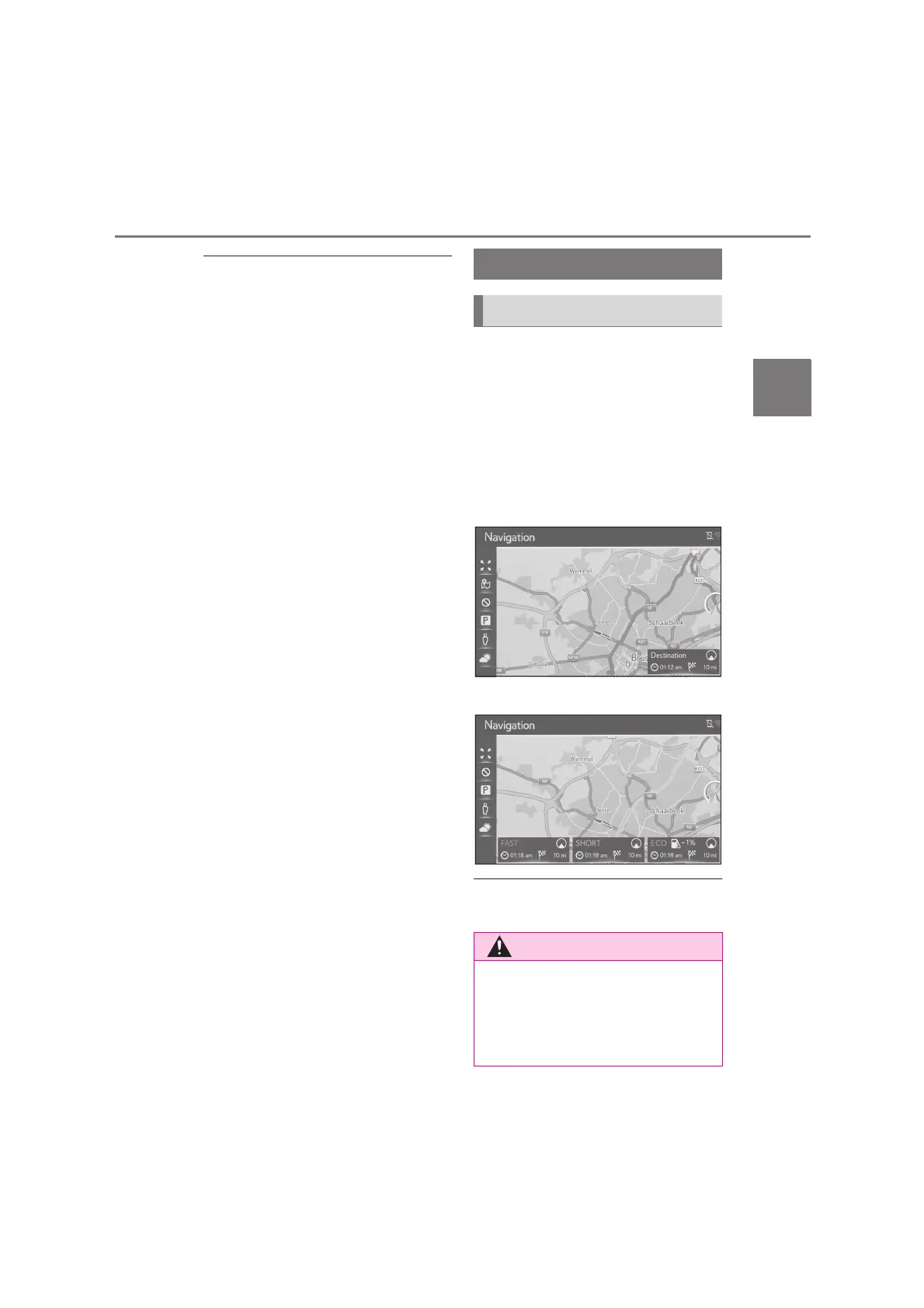
When the destination is set, the route
overview from the current position to
the destination is displayed.
Depending on the navigation settings,
either a single route or route alterna-
tives will be displayed on the screen.
(P.110)
Recommended route screen
Route alternatives screen
●
The starting route guidance screen is dis-
played in 2D north-up.
Starting route guidance
Starting route guidance
●
Be sure to obey traffic regulations and
keep road conditions in mind while
driving. If a traffic sign on the road has
been changed, the route guidance
may not indicate such changed infor-
mation.






 To Next Page