70
RC300RC300hNavi(EE)
3-1. Basic operation
zoom scales up to 50m (50yd.).
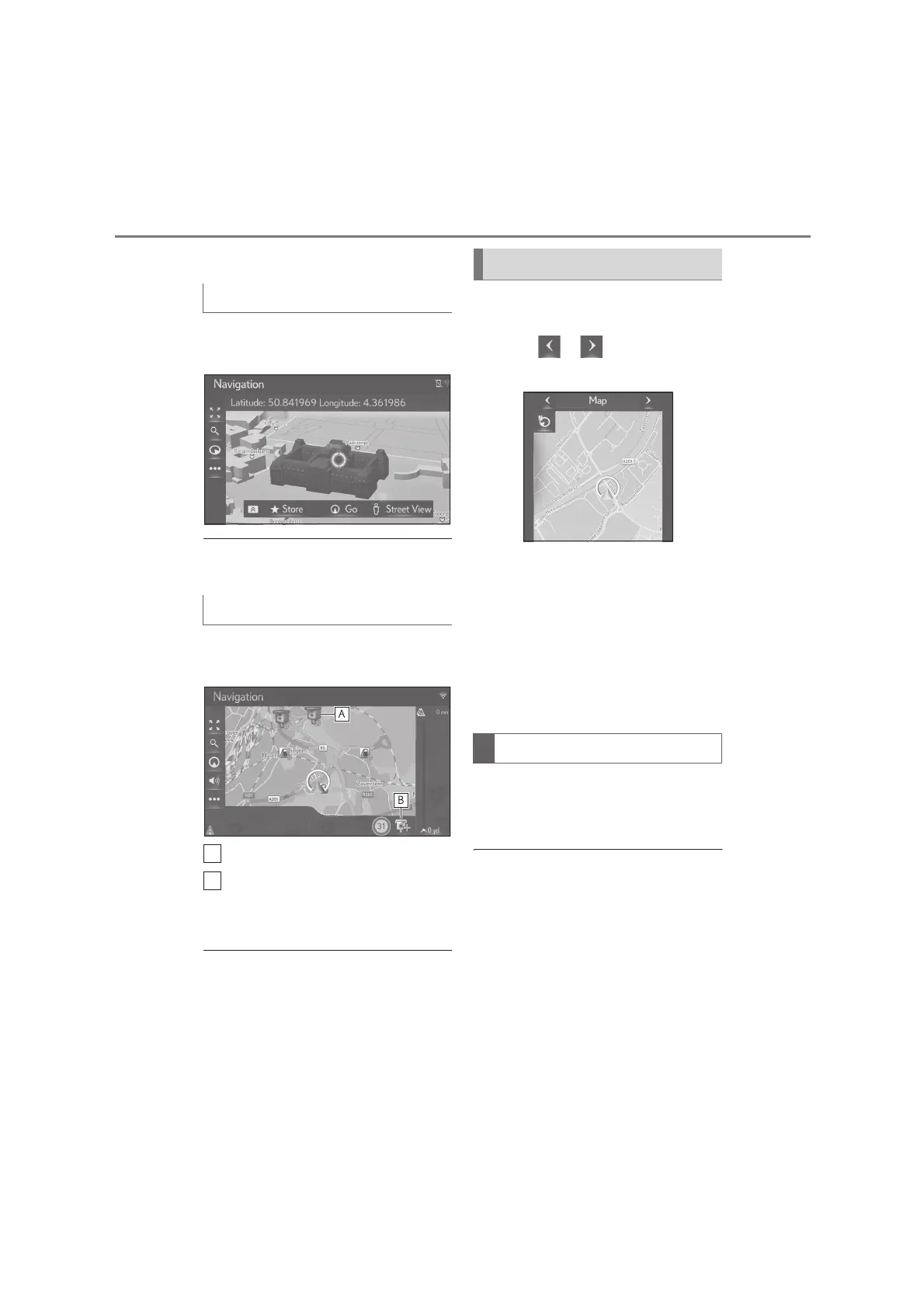
Landmarks can be displayed in 3D on
the map.
●
This feature is displayed on the map in
zoom scales up to 50m (50yd.).
Safety cameras can be displayed as
icons on the map.
Safety camera location on the map.
Displays information about the
safety camera icon and distance to
safety camera.
●
The above items will be displayed
depending on the map scale.
●
The above items will be displayed
depending on the available map data.
●
The displaying of the above items can be
switched off. (P.104)
To change the map mode displayed on
the side display.
1 Select or to change the
map mode.
“Map”: Display the single map screen.
“Compass”: Display the compass
mode screen. (P.70)
“Highway”: Display the highway infor-
mation list screen.
*
(P.91)
*
: Only available with active route guid-
ance and on highway
Information about the destination, cur-
rent position and a compass are dis-
played on the screen.
●
The destination mark is displayed in the
direction of the destination. When driv-
ing, refer to the longitude and latitude
coordinates, and the compass, to make
sure that the vehicle is headed in the
direction of the destination.
3D landmarks
Safety cameras
Switching the map mode
Compass






 To Next Page