23
1
RC300RC300hNavi(EE)
1-2. Navigation operation
Quick guide
When route guidance is no longer
necessary, such as when you know the
rest of the route to your destination, the
destination can be deleted.
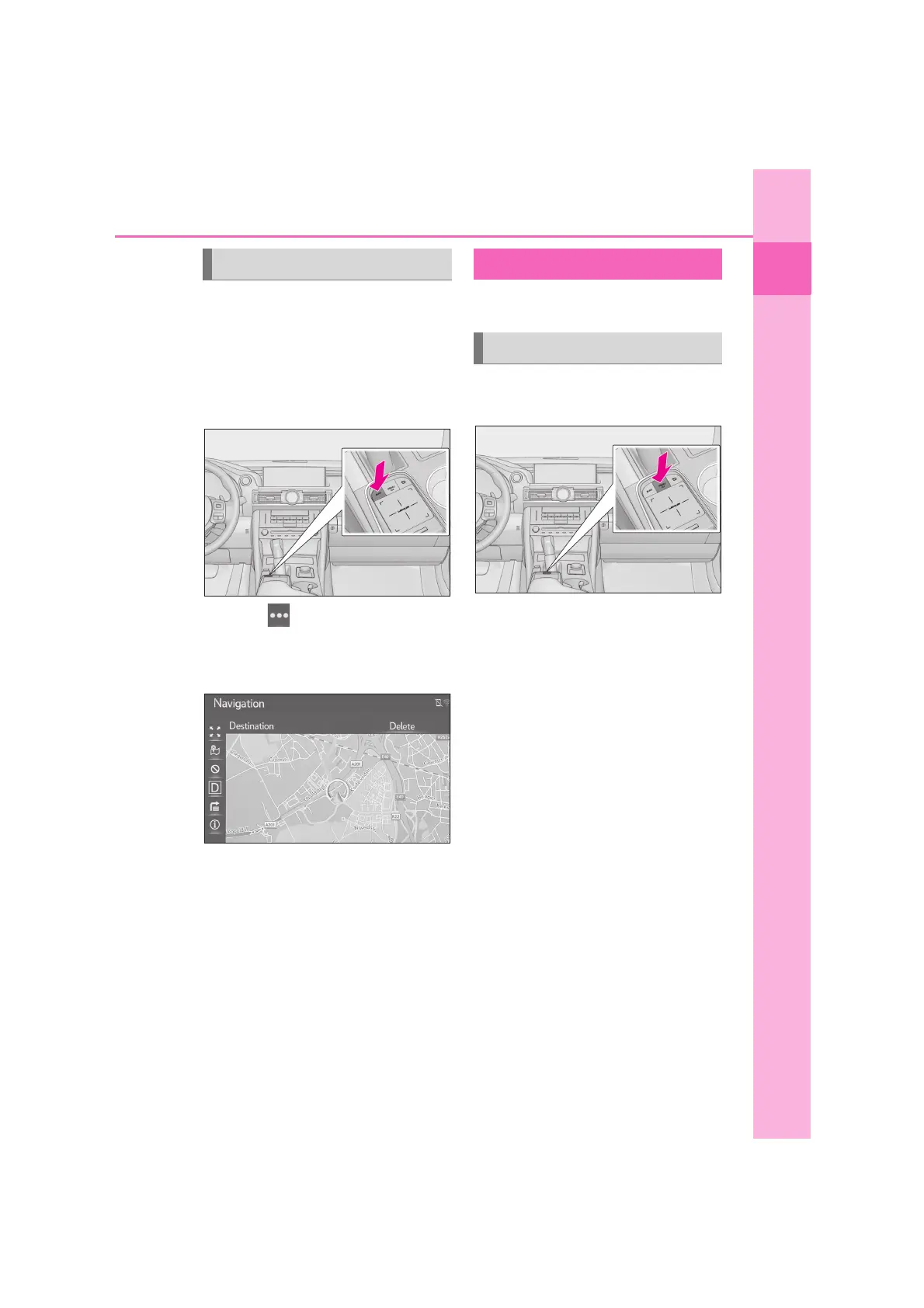
1 Press the “MAP” button on the
Remote Touch.
2 Select on the map screen.
3 Select “Route”
4 Select “Delete”.
When more than 1 destination has
been set, the “Stopover list” will be
displayed on the screen. Select the
item(s) to be deleted. (P.93)
*
: With navigation function
1 Press the “MENU” button on the
Remote Touch.
2 Select “Destination”.
3 Select “Favourites”.
4 Select “Home”.
5 Select “Yes”.
6 There are different kinds of meth-
ods to search for your home.
(P.77)
7 Select “Enter”.
Registration of home is complete.
• Editing the name, address and route:
P.101
• Setting home as the destination: P.24
Deleting destinations Registering home
*
Registering home






 To Next Page