92
RC300RC300hNavi(EE)
3-3. Route guidance
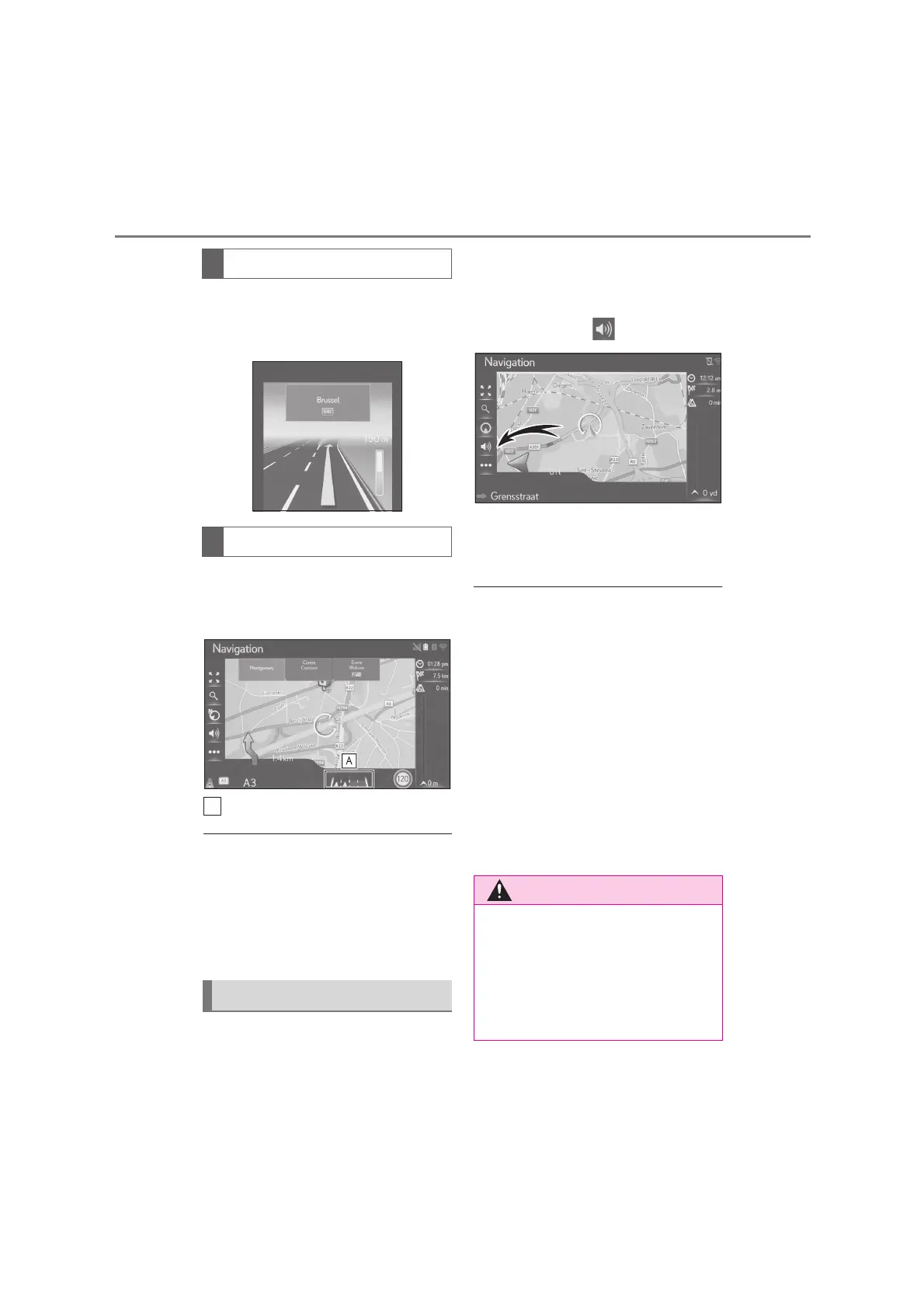
When approaching a motorway junc-
tion, junction view images will automat-
ically be displayed on the side screen.
When approaching a turning point, the
lane recommendation will automati-
cally be displayed under the map.
Displays the lane recommendation
●
If the vehicle goes off the guided route,
the route will be recalculated.
●
For some areas, the roads have not been
completely digitized in our database.
Take care when following a guided route.
●
The displaying of the above items can be
switched off. (P.104)
The voice guidance provides various
messages as you approach an inter-
section, or other points where maneu-
vering the vehicle is necessary.
The voice guidance can be muted
by selecting the .
The last navigation announcement
can be repeated by selecting the
arrow icon.
●
The voice guidance may not pronounce
certain street names correctly or clearly
due to the limitations of the
text-to-speech function.
●
On motorways, interstates or other high-
ways with higher speed limits, the voice
guidance will be made at earlier points
than on city streets in order to allow time
to maneuver the vehicle.
●
If the navigation system cannot deter-
mine the current vehicle position cor-
rectly (in cases of poor GPS signal
reception), the voice guidance may be
early or delayed.
●
The default voice guidance volume can
also be changed. (P.57)
Motorway junction screen
Lane recommendation
Voice guidance
●
Be sure to obey the traffic regulations
and keep the road condition in mind
especially when you are driving on IPD
roads (roads that are not completely
digitized in our database). The route
guidance may not have the updated
information such as the direction of a
one way street.






 To Next Page