16
RC300RC300hNavi(EE)
1-1. Basic function
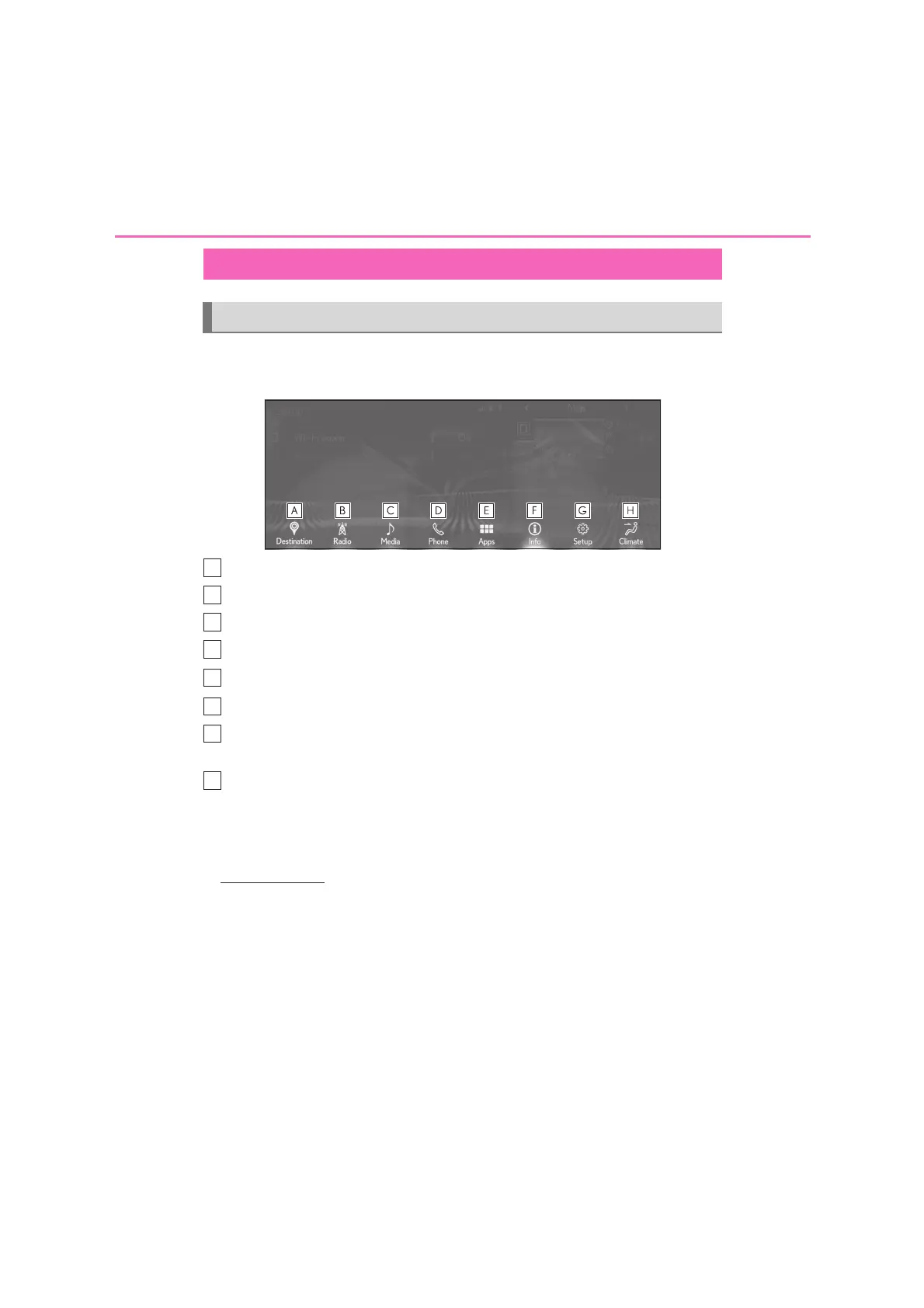
Press the “MENU” button on the Remote Touch to display the menu screen.
10.3-inch display model
Select to display the destination screen.
*1
(P.65)
Select to display the radio control screen. (P.116)
Select to display the media control screen. (P.116)
Select to display the hands-free control screen. (P.186)
Select to display the “Apps” screen.
*2, 3
Select to display the energy monitor
*4
or fuel consumption screen.
*5
Select to display the general settings screen. (P.53)
• Move the cursor over the sub menu icon to display the “Setup” screen. (
P.20
)
Select to display the air conditioning control screen.
*5
*1
: With navigation function
*2
: This function is not made available in some countries or areas.
*3
: For details about the functions and services of this application, refer to
http://my.lexus.eu
.
*4
: Vehicles with hybrid system
*5
: Refer to the “OWNER’S MANUAL”
Menu screen
Menu screen operation






 To Next Page