22
RC300RC300hNavi(EE)
1-2. Navigation operation
■
Zooming out the map
1 Select on the map screen.
2 Select “-” or pinch in on the
touchpad of the Remote Touch.
(P.68)
*
: With navigation function
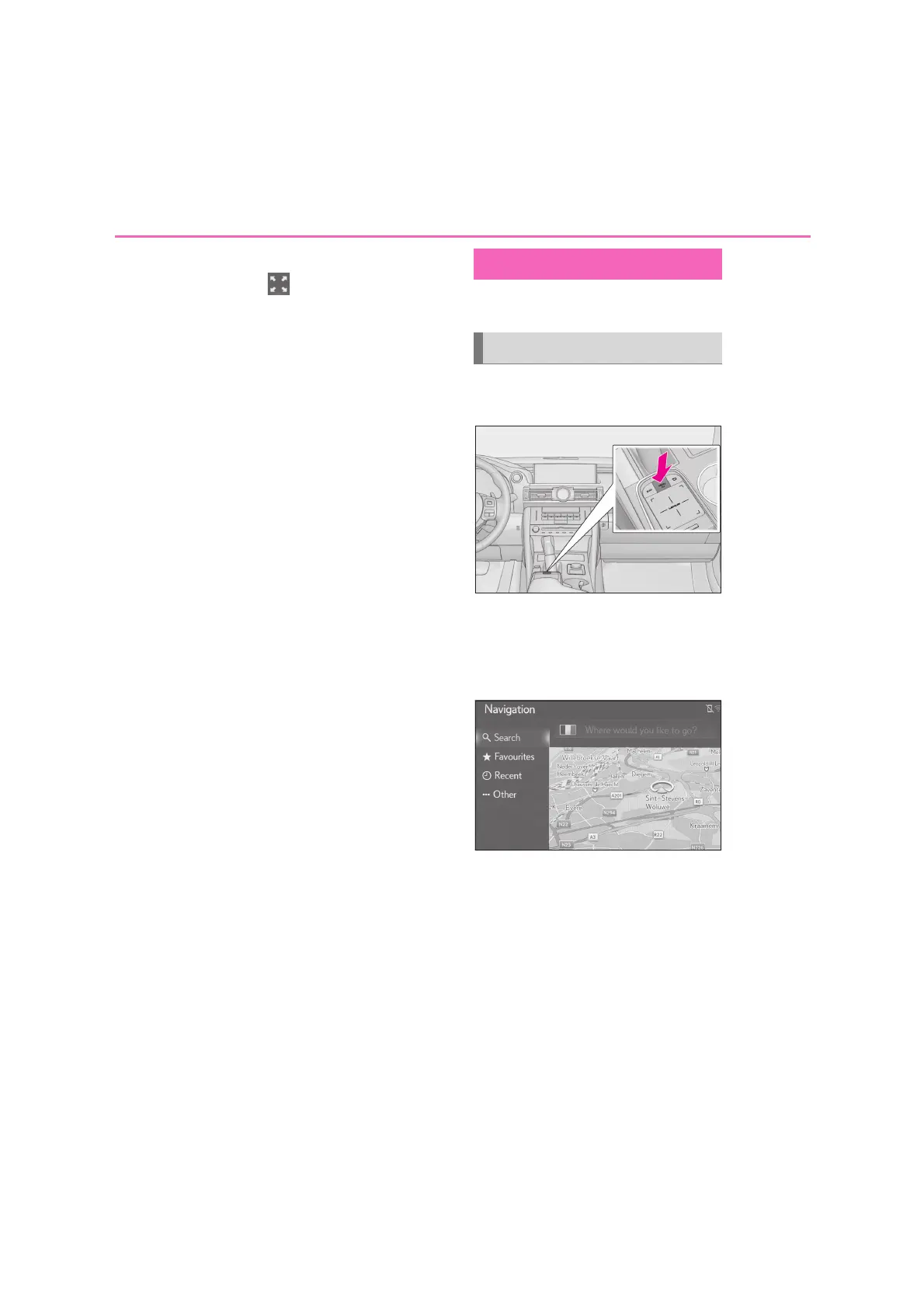
1 Press the “MENU” button on the
Remote Touch.
2 Select “Destination”.
3 There are different kinds of meth-
ods to search for a destination.
(P.77)
4 Select “Go”.
Check that the route overview is
displayed. (P.87)
5 Select “Destination”.
Guidance to the destination is dis-
played on the screen and can be heard
via voice guidance.
Guiding the route
*
Setting the destination






 To Next Page