36
RC300RC300hNavi(EE)
2-1. Basic information before operation
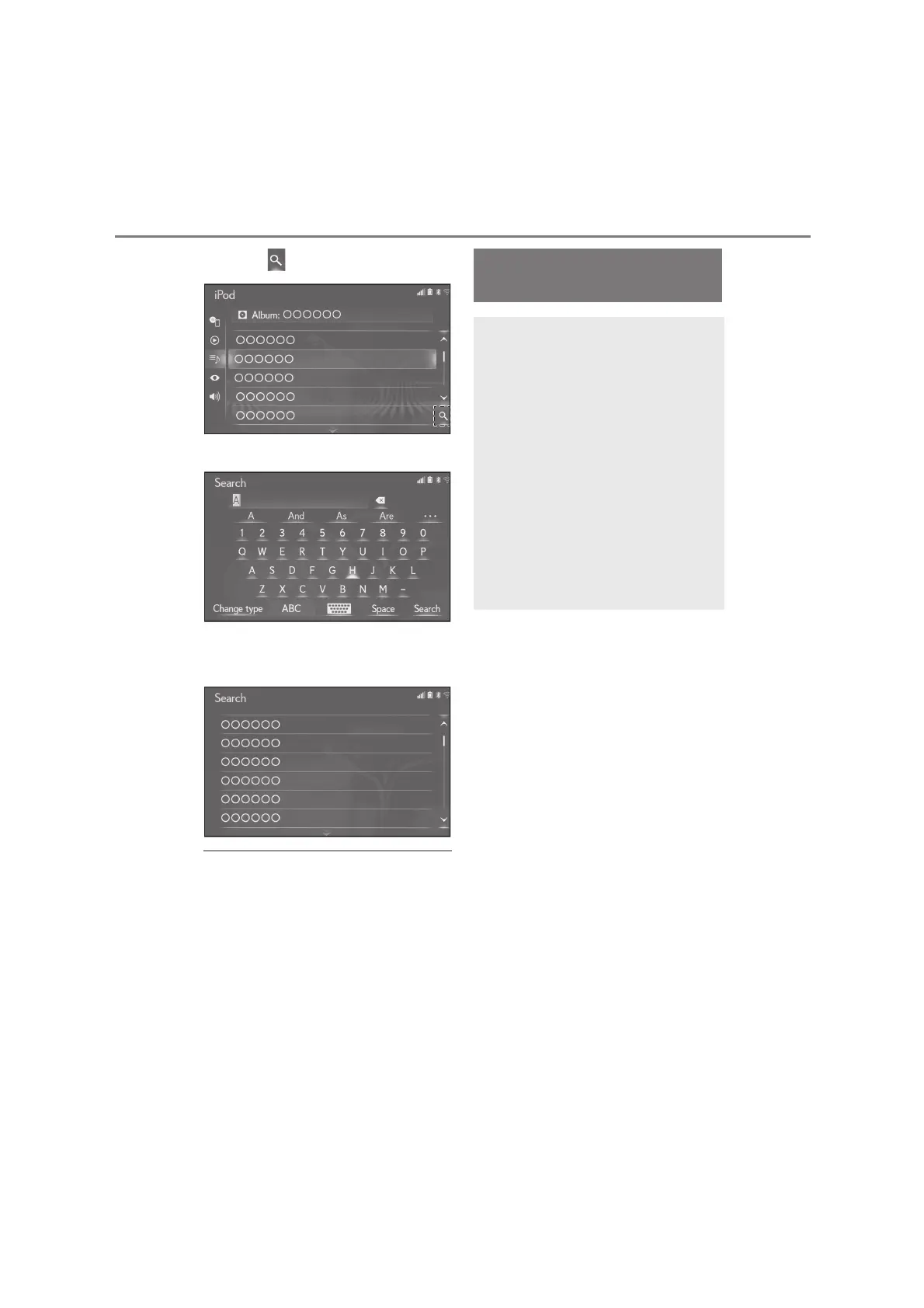
1 Select .
2 Input text.
3 Select “Search”.
4 The list is displayed.
●
10.3-inch display model: When text is
input, a candidate list of items to search
for is displayed on the side screen.
Linking multi-information
display and the system
The following functions of the sys-
tem are linked with the multi-infor-
mation display in the instrument
cluster:
Audio
Phone
etc.
These functions can be operated
using the multi-information display
control switches on the steering
wheel. For details, refer to
“OWNER’S MANUAL”.






 To Next Page