46
RC300RC300hNavi(EE)
2-2. Connectivity settings
Bluetooth
®
phone and cannot be
changed.
Compatibility profile is unique to
the Bluetooth
®
device and cannot
be changed.
Select to reset all setup items.
●
If 2 Bluetooth
®
devices have been regis-
tered with the same device name, the
devices can be distinguished referring to
the device’s address.
●
Depending on the type of Bluetooth
®
phone, some information may not be dis-
played.
1 Select “Device name”.
2 Enter the name and select “OK”.
●
Even if the device name is changed, the
name registered in your Bluetooth
®
device does not change.
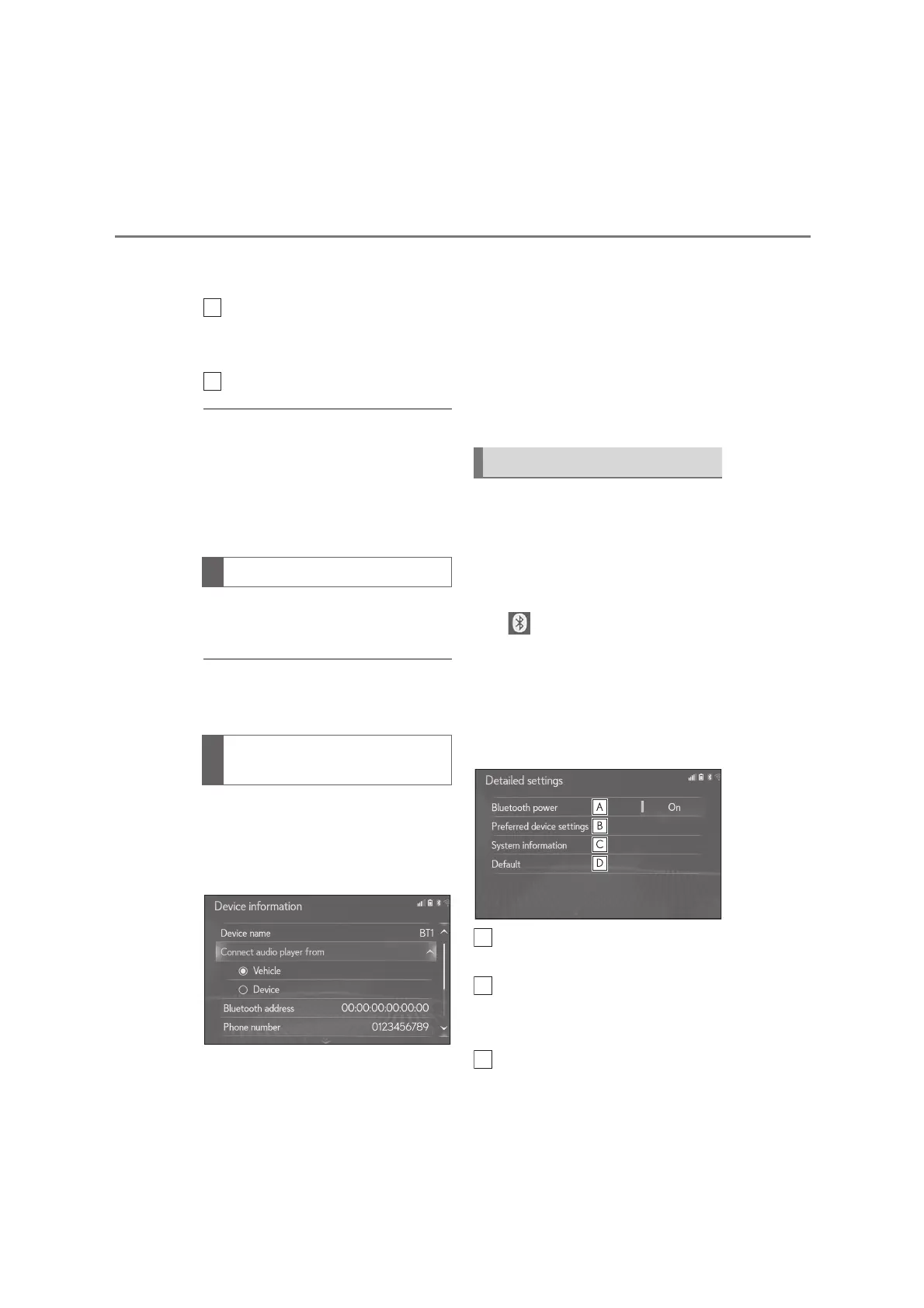
1 Select “Connect audio player
from”.
2 Select the desired connection
method.
“Vehicle”: Select to connect the audio
player from the vehicle's audio/visual sys-
tem.
“Device”: Select to connect the vehicle's
audio/visual system from the audio player.
Depending on the audio player, the
“Vehicle” or “Device” connection
method may be best. As such, refer
to the manual that comes with the
audio player.
The Bluetooth
®
settings can be con-
firmed and changed.
1 Display the Bluetooth
®
setup
screen:
“MENU” button “Setup”
“Bluetooth
*
”
*
: The Bluetooth
®
word mark and logos
are registered trademarks owned by
Bluetooth SIG, Inc.
2 Select “Detailed settings”.
3 Select the desired item to be set.
Select to set Bluetooth
®
connec-
tion on/off. (P.47)
Select to change the automatic
connection priority of the regis-
tered Bluetooth
®
devices. (P.47)
Select to edit the system informa-
Changing a device name
Setting audio player connection
method
“Detailed settings” screen






 To Next Page