34
RC300RC300hNavi(EE)
2-1. Basic information before operation
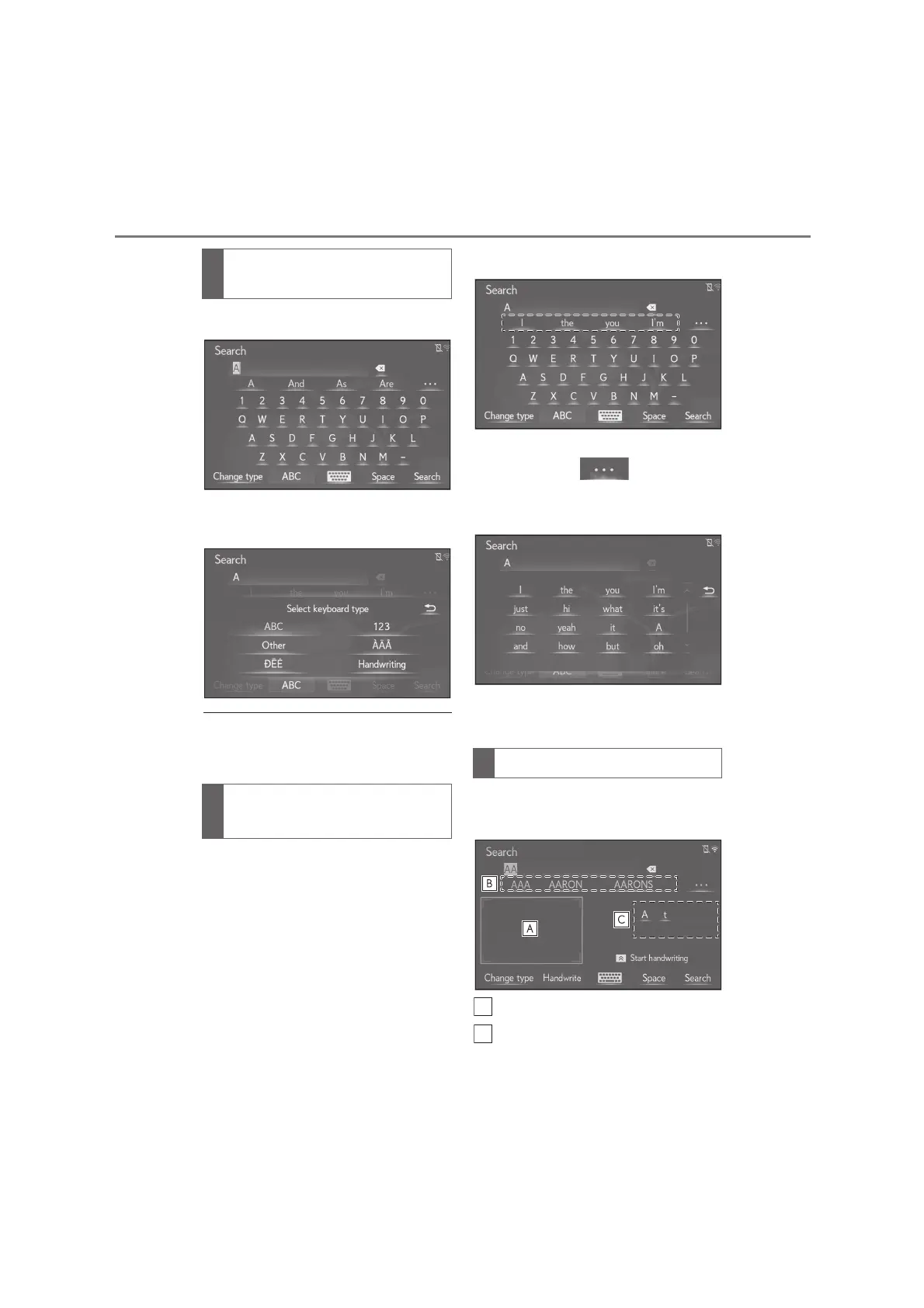
1 Select “Change type”.
2 Select the desired character and
keyboard.
●
Depending on the screen being dis-
played, it may not be possible to change
keyboard characters.
When text is input, the system predicts
the text that may complete the cur-
rently unconfirmed text and displays
predictive replacement candidates
that match the beginning of the text.
1 Input text.
2 Select the desired candidate.
To select a candidate that is not dis-
played, select , and then
select the desired predictive
replacement candidate.
*
: These functions are not available in
some languages.
Characters can be entered by hand
writing.
Write the characters to be entered.
Select the candidate character that
corresponds to the entered hand
Changing character and key-
board type
Displaying predictive text candi-
dates
*
Hand writing method






 To Next Page