40
RC300RC300hNavi(EE)
2-2. Connectivity settings
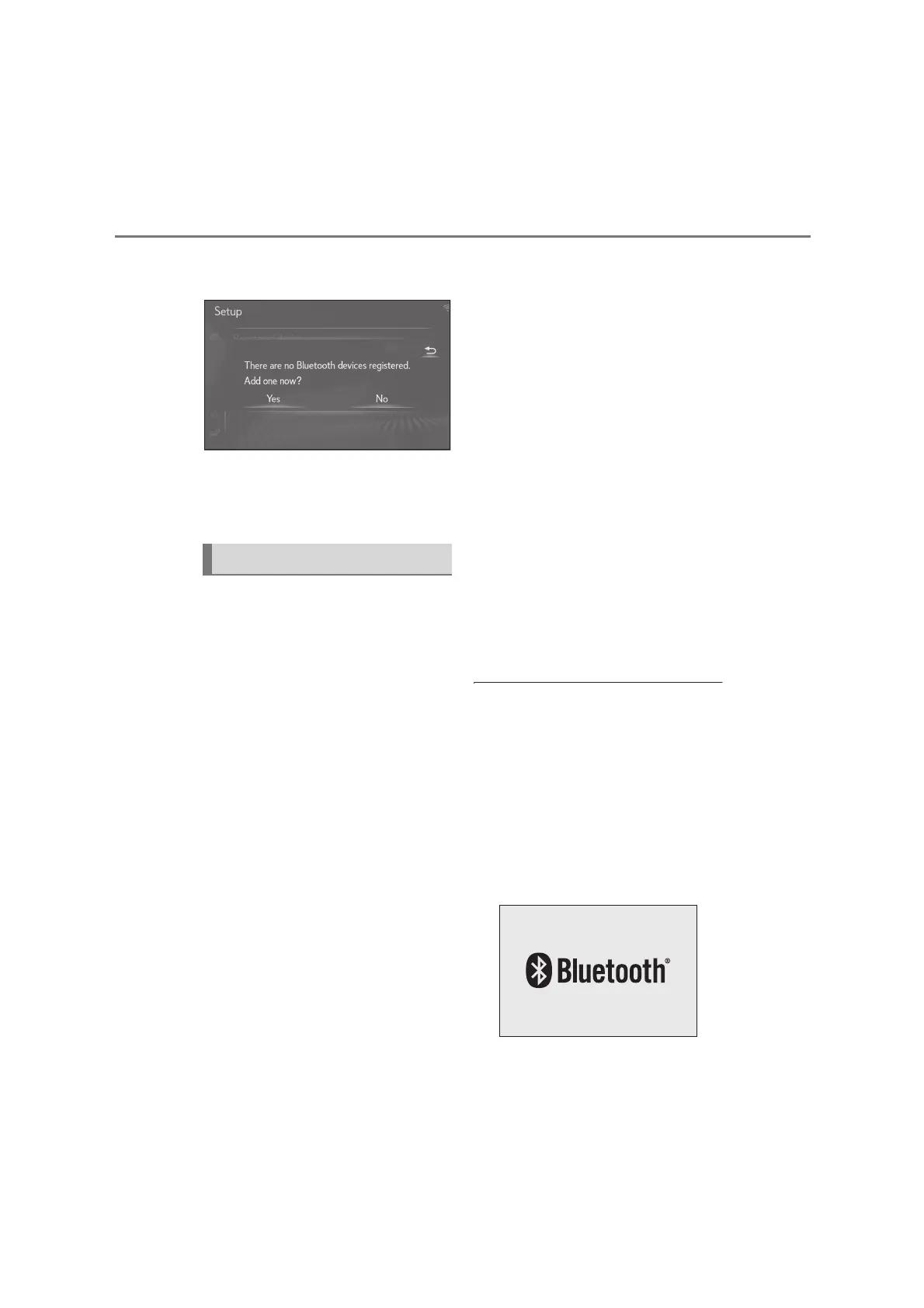
6 Select “Yes” to register an audio
player.
7 Follow the steps in “Registering a
Bluetooth
®
phone for the first time”
from step 5. (P.37)
■
Bluetooth
®
Core Specification
Ver. 2.0 (Recommended: Ver. 4.1
+EDR)
■
Profiles:
HFP (Hands Free Profile) Ver. 1.0
(Recommended: Ver. 1.7)
• This is a profile to allow hands-free
phone calls using a cellular phone or
head set. It has outgoing and incoming
call functions.
OPP (Object Push Profile) Ver. 1.1
(Recommended: Ver. 1.2)
• This is a profile to transfer contacts data.
PBAP (Phone Book Access Profile)
Ver. 1.0 (Recommended: Ver. 1.2)
• This is a profile to transfer phonebook
data.
MAP (Message Access Profile)
Recommended: Ver. 1.2
• This is a profile to use phone message
functions.
SPP (Serial Port Profile) Recom-
mended: Ver. 1.2
• This is a profile to use the “Connected
services” function.
PAN (Personal Area Networking)
Recommended: Ver. 1.0
• This is a profile to use the “Connected
services” function.
A2DP (Advanced Audio Distribu-
tion Profile) Ver. 1.0 (Recom-
mended: Ver. 1.3)
• This is a profile to transmit stereo audio
or high quality sound to the audio/visual
system.
AVRCP (Audio/Video Remote
Control Profile) Ver. 1.0 (Recom-
mended: Ver. 1.6)
• This is a profile to allow remote control
the A/V equipment.
●
This system is not guaranteed to operate
with all Bluetooth
®
devices.
●
If your cellular phone does not support
HFP, registering the Bluetooth
®
phone
or using OPP, PBAP, MAP, SPP or PAN
profiles individually will not be possible.
●
If the connected Bluetooth
®
device ver-
sion is older than recommended or
incompatible, the Bluetooth
®
device
function may not work properly.
●
Certification
Bluetooth is a registered trademark of
Profiles






 To Next Page