WATCHING TV/PROGRAMME CONTROL
30
WATCHING TV/PROGRAMME CONTROL
INITIALIZING SETUP
If the OSD (On Screen Display) is displayed on the screen
as figure 1 after turning on the set, you can adjust the Auto
Programme tuning, Time Zone selection or Password set-
ting.
1
Welcome
The Following process guides you
to complete initial settings. This
initial setup appears the first
time you turn the TV on. The
settings can be changed in menu
once entered.
Installation Guide
Next
Figure 1.
GG
It will automatically disappear after approx. 40 seconds
unless a button is pressed.
NOTE
GG
If you intend to be away on vacation, disconnect the
power plug from the wall power outlet.
Ensure the power cord is connected correctly.
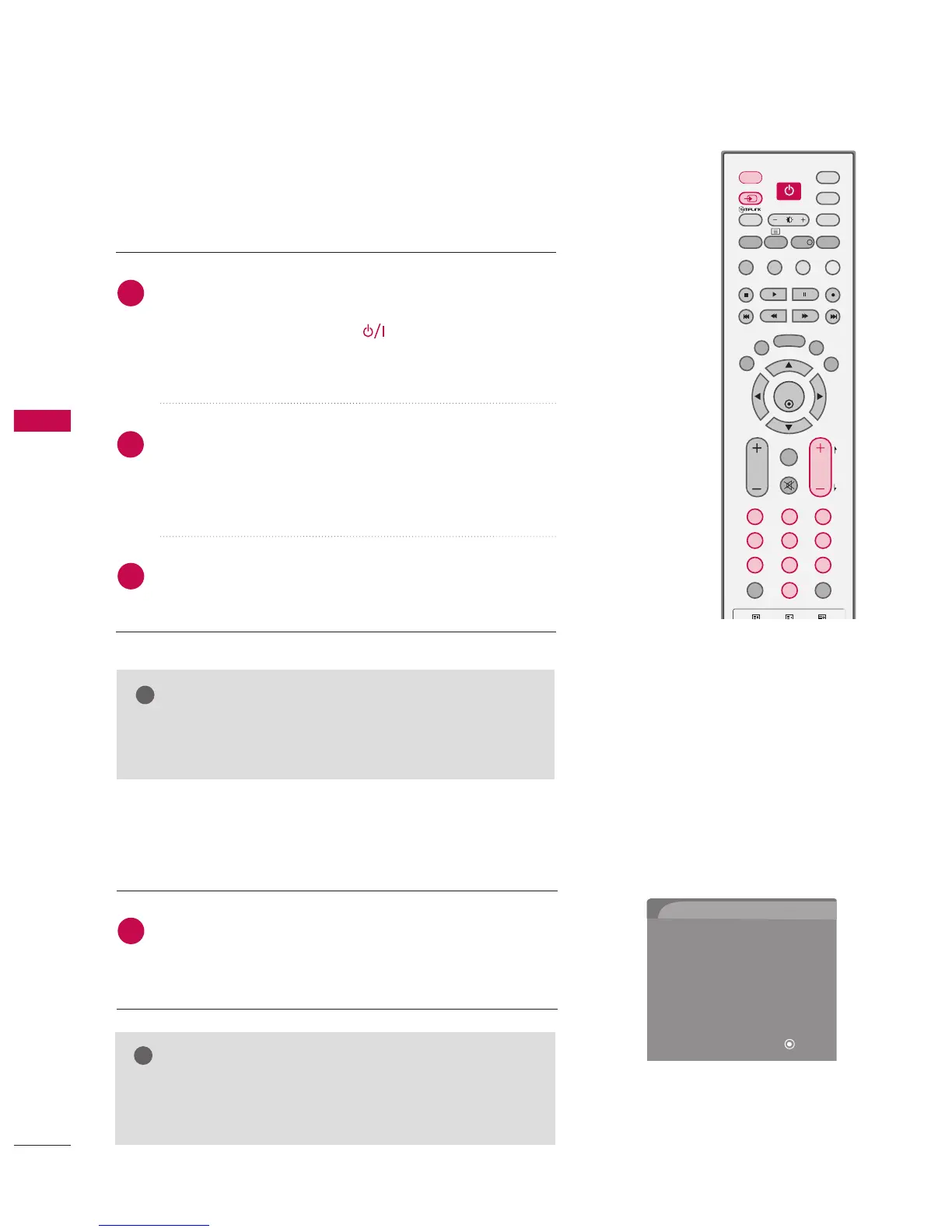
When connected to power the TV switches to standby mode.
■
In standby mode, press the , IINNPPUUTT, PPRR ((
DD
or
EE
))
button on the TV or press the PPOOWWEERR, IINNPPUUTT, DD//AA
IINNPPUUTT, PPRR ((++ or --)), NNuummbbeerr ((00~99)) button on the
remote control.
Select the viewing source by using the IINNPPUUTT button on
the remote control.
■
This TV is programmed to remember which mode it was
last set to, even if you turn the TV off.
When finished using the TV, press the PPOOWWEERR button on
the remote control. The TV reverts to standby mode.



 To Next Page