57
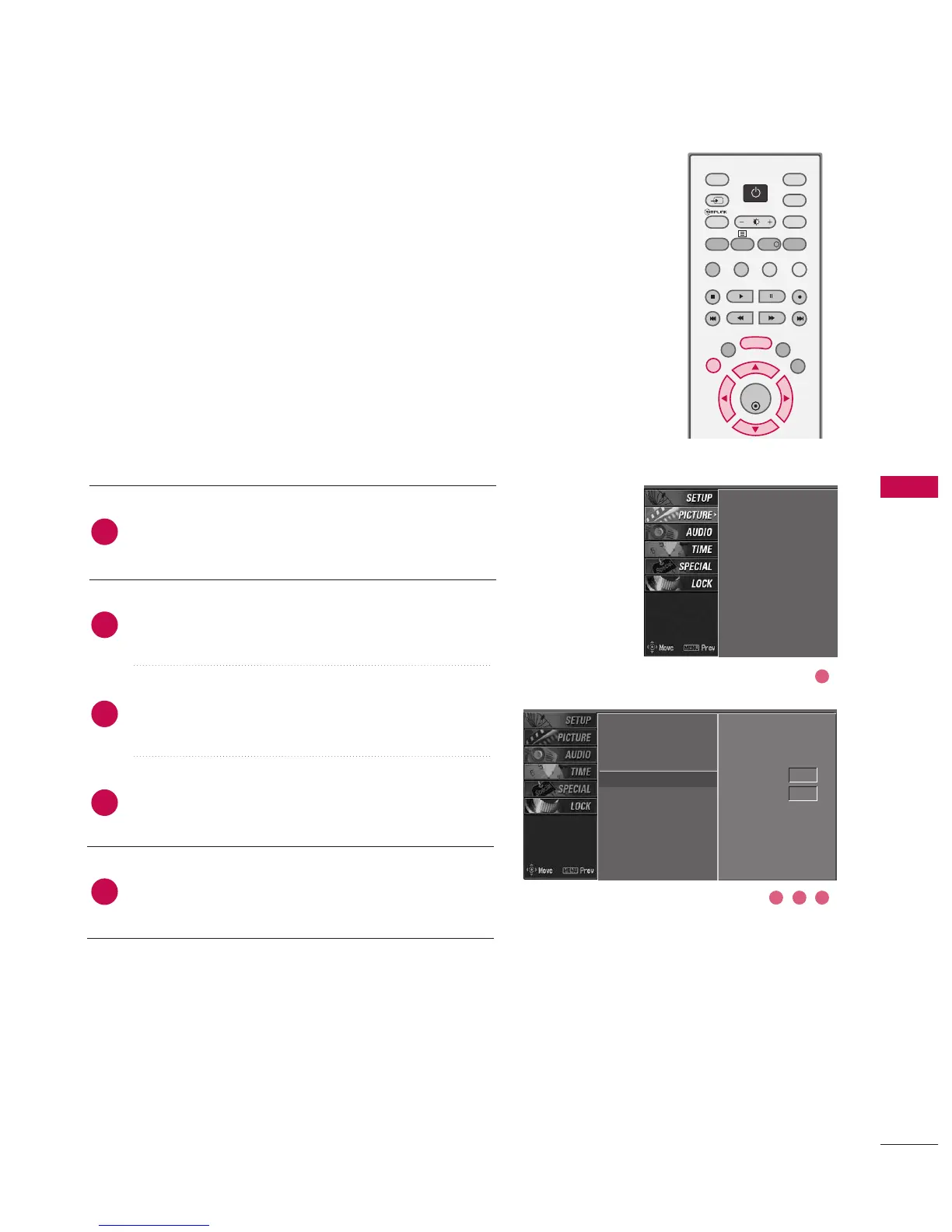
Press the MMEENNUU button and then use
DD
or
EE
button
to select the PPIICCTTUURREE menu.
Press the
GG
button and then use
DD
or
EE
button to
select AAddvvaanncceedd.
Press the
GG
button and then use
DD
or
EE
button to
select CCiinneemmaa.
Press the
GG
button and then use
DD
or
EE
button to
select OOnn or OOffff.
Press EEXXIITT button to return to normal TV viewing.
Set up the TV for the best picture appearance for viewing
movies.
This feature operates only in AV1, AV2, and Component
480i mode.
PSM
Colour temperature
XD
Advanced
G
Video preset
Cinema Off
Black level Auto
PSM
Colour temperature
XD
Advanced
Video preset
2
3
4
5
1
ADVANCED-CINEMA
3 42
1



 To Next Page