66
SOUND & LANGUAGE CONTROL
TV SPEAKERS ON/OFF SETUP
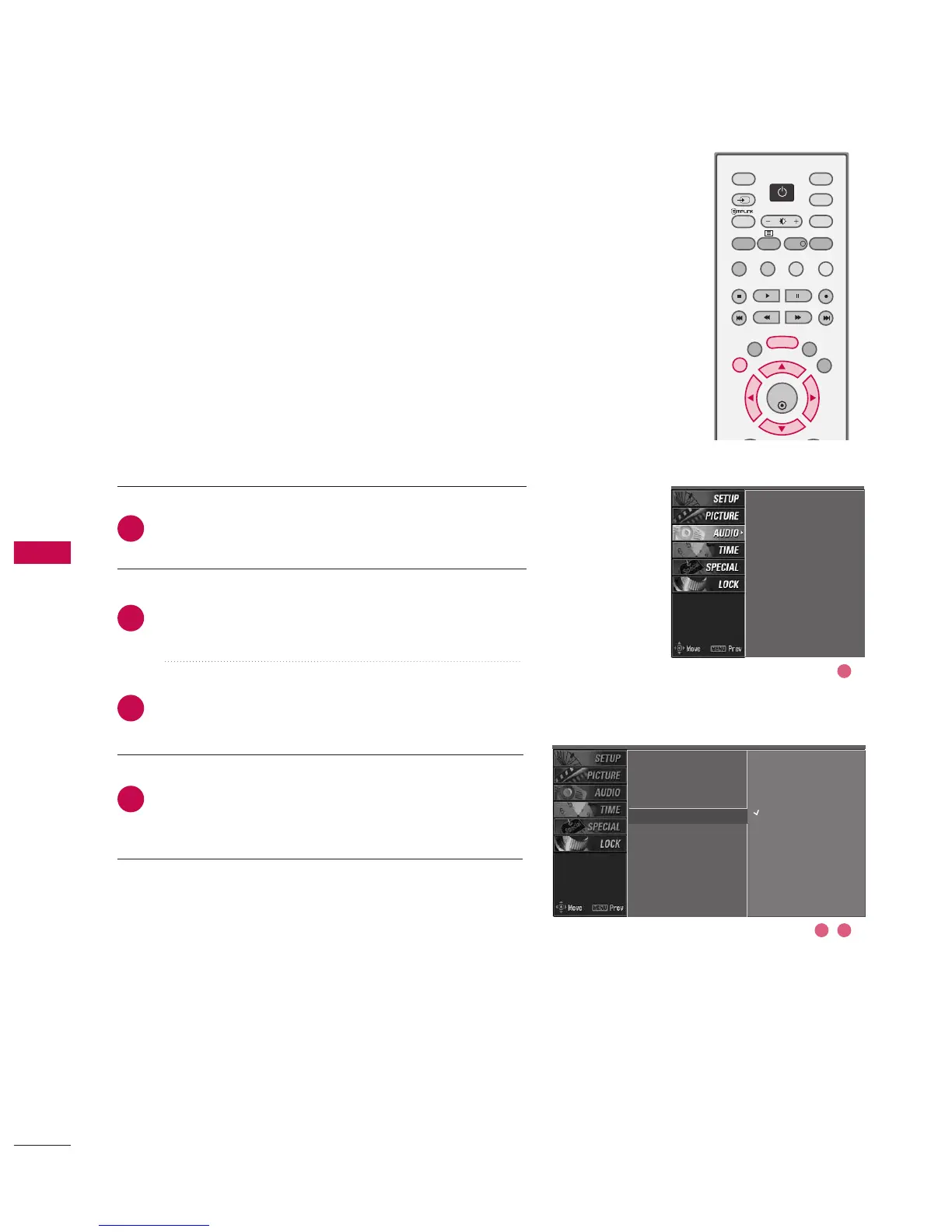
Press the MMEENNUU button and then use
DD
or
EE
button
to select the AAUUDDIIOO menu.
Press the
GG
button and then use
DD
or
EE
button to
select TTVV SSppeeaakkeerr.
Press the
GG
button and then use
DD
or
EE
button to
select OOnn or OOffff.
Press EEXXIITT button to return to normal TV viewing.
Turn the TV speakers off if using external audio equipment.
In AV1-2, Component1-2, RGB PC, HDMI1/DVI and
HDMI2 mode, the audio signal can be outputted even
though there is no video signal.
SSM
AVL
Balance
TV Speaker
G
Off
On
2
3
4
1
SSM
AVL
Balance
TV Speaker
2 3
1



 To Next Page