91
APPENDIX
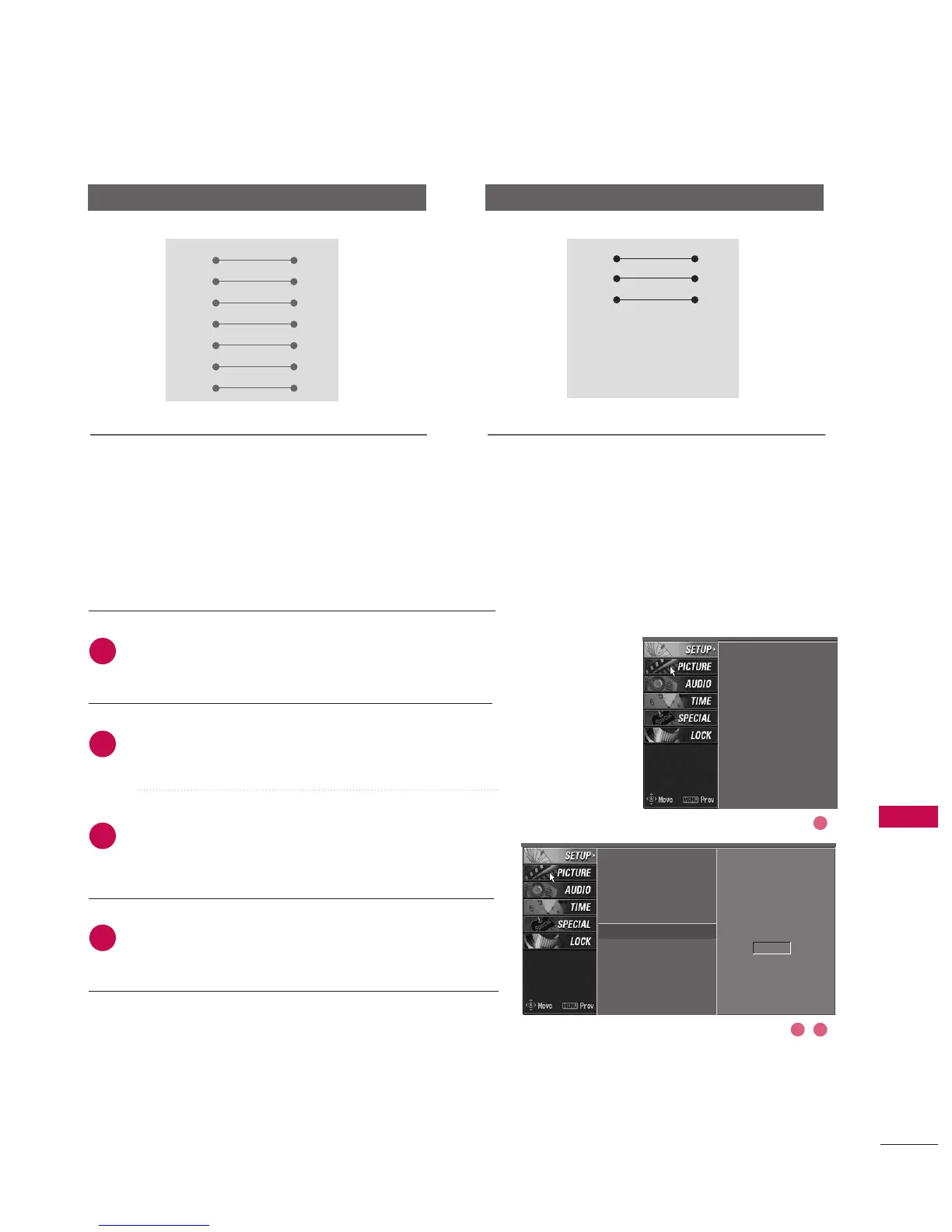
Press the MMEENNUU button and then use
DD
or
EE
button
to select the SSEETTUUPP menu.
Press the
GG
button and then use
DD
or
EE
button to
select SSeett IIDD.
Press the
GG
button and then use
DD
or
EE
button to
adjust SSeett IIDD to choose the desired TV ID number.
The adjustment range of Set ID is 1~99.
Press EEXXIITT button to return to normal TV viewing.
Use this function to specify a TV ID number.
Refer to ‘Real Data Mapping1’. See page 93.
SET ID
Communication Parameters
■
Baud rate : 9600 bps
(
UART
)
■
Data length : 8 bits
■
Parity : None
■
Stop bit : 1 bit
■
Communication code : ASCII code
■
Use a crossed (null modem) cable.
RS-232C Configurations
Auto programme
Manual programme
Programme edit
Signal strength
Set ID
G
1
Auto programme
Manual programme
Programme edit
Signal strength
Set ID
2
1
3
4
PC TV
RXD 2 3 TXD
TXD 3 2 RXD
GND 5 5 GND
DTR 4 6 DSR
DSR 6 4 DTR
RTS 7 8 CTS
CTS 8 7 RTS
D-Sub 9 D-Sub 9
PC TV
RXD 2 3 TXD
TXD 3 2 RXD
GND 5 5 GND
DTR 4 6 DTR
DSR 6 4 DSR
RTS 7 7 RTS
CTS 8 8 CTS
D-Sub 9 D-Sub 9
7-Wire Configurations
(
Standard RS-232C cable
)
3-Wire Configurations
(
Not standard
)
2 3
1



 To Next Page