43
WATCHING TV/PROGRAMME CONTROL
CALLING UP THE PROGRAMME LIST
You can check the programmes stored in the memory by
displaying the programme list.
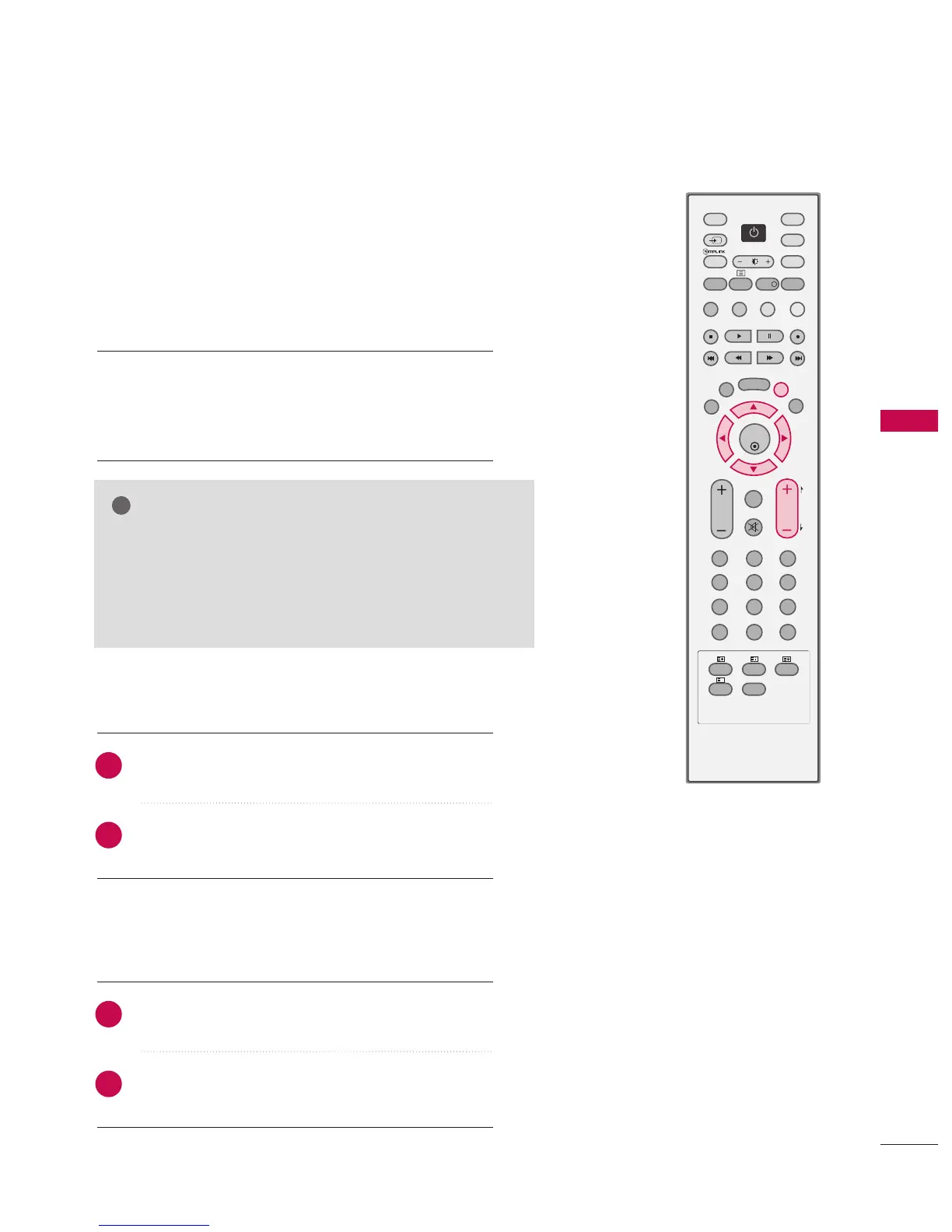
Press the PPRR++ or -- button to changes current page
into previous/next page.
Press the LLIISSTT button to return to normal TV viewing.
Displaying programme list
Selecting a programme in the programme list
Paging through a programme list
■
Press the LLIISSTT button to display the Programme
table menu.
The programme list appears on the screen.
Select a programme with the
DD
or
EE
or
FF
or
GG
buttons.
The set switches to the chosen programme number.
1
2
1
2
NOTE
GG
You may find some blue programmes.
They have been set up to be skipped by auto programming
or in the programme edit mode.
GG
Some programmes with the channel number shown in the
programme LIST indicate there is no station name assigned.



 To Next Page