74
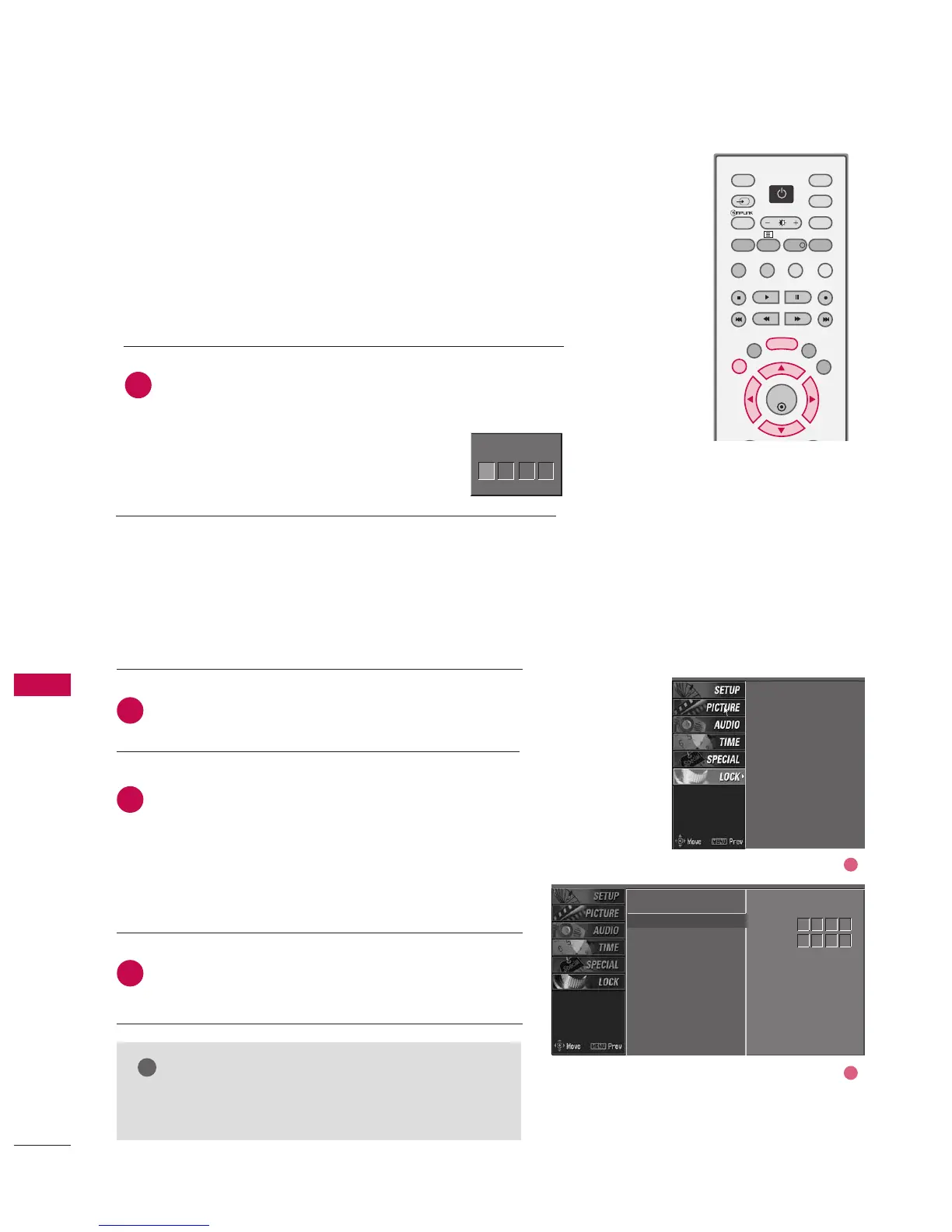
SETTING UP YOUR PASSWORD
Set up is used to block specific channels, ratings, and external
viewing sources.
A password is required to gain access to this menu.
Press the MMEENNUU button and then use the
DD
or
EE
button
to select the LLOOCCKK menu. Then, press the
GG
button.
■
Enter the password as requested.
■
The TV is set up with the initial
password “0-0-0-0”.
Enter Password
1
Enter Password
** **
SET PASSWORD & LOCK SYSTEM
SET PASSWORD
After inputting the current password, use the
DD
or
EE
button to choose SSeett ppaasssswwoorrdd.
Press the
GG
button and then choose any 4 digits for
your new password next to New.
As soon as the 4 digits are entered, re-enter the same
4 digits to CCoonnffiirrmm.
The new password is memorized.
Press EEXXIITT button to return to normal TV viewing.
Change the password by inputting a new password twice.
Lock system
Set password
Block programme
Parental guidance
Aux. block
Lock system
Set password
G
Block programme
Parental guidance
Aux. block
New
Confirm
2
3
1
****
****
2
1
NOTE
GG If you ever forget your password, key in ‘7’, ‘7’, ‘7’, ‘7’
on the remote control.
PARENTAL CONTROL /RATINGS
PARENTAL CONTROL / RATINGS



 To Next Page