59
PICTURE CONTROL
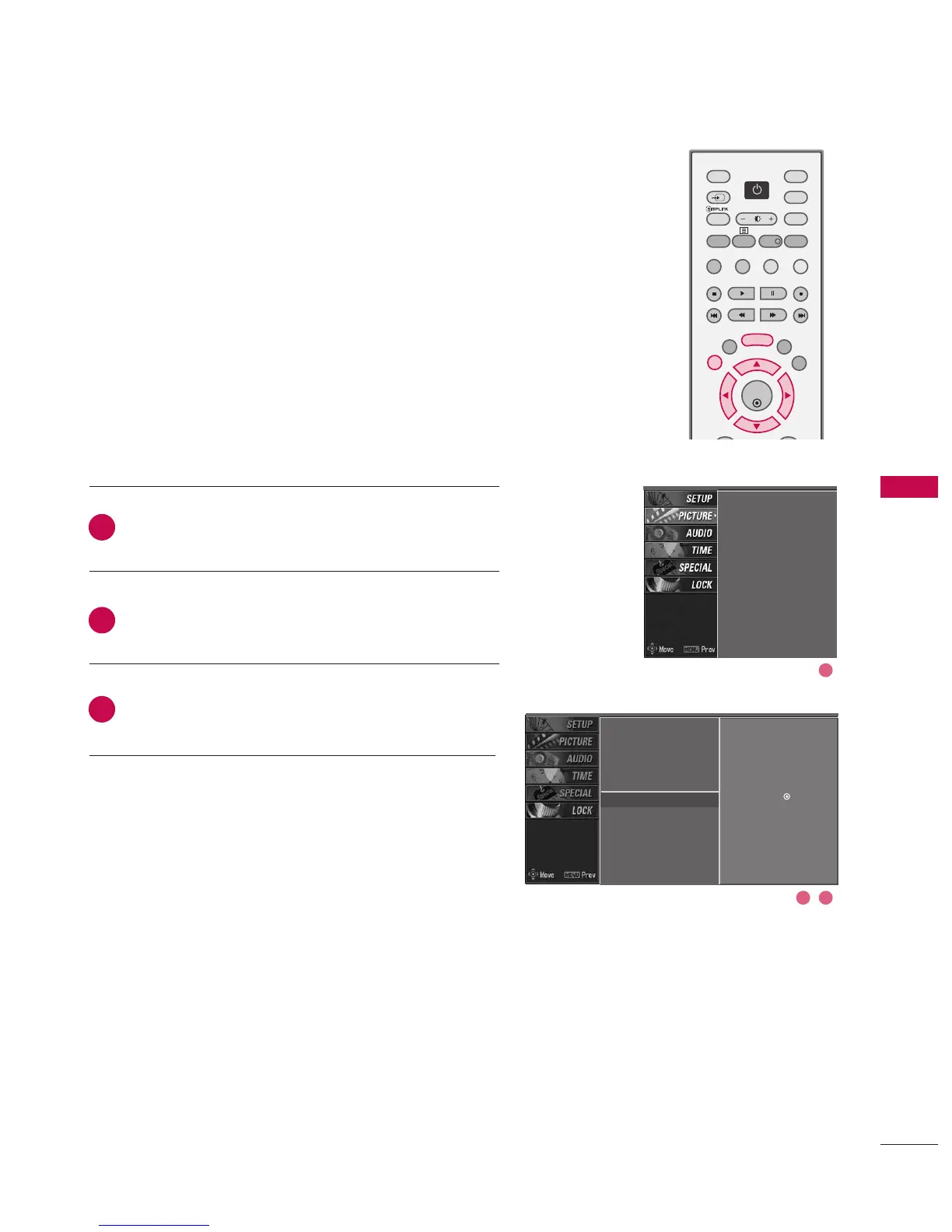
PICTURE PRESET
Press the MMEENNUU button and then use
DD
or
EE
button
to select the PPIICCTTUURREE menu.
Press the
GG
button and then use
DD
or
EE
button to
select VViiddeeoo pprreesseett.
Press the
GG
button to reset the picture menu options
to original values.
Use to quickly reset all the Picture menu options to their
original factory preset values.
PSM
Colour temperature
XD
Advanced
Video preset
G
Selection (
G
or ) presets
the video configuration.
PSM
Colour temperature
XD
Advanced
Video preset
2
3
1
2 3
1



 To Next Page