78
PARENTAL CONTROL /RATINGS
PARENTAL CONTROL/RATINGS
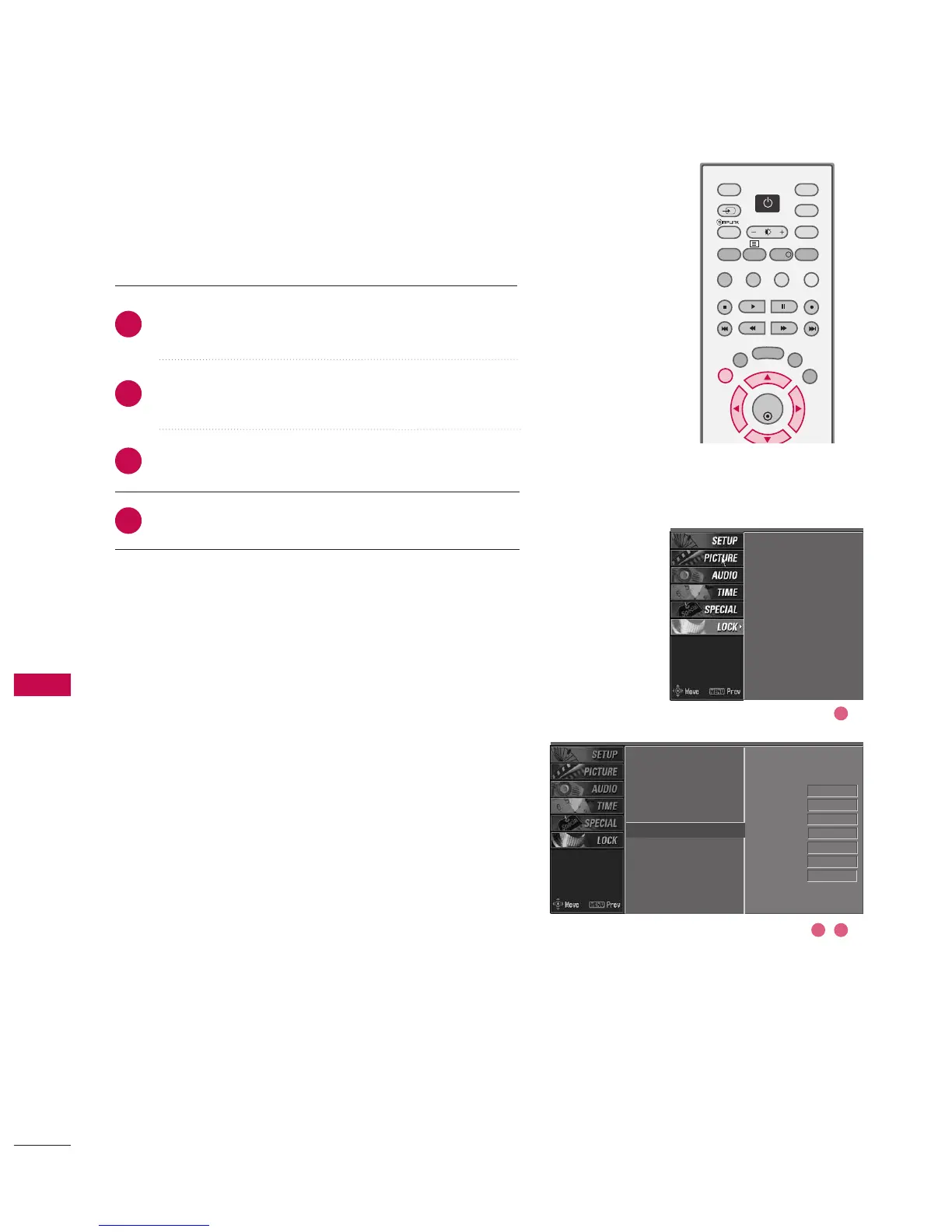
EXTERNAL INPUT BLOCKING
Enables you to select a source to block from the external
source devices you have hooked up.
After inputting the password, use the
DD
or
EE
button
to choose AAuuxx.. bblloocckk.
Press the
GG
button and then use the
FF
or
GG
button
to select a source.
Press the
GG
button and then use the
DD
or
EE
button
to select OOnn or OOffff on the each source.
Press EEXXIITT button to return to normal TV viewing.
Lock system
Set password
Block programme
Parental guidance
Aux. block
Lock system
Set password
Block programme
Parental guidance
Aux. block
G
AV1 On
AV2 On
Component1 Off
Component2 On
RGB-PC
Off
HDMI1/DVI On
HDMI2 Off
2
3
4
1
2 3
1



 To Next Page