52
ADAPTIVE PICTURE MODE (APM
)
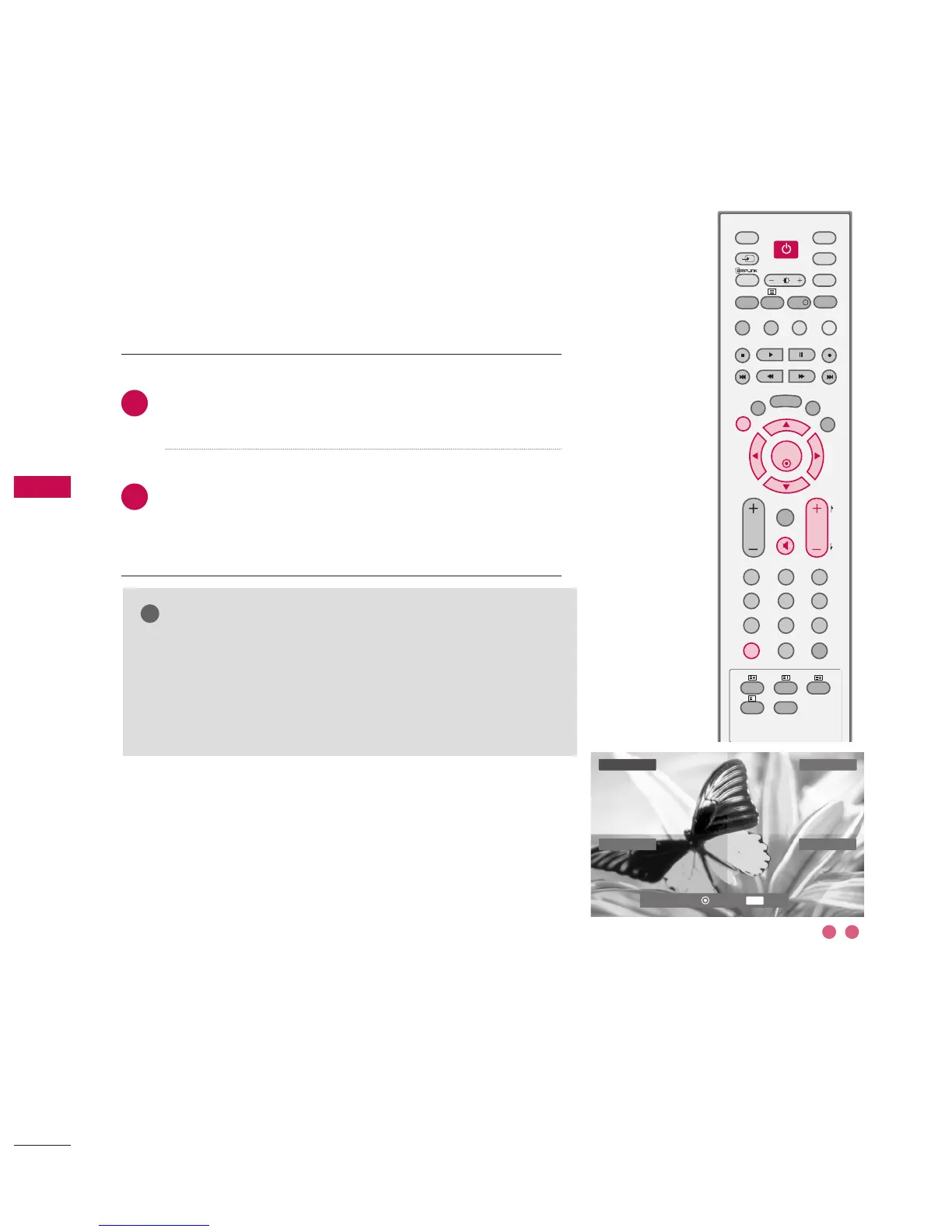
Press the
AAPPMM
button once. The screen is divided to 4
sections.
Use the
DD
or
EE
or
FF
or
GG
buttons to navigate between
the 4 screen sections.
By pressing the
OOKK
button, you can select the desired
mode.
Allows you to select your preferred picture mode after compar-
ing the four different picture (Dynamic, Standard, Mild, and
User1 (or User2) settings.
NOTE
GG
While in the APM mode, only the
PPOOWWEERR
,
AAPPMM
,
OOKK
,
EEXXIITT
,
DD
or
EE
or
FF
or
GG
,
VVOOLLUUMMEE ++
or
--
,
MMUUTTEE
buttons on the
remote control are usable.
GG
APM screen will automatically disappear after approx. 40
seconds unless a button is pressed.
2
1
DDyynnaammiicc
Standard
User1
Mild
EXIT
Navigate Select Exit
1 2
GG
DD
EE
FF



 To Next Page