35
WATCHING TV/PROGRAMME CONTROL
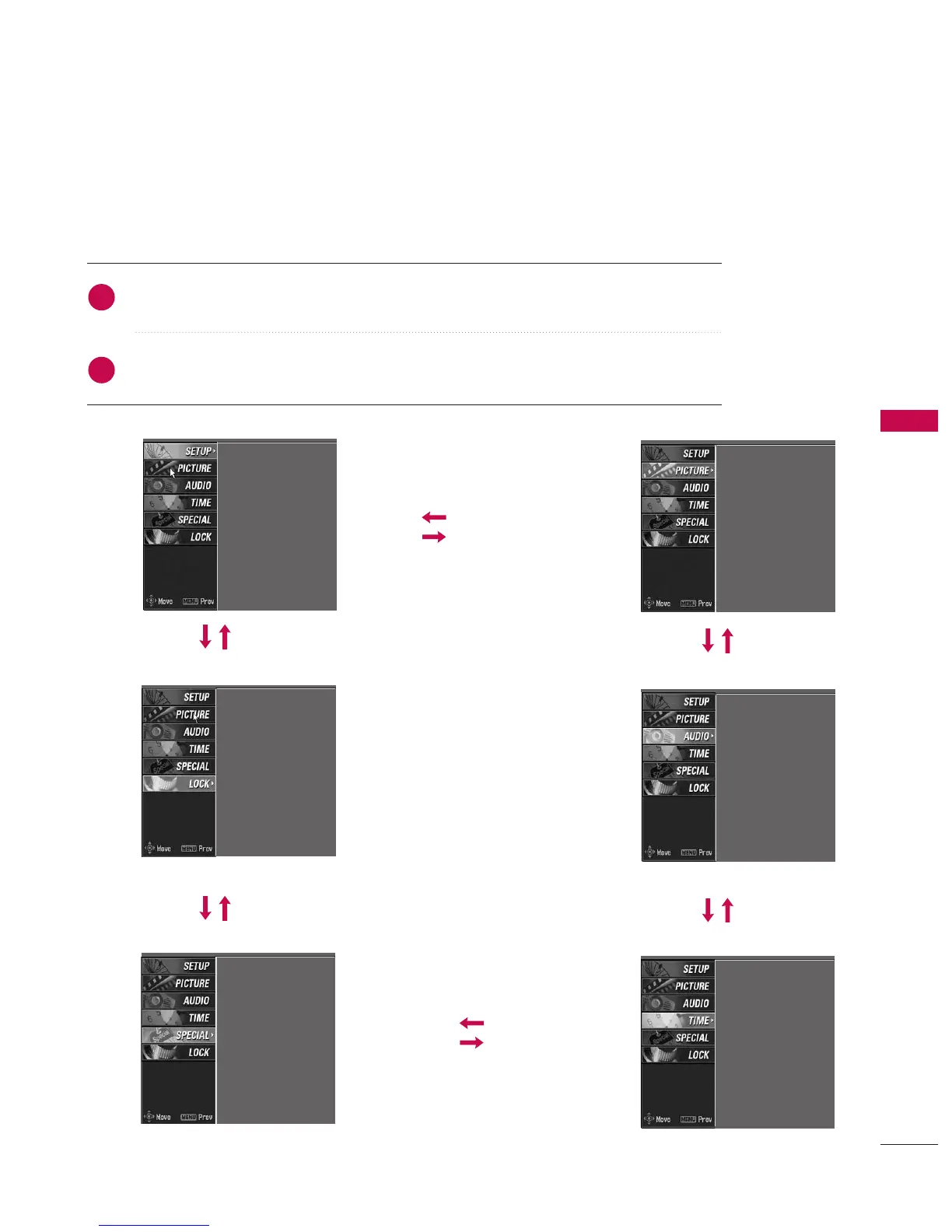
ON SCREEN MENUS SELECTION AND ADJUSTMENT
Press the MMEENNUU button and then use
DD
or
EE
button to select the each menu.
Press the
GG
button and then use
DD
or
EE
or
FF
or
GG
buttons to display the available menus.
Your TV's OSD
(
On Screen Display
)
may differ slightly from what is shown in this manual.
SETUP
PICTURE
SPECIAL
LOCK
TIME
Auto programme
Manual programme
Programme edit
Signal strength
Set ID
PSM
Color Temperature
XD
Advanced
Video preset
Auto clock
Manual clock
Off time
On time
Sleep timer
Auto sleep
Input
Subtitle
Child lock
ARC
XD demo
SIMPLINK
AUDIO
SSM
AVL
Balance
TV Speaker
Lock system
Set password
Block programme
Parental guidance
Aux. block
2
1



 To Next Page