44
INPUT SOURCE SELECTION
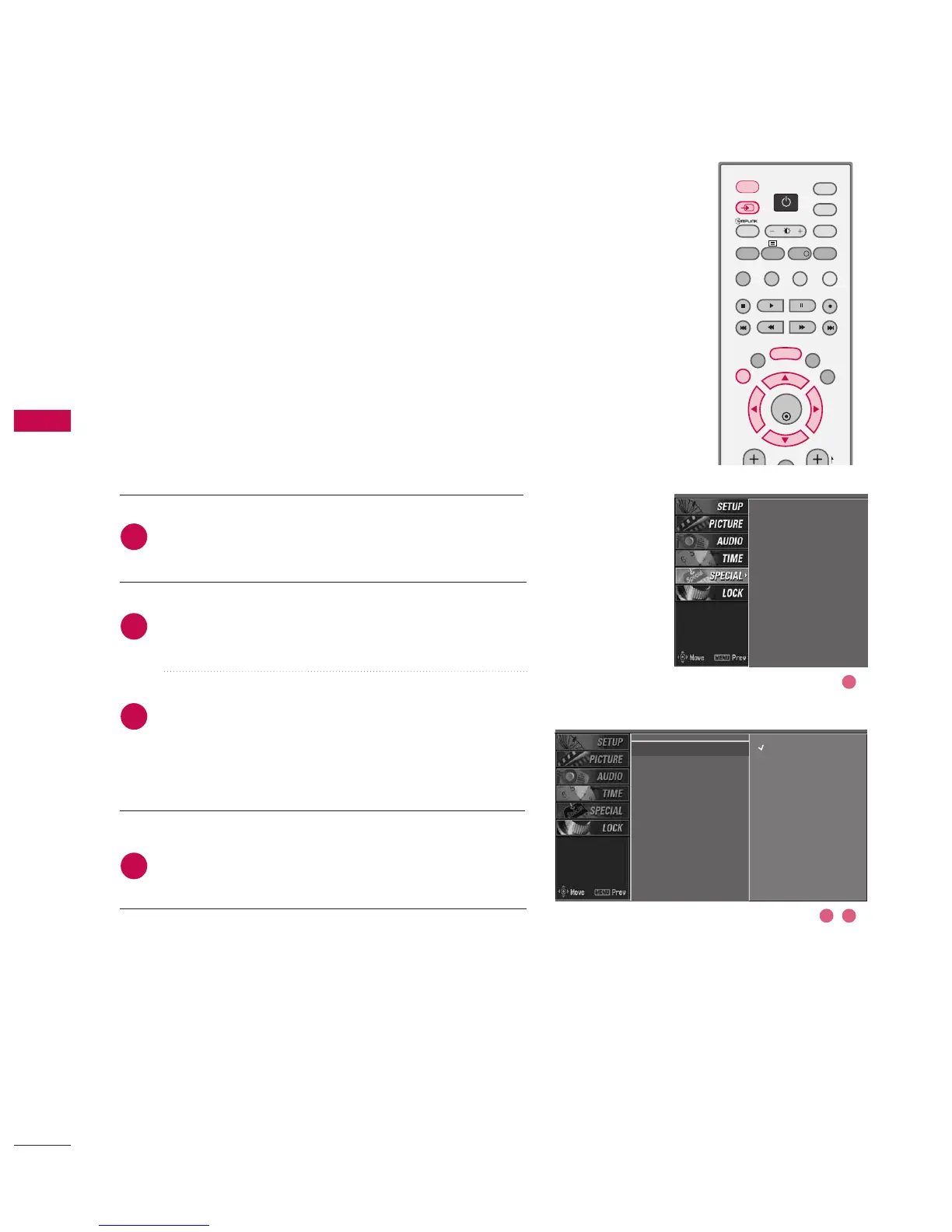
Press the MMEENNUU button and then use
DD
or
EE
button
to select the SSPPEECCIIAALL menu.
Press the
GG
button and then use
DD
or
EE
button to
select IInnppuutt.
Press the
GG
button and then use
DD
or
EE
to select
Digital, Analogue, AV 1 , AV 2 , Component 1,
Component 2, RGB-PC, HDMI1/DVI or HDMI 2.
Press EEXXIITT button to return to normal TV viewing.
Alternatively you can select the Digital, Analogue, AV1-2,
Component 1-2, RGB-PC, HDMI1/DVI or HDMI 2 mode
by pressing the INPUT button.
Press the D/A INPUT button to select digital or analogue
mode.
Input
Subtitle
Child lock
ARC
XD demo
SIMPLINK
2
3
4
1
Input
G
Subtitle
Child lock
ARC
XD demo
SIMPLINK
Digital
Analogue
AV1
AV2
Component1
Component2
RGB-PC
HDMI1/DVI
HDMI2



 To Next Page