72
SLEEP TIMER SETTING
Press the SSLLEEEEPP button repeatedly to select the number of minutes. First the
OOffff option appears on the screen, followed by the following sleep timer
options : 10, 20, 30, 60, 90, 120, 180, and 240 minutes.
When the number of minutes you want is displayed on the screen, press the
SSLLEEEEPP button. The timer begins to count down from the number of minutes
selected.
To check the remaining minutes before the TV turns off, press the SSLLEEEEPP
button once.
To cancel the Sleep Timer, press the SSLLEEEEPP button repeatedly to select OOffff.
When you switch the set off, the set cancels the preset sleep time.
You don’t have to remember to switch the set off before you go
to sleep.
The sleep timer automatically switches the set to standby after
the preset time has elapsed.
■
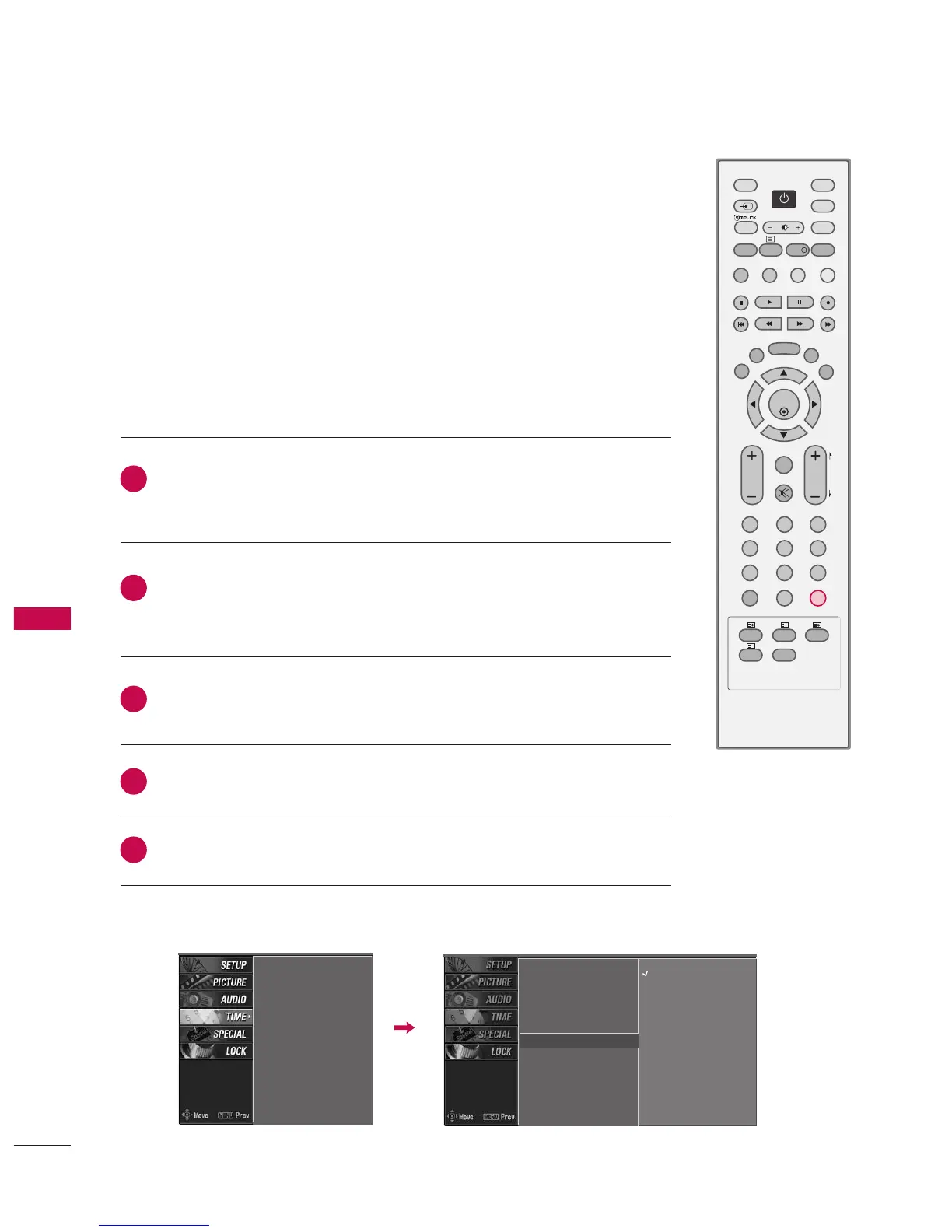
You can also set up the Sleep timer in the TIME menu.
Auto clock
Manual clock
Off time
On time
Sleep timer
G
Auto sleep
Off
10 min
20 min
30 min
60 min
90 min
120 min
180 min
240 min
Auto clock
Manual clock
Off time
On time
Sleep timer
Auto sleep
2
3
4
5
1



 To Next Page