62
SOUND & LANGUAGE CONTROL
SOUND & LANGUAGE CONTROL
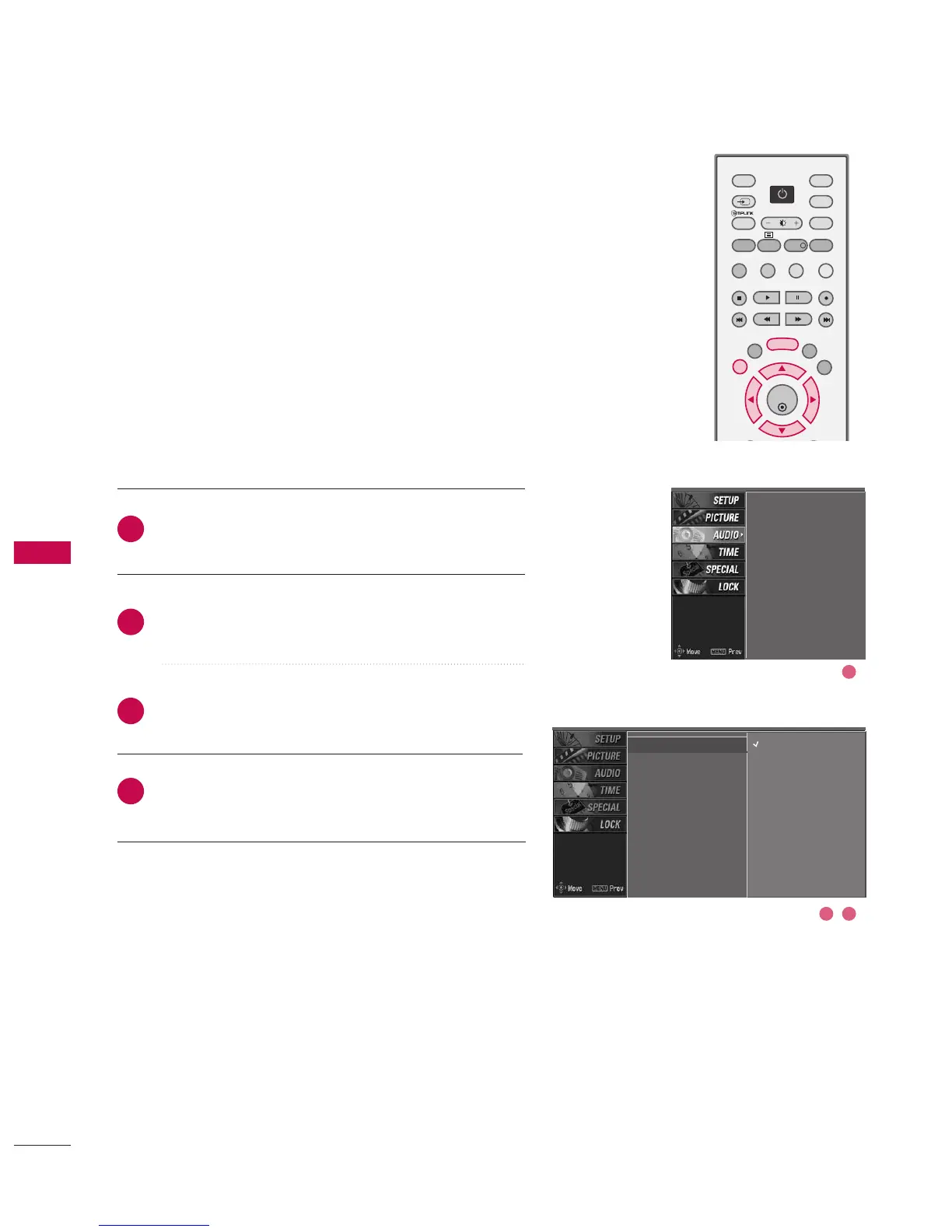
PRESET SOUND SETTINGS - SSM MODE
SSM lets you enjoy the best sound without any special
adjustment because the TV sets the appropriate sound
options based on the programme content.
When adjusting sound options (treble and bass) manually,
SSM is automatically changed to User.
Standard, Music, Movie, and Sports are preset for good
sound quality at the factory and are not adjustable.
Press the MMEENNUU button and then use
DD
or
EE
button
to select the AAUUDDIIOO menu.
Press the
GG
button and then use
DD
or
EE
button to
select SSSSMM.
Press the
GG
button and then use
DD
or
EE
button to
select SSttaannddaarrdd, MMuussiicc, MMoovviiee, SSppoorrttss, or UUsseerr.
Press EEXXIITT button to return to normal TV viewing.
SSM
G
AVL
Balance
TV Speaker
Standard
Music
Movie
Sports
User
2
3
4
1
SSM
AVL
Balance
TV Speaker
2 3
1



 To Next Page