51
PICTURE CONTROL
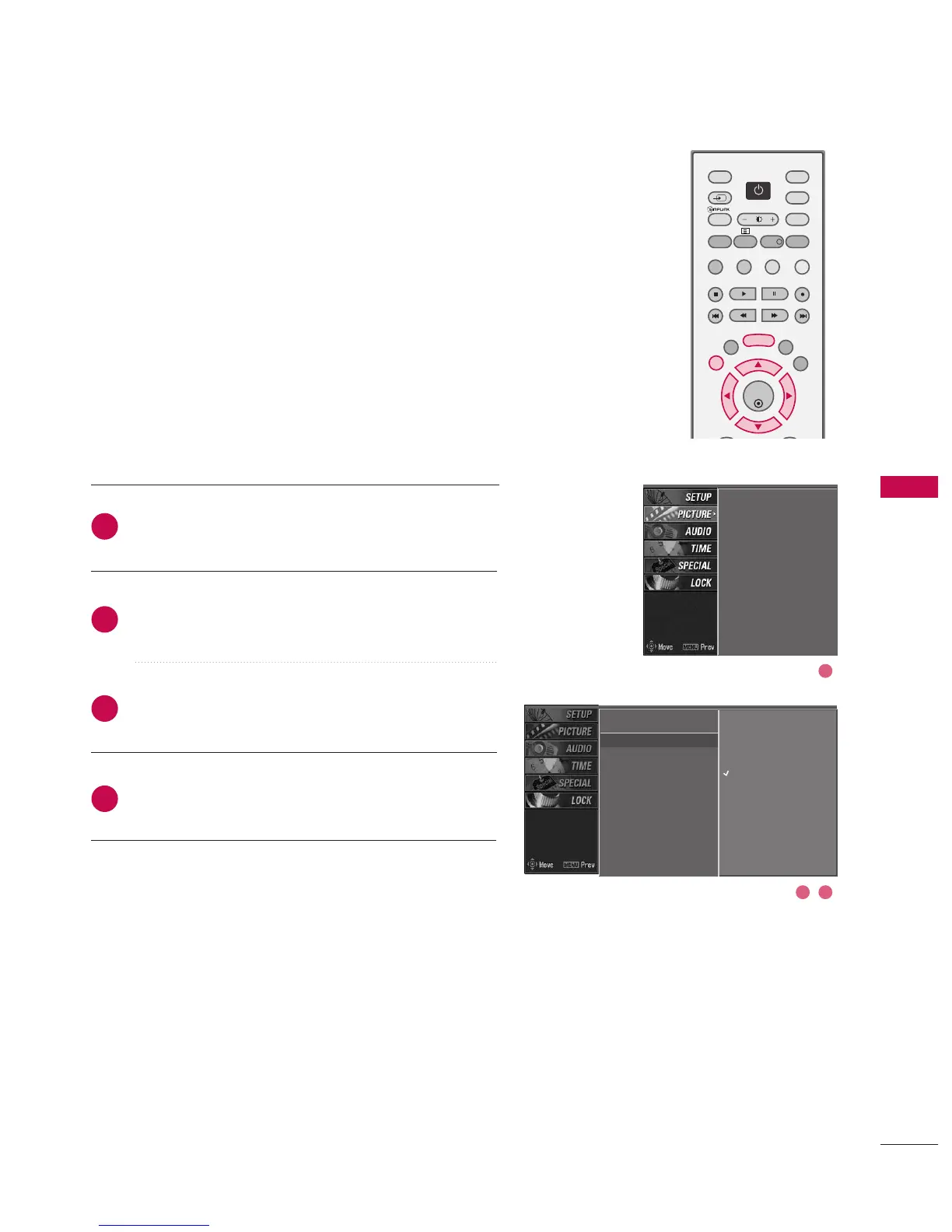
AUTO COLOUR TONE CONTROL
(WARM/MEDIUM/COOL)
Choose one of three automatic colour adjustments. Set to
warm to enhance hotter colours such as red, or set to cool
to see less intense colours with more blue.
Press the MMEENNUU button and then use
DD
or
EE
button
to select the PPIICCTTUURREE menu.
Press the
GG
button and then use
DD
or
EE
button to
select CCoolloouurr tteemmppeerraattuurree.
Press the
GG
button and then use
DD
or
EE
button to
select either WWaarrmm,MMeeddiiuumm,CCooooll, or UUsseerr.
Press EEXXIITT button to return to normal TV viewing.
PSM
Colour temperature
G
XD
Advanced
Video preset
Warm
Medium
Cool
User
PSM
Colour temperature
XD
Advanced
Video preset
2
3
4
1
2 3
1



 To Next Page