46
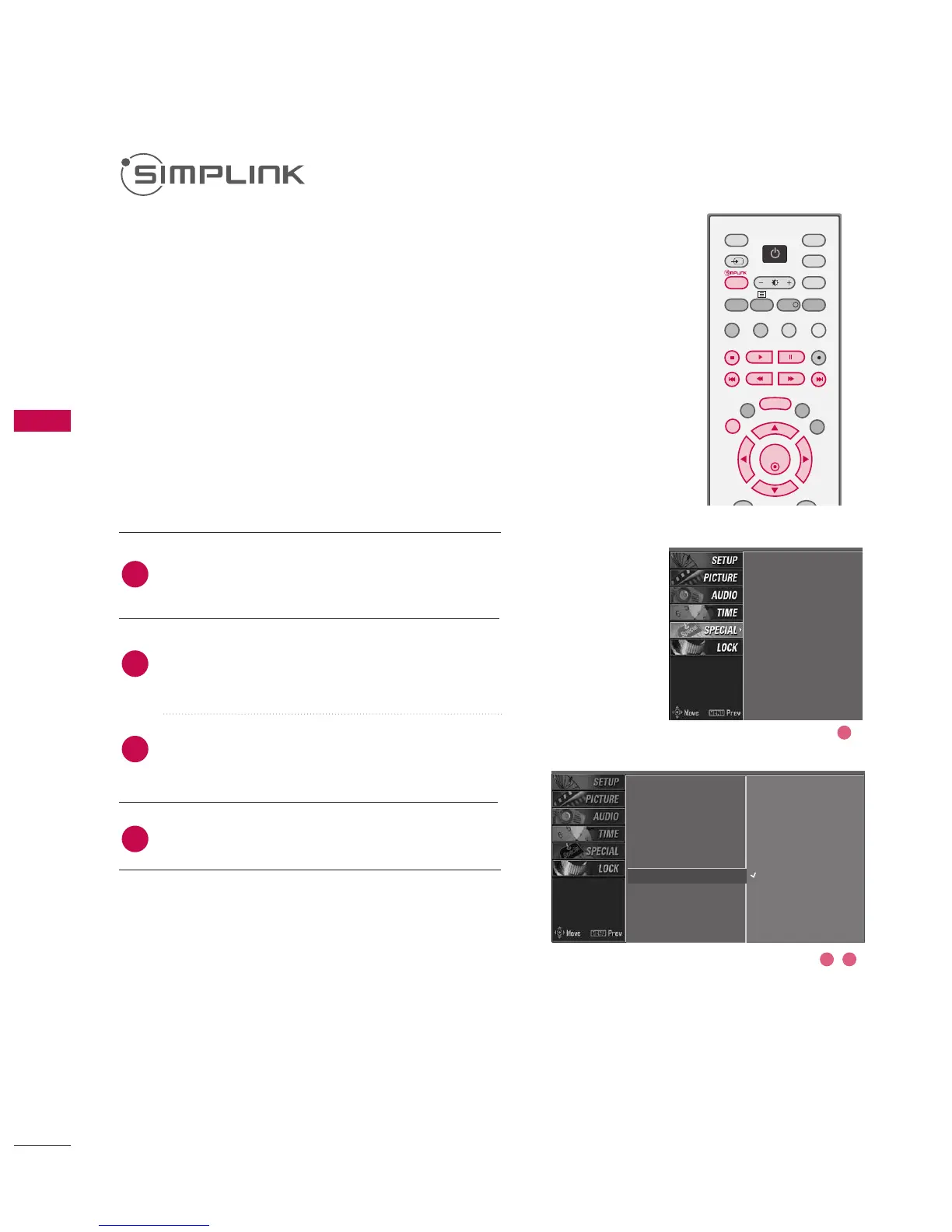
Press the MMEENNUU button and then use
DD
or
EE
button to select the SSPPEECCIIAALL menu.
Press the
GG
button and then use
DD
or
EE
button
to select
SIMPLINK
.
Press the
GG
button and then use
DD
or
EE
button
to select OOnn or OOffff.
Press EEXXIITT button to return to normal TV viewing.
This operates only for the devices with the SIMPLINK
logo. Please check the SIMPLINK logo.
This allows you to control and play other AV devices
connected to the display through HDMI cable without
additional cables and settings.
If you do not want SIMPLINK menu, select “Off”.
Input
Subtitle
Child lock
ARC
XD demo
SIMPLINK
1
Input
Subtitle
Child lock
ARC
XD demo
SIMPLINK
G
Off
On
2 3



 To Next Page